
Описание
# Image Overlay Mod
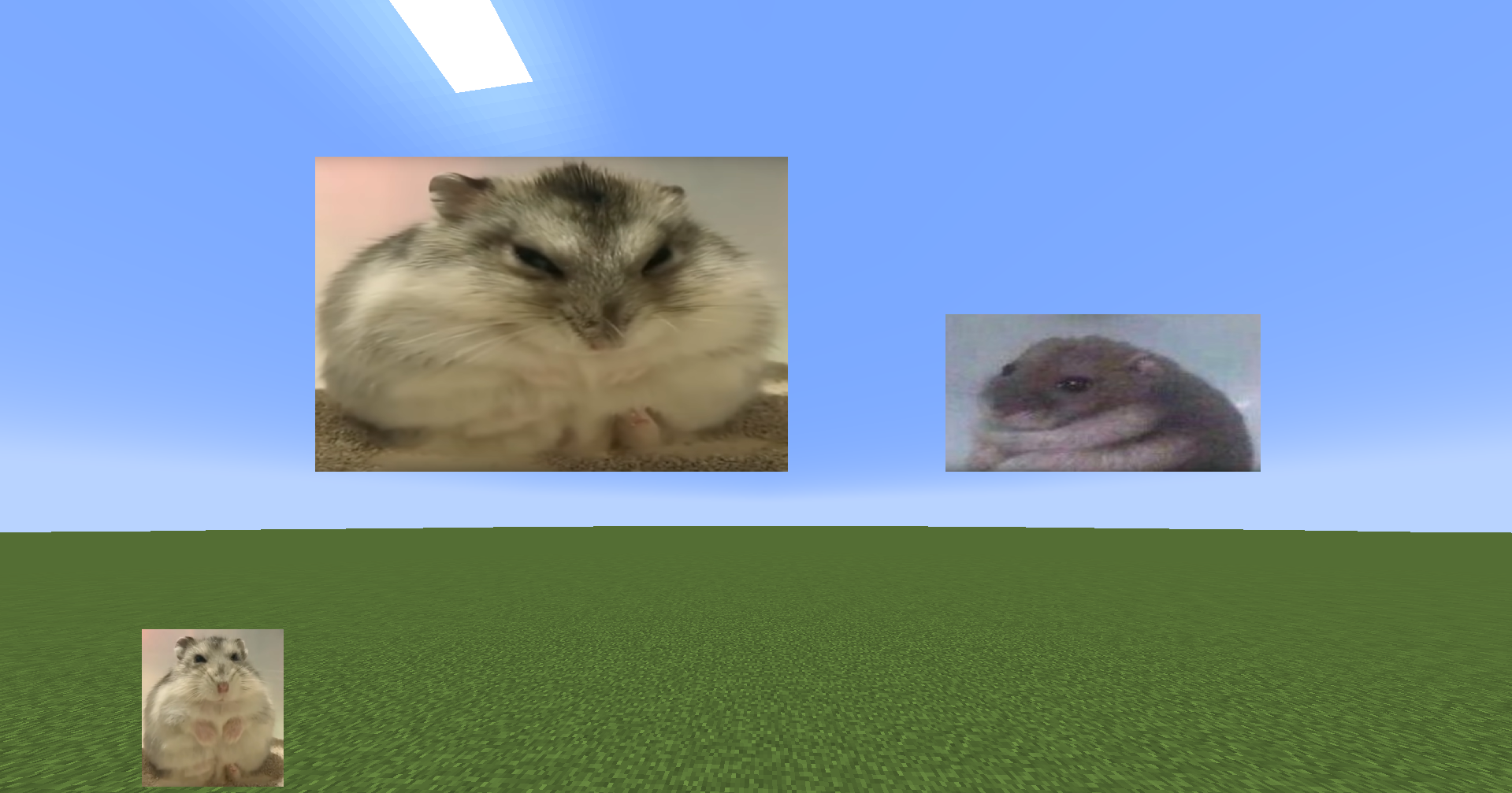
**Render images and GIFs directly on your screen!**
## Features
- Render static images and animated GIFs
- Dynamic positioning and resizing
- Transparency and rotation controls
- GUI
- Slideshows
- Overlays: render images at fullscren that automatically adapt to your resolution
- Image rendering via URL (Imgur)
- Rendering layers: Lets you render images/GIFs behind or in front of GUI elements (Hotbar, scoreboard...) Using the GUI, hold "Alt + right click" on an image/GIF to open a context menu and select the preferred option **ONLY WORKS IN 1.21.4 ONWARDS**. *Other features are also in the menu
- Presets
- Twitch integration -> Go to https://imageoverlay.gitbook.io/imageoverlay-docs for the tutorial on how to connect your Twitch account to the ImageOverlay Mod
## Commands
| Command | Description |
|---------|-------------|
| `/image help` | List all available commands |
| `/image list` | Show all images/GIFs in your `imageoverlay` folder |
| `/image render ` | Display an image/GIF at specified coordinates |
| `/image move ` | Move said image/GIF |
| `/image resize ` | Modify image/GIF |
| `/image url ` | Render image/GIF using an IMGUR URL |
| `/image stop ` | Stop rendering an image/GIF |
| `/image preset save ` | Saves every image/GIF data as one preset |
| `/image preset list` | Lists all the presets |
| `/image preset load ` | Loads saved presets |
| `/image preset delete ` | Deletes said preset |
**IN ORDER TO RENDER IMAGES/GIFs USING URLS YOU NEED TO PUT THEM BETWEEN ""
E.g: /image url "https://i.imgur.com/funnymeme.jpeg" 100 100**
## GUI
- **Drag & drop** images/GIFs around your screen
- **Resize** by using the border and corner indicators
- **Right-click** an image/GIF to toggle the transparency slider
- **Hold Alt + corner** to rotate images
- **Slideshows** (SLIDES button):
- Set display duration per image
- Cycle manually with J/K keys (toggle auto-mode) – keys can be changed in settings
- **Overlays** (OVERLAY button):
- Render images/GIFs in full-screen
- Automatically scale to your resolution
- Create overlay slides to have multiples overlays and cycle through them
- **URL** lets you render images directly using an **IMGUR URL**. E.g: https://i.imgur.com/funnymeme.jpeg
## Folder Location
- All images/GIFs are located in the `imageoverlay` folder in the .minecraft directory
- Overlays are located in the `imageoverlay/overlays` folder
- Twitch images are located in the `imageoverlay/twitch` folder
## ❤️ Support & Feedback
- **Join my Discord** [Discord](https://discord.gg/c8aagxeNty)
- **Report issues or leave suggestions on** [GitHub Issues](https://github.com/martigonzalez/ImageOverlayIssues/issues)
- **Support me on** [Ko-fi](https://ko-fi.com/martigc)