Описание
*Speak a language that is not supported by ImageFrame yet? We would appreciate it if you contribute on [Crowdin](https://crowdin.com/project/imageframe)!*
***
## About
**Want to display information on your server in a fancy way?**
**Or maybe you want to display a nice animated TV screen in your home base?**
**_Then this is the plugin for you!_**
**Want HD and Full-color Images?**
Check out [**ImageFrame Client**](https://modrinth.com/mod/imageframeclient), the **complimentary mod** for ImageFrame!
## Videos
**Want video demonstrations? Here are some videos made by some awesome people!**
Video by [**ServerMiner**](https://www.youtube.com/@ServerMiner) in English:
Video by [**KasaiSora**](https://www.youtube.com/@KasaiSora) in English:
## Features
### 1. Load Images onto Maps and Item Frames
- Load images from URLs!
- PNG, JPEG, WEBP & GIFs are supported!
- Get them in Map form or _directly_ on Item Frames! (Select your Item Frames with the smart selection tool!)
- Automatic image fitting means your images won't be stretched!
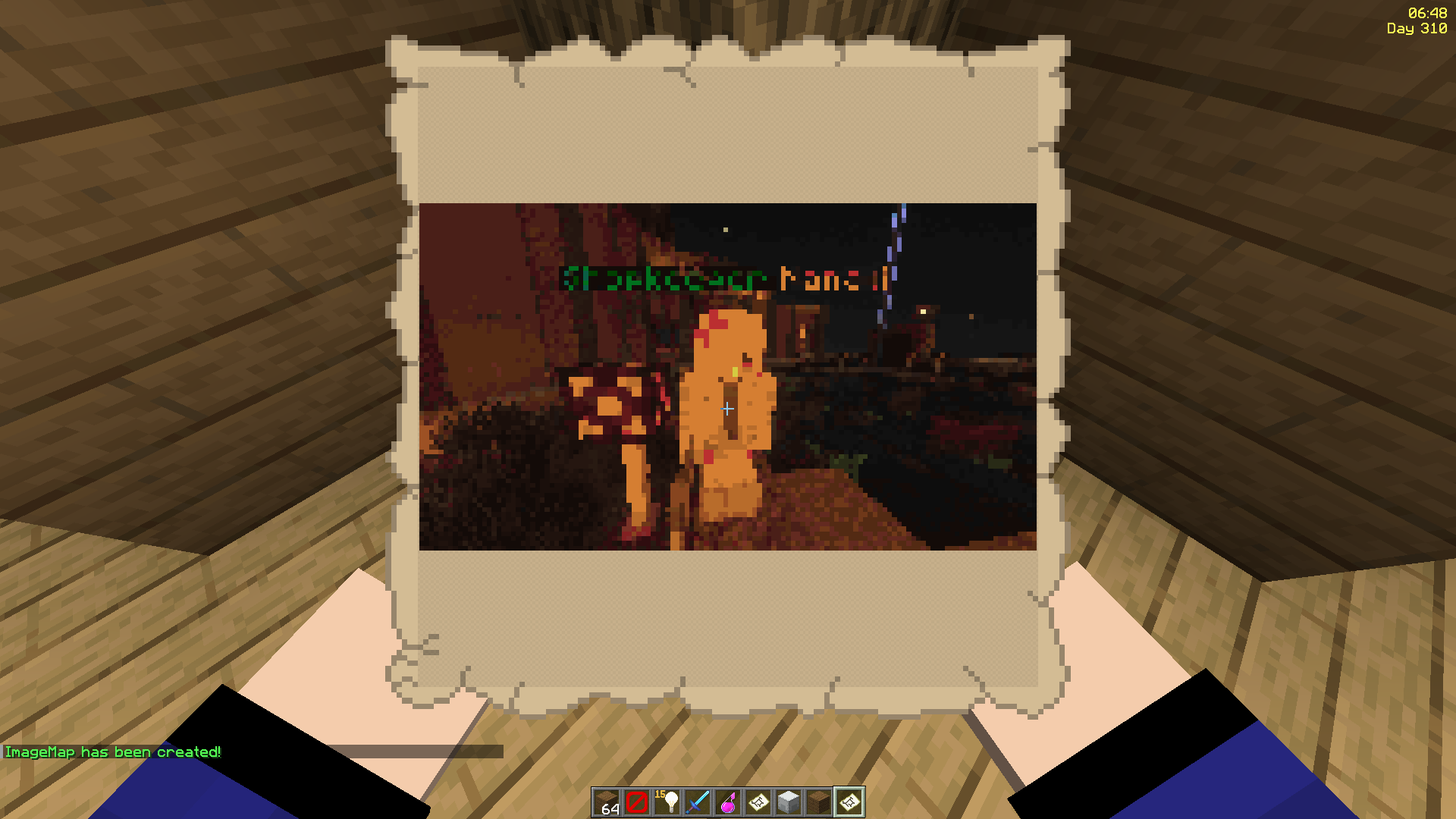
### 2. Even Works with Animated GIFs!
- Images will be animated if they are GIFs!
- Animated up to 1/20 of a second!
- Animation tasks run asynchronously
### 3. Define Custom Width and Height
- Have your image span across multiple maps
- Automatic image fitting works across all sizes too!
- Ideal for displaying on Item Frames!

*^ These metro platform signs look awesome, don't they? Put together with ImageFrame and invisible glowing item frames!*
### 4. Add Overlays to Regular Vanilla Maps!
- Create an image map with a regular vanilla map in your hand
- Or across multiple maps via selecting them in item frames!
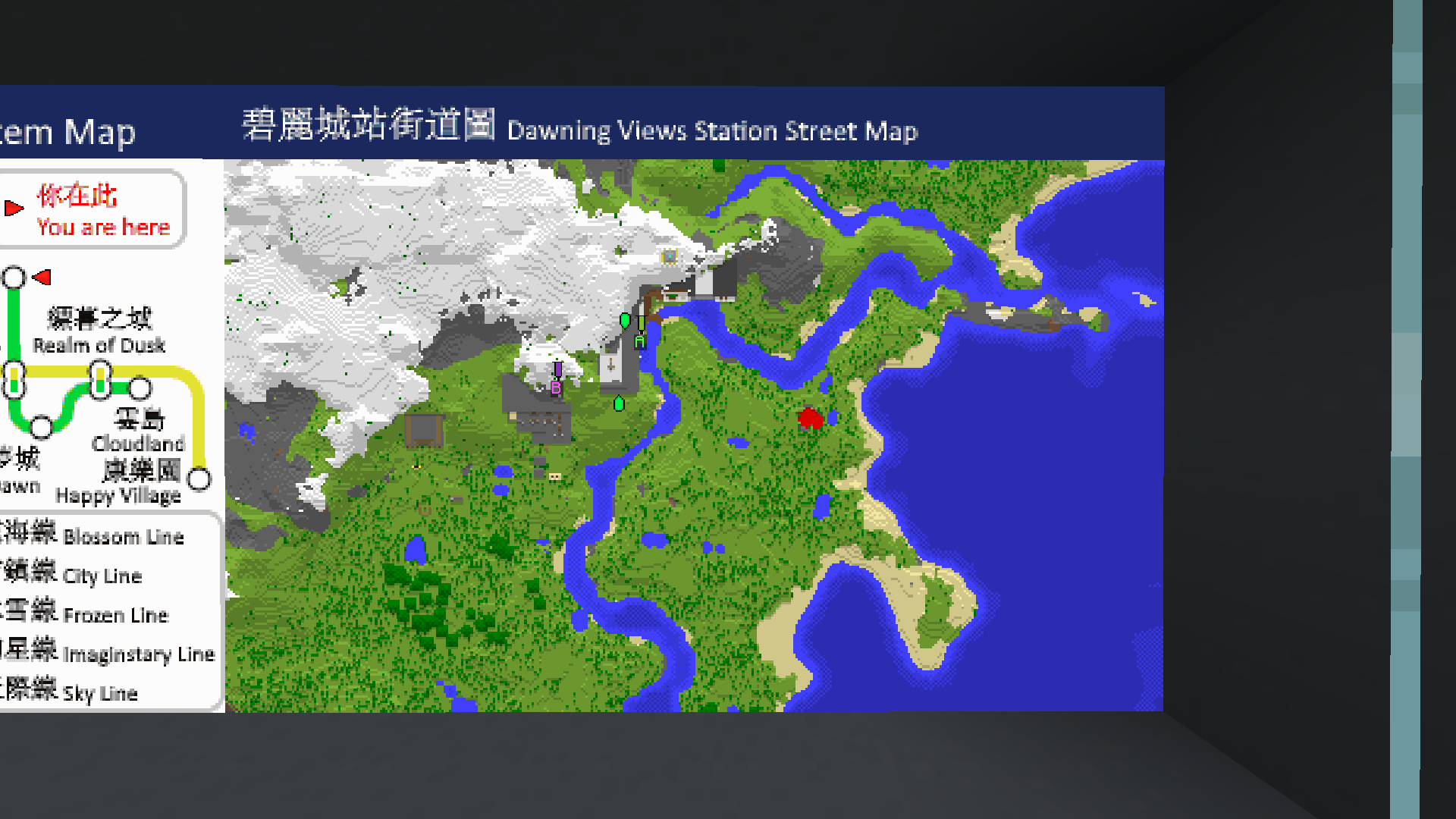
*^ Notice the extra text with a blue background at the top of the map?*
### 5. Combined ImageMap for Easy Placement!
- Get an entire multi-part ImageMap as one combined item!
- Automatically searches for space to place the ImageMap on an Item Frame wall (or floor/ceiling)
- The clicked Item Frame is treated as top-left if there is enough space
- When broken, the whole combined map is removed with a single combined map returned!
- Respect Item Frame protections on other plugins! (via calling Bukkit events)
*^ The hearts particle is from _another plugin_ which listens to the [EntityDamageEvent](https://hub.spigotmc.org/javadocs/spigot/org/bukkit/event/entity/EntityDamageEvent.html)*
*^ Built-in Invisible Item Frames System*
### 6. Refresh Maps Easily!
- Refresh _all copies_ of the same image map from the URL source in one simple command!
- Ideal for displaying information that you'll have to update across your server every once a while, without having to go and replace every single one
*^ I've uploaded and replaced the TNT block with the grass block at the source URL, and I am holding 1 of the 4 maps in my hand*
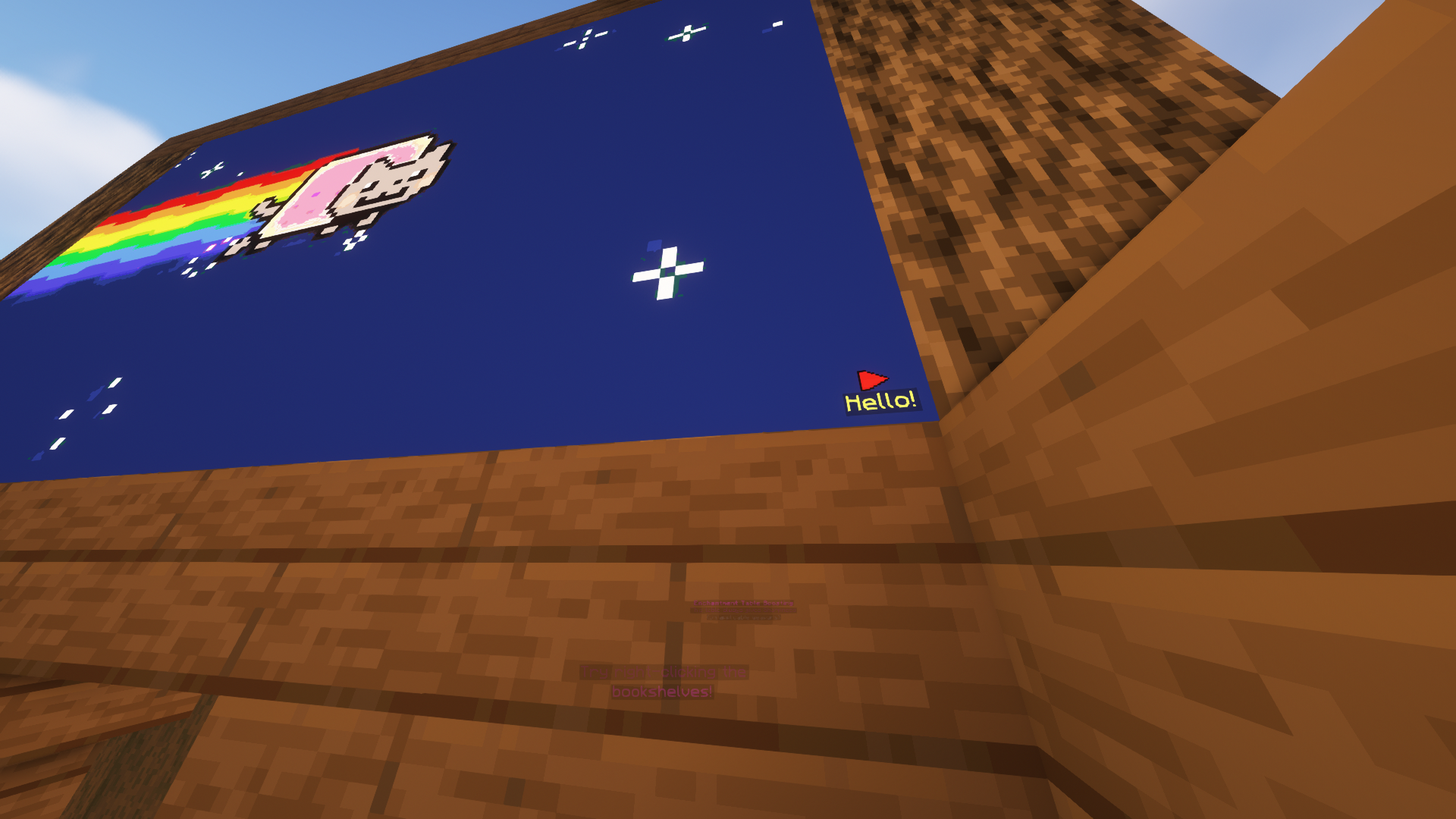
### 7. Add Map Markers To Your Images!
- Any map icon can be used! Such as the mansion and temple icons on Vanilla cartographer maps!
- They can also have an optional line of text below them
- Configurable max markers per map
- Ideal for marking locations on custom image maps!
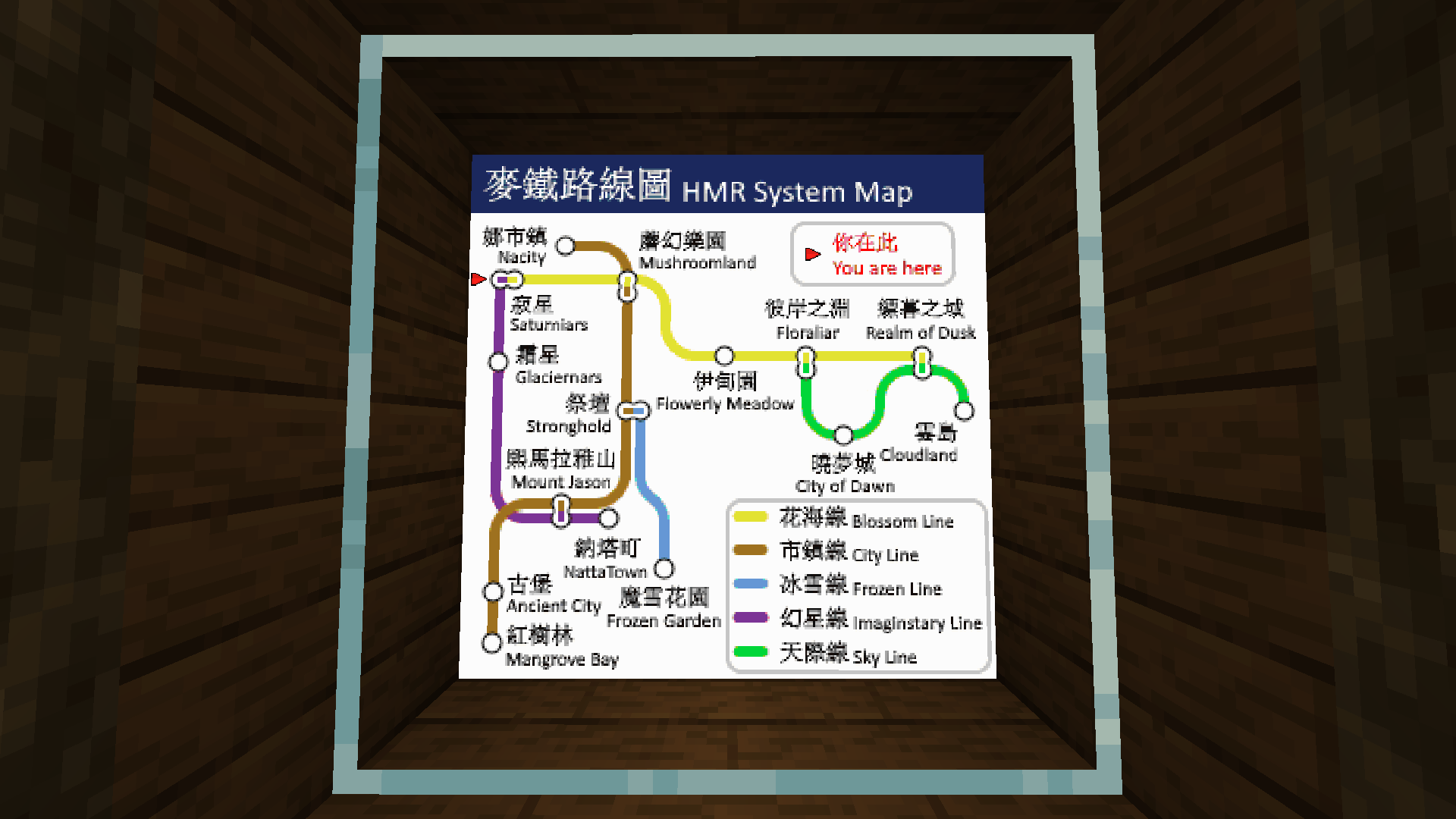
### 8. Survival Friendly
- Require players _in survival_ to have empty maps in their inventory to be able to create image maps (using player commands)
- Even works when directly creating images on Item Frames or getting the Combined ImageMap item!
- Configurable in the config
### 9. Easy to Keep Track and Manage
- Commands available to help you (both as players and admins) manage your (or everybody's) created image maps
- Ability to give access to ImageMaps to other players!
- Different permission levels for different players you decided to share maps with.
- Such as listing all maps of a player, renaming etc.
- Option to set an image creation limit per player (Can be different for each player!)
- Option to set a maximum size for a single image frame! (Customizable as always)
- Migration available for [ImageMap](https://www.spigotmc.org/resources/imagemaps.81851/), [ImageOnMap](https://www.spigotmc.org/resources/imageonmap.26585/) and [DrMap](https://www.spigotmc.org/threads/drmap.480868/) (Message me for more plugin support requests)
### 10. Invisible Item Frames
- Built-in support for survival-friendly invisible item frames!
- Splash item frame items with invisibility potions to obtain.
- Can adjusted in the config.
### 11. Languages
- All player-facing messages are translated to different languages depending on the player's client language.
- If the language you speak is not yet supported, please contribute on [Crowdin](https://crowdin.com/project/imageframe) so we can build a better plugin for everyone together!
### 12. Complementary Mod
- Check out this [complementary mod](https://modrinth.com/mod/imageframeclient), which lets you see images in HD, full colours, and more!
### 13. Multi-Server Support
- With MySQL storage support, you can have the same maps across multiple servers in your server network! (Plugin does not need to be installed on the Bungeecord/Velocity proxy)
## Dependencies
- None!
## Installation
1. Put ImageFrame.jar into the plugins folder along with the required dependencies
2. Start the server
3. *Edit the config (if you need to)*
4. *Restart the server (if you changed something in the config in step 3)*
## Development Builds

[**Jenkins**](https://ci.loohpjames.com/job/ImageFrame/)
## Showcase Server
Want to see the plugin in action?
```
IP: mc.loohpjames.com
```

## Commands
**Legend:**
For command ""/"" arguments,
You can access another players map **if you have permission**
through this syntax:
":"
For example: /if get LOOHP:map combined
**Administration:**
```
/imageframe reload - Reloads the plugin
/imageframe update - Check for updates
/imageframe storagemigrate - Storage type migration
```
**Player:**
```
/imageframe select - Select item frames to put image maps on
/imageframe create - Create a new image map
/imageframe create selection - Create a new image map and put it directly in your selected item frames
/imageframe create combined - Create a new image map and get its Combined ImageMap item
/imageframe overlay - Create a new image map that adds an overlay on a Minecraft Vanilla map you are holding
/imageframe overlay selection - Create a new image map that adds an overlay on a Minecraft Vanilla map in your selected item frames
/imageframe clone - Create a new image map with the same properties as the old one
/imageframe clone selection - Create a new image map with the same properties as the old one and put it directly in your selected item frames
/imageframe clone combined - Create a new image map with the same properties as the old one and get its Combined ImageMap item
/imageframe playback pause - Toggle pause for an animated image map
/imageframe playback jumpto - Jump to a specific second for an animated image map
/imageframe refresh [optional:image_name] [optional:new_url] - Refresh a map you've created from source url
/imageframe info - Get info related to the image map you are holding
/imageframe get - Get a self-created pre-existing image map
/imageframe get selection - Put a self-created pre-existing image map directly on your selected item frames
/imageframe get combined - Get a self-created pre-existing image map in its Combined ImageMap form
/imageframe delete - Delete a self-created pre-existing image map
/imageframe rename - Rename a self-created pre-existing image map
/imageframe list - List all self-created pre-existing image maps
/imageframe marker add [optional:caption] - Add a marker to your map
/imageframe marker remove - Remove a marker from your map
/imageframe marker clear - Clear all markers from your map
/imageframe setaccess - Set access permission of other players for your map
```
**Moderation:**
```
/imageframe list - List a player's pre-existing image maps
/imageframe giveinvisibleframe [amount] [player] - Give invisible item frame items
/imageframe adminsetcreator - Change the creator of an image map
/imageframe adminmigrate - Migrate data from the selected and supported third-party plugin
```
## Permissions
```yaml
permissions:
imageframe.create:
default: op
description: Allow players to create new image maps
imageframe.create.animated:
default: op
description: Allow players to create new animated image maps
imageframe.create.others:
default: op
description: Allow players to create image maps for other players, applies to overlay and clone, bypasses owning limit
imageframe.overlay:
default: op
description: Allow players to overlay images on Vanilla maps
imageframe.clone:
default: op
description: Allow players to make deep copies of their own image maps
imageframe.playback:
default: op
description: Allow players to pause or set position of playback of their own animated image maps
imageframe.select:
default: op
description: Allow players to select item frames
imageframe.marker:
default: op
description: Allow players to add and remove markers on image maps
imageframe.marker.unlimited:
default: op
description: Allow players to add unlimited markers on image maps
imageframe.refresh:
default: op
description: Allow players to refresh image maps
imageframe.rename:
default: op
description: Allow players to rename image maps
imageframe.info:
default: true
description: Allow players to view image map data
imageframe.list:
default: true
description: Allow players to list all image maps they've created
imageframe.list.others:
default: op
description: Allow players to list all image maps a player have created
imageframe.delete:
default: op
description: Allow players to delete an image map they've created
imageframe.purge:
default: false
description: Allow players to purge all image maps created by a specific player
imageframe.purge.all:
default: false
description: Allow players to purge all image maps at once
imageframe.get:
default: op
description: Allow players to get an image map they've created
imageframe.setaccess:
default: op
description: Allow players to change access permissions of their image maps
imageframe.adminbypass:
default: op
description: Bypass all access restrictions and allow users to use and modify any image map
imageframe.adminsetcreator:
default: op
description: Allow players to change the creator of any image map via the image map id
imageframe.admindelete:
default: op
description: Allow players to delete any image map via the image map id
imageframe.adminmigrate:
default: op
description: Allow players to migrate maps from supported plugins to ImageFrame
imageframe.preference:
default: true
description: Allow players to update their player preferences
imageframe.preference.others:
default: op
description: Allow players to update other players' player preferences
imageframe.giveinvisibleframe:
default: op
description: Allow players to give invisible item frames
imageframe.reload:
default: op
description: Allows you reload the config file
imageframe.resync:
default: op
description: Allows you force sync changes from storage
imageframe.storagemigrate:
default: op
description: Allows you to send data to a different storage type
imageframe.update:
default: op
description: Allows you receive update messages
```
## Default Config
[**Latest Config with Descriptions**](https://github.com/LOOHP/ImageFrame/blob/main/common/src/main/resources/config.yml)
## Data usage
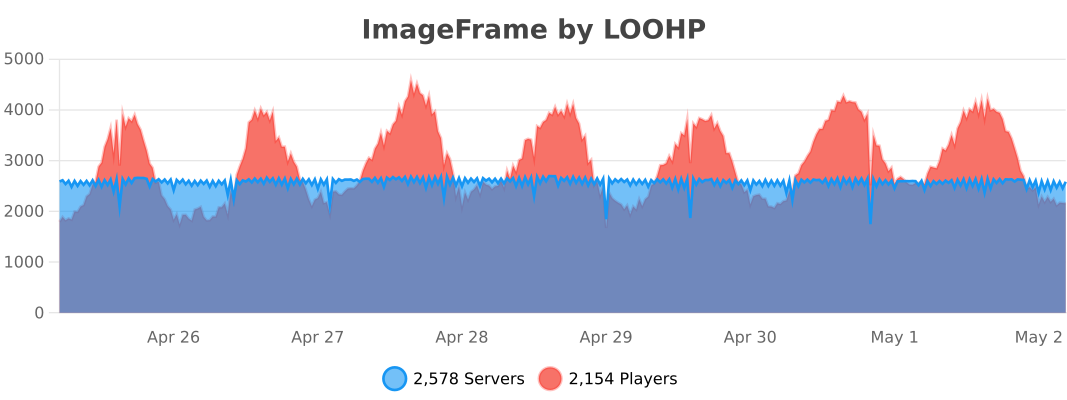
Usage statistics at https://bstats.org/plugin/bukkit/ImageFrame will be visible to the public with your server included in the statistics. No private information of your server is sent.
Update checking is also done via https://api.loohpjames.com to notify you whenever a new version is released. No private information of your server is sent.