
Описание
# Image Shader
Only use a shader to display an image on your screen~
**Note: compiling the shader may take some time!**
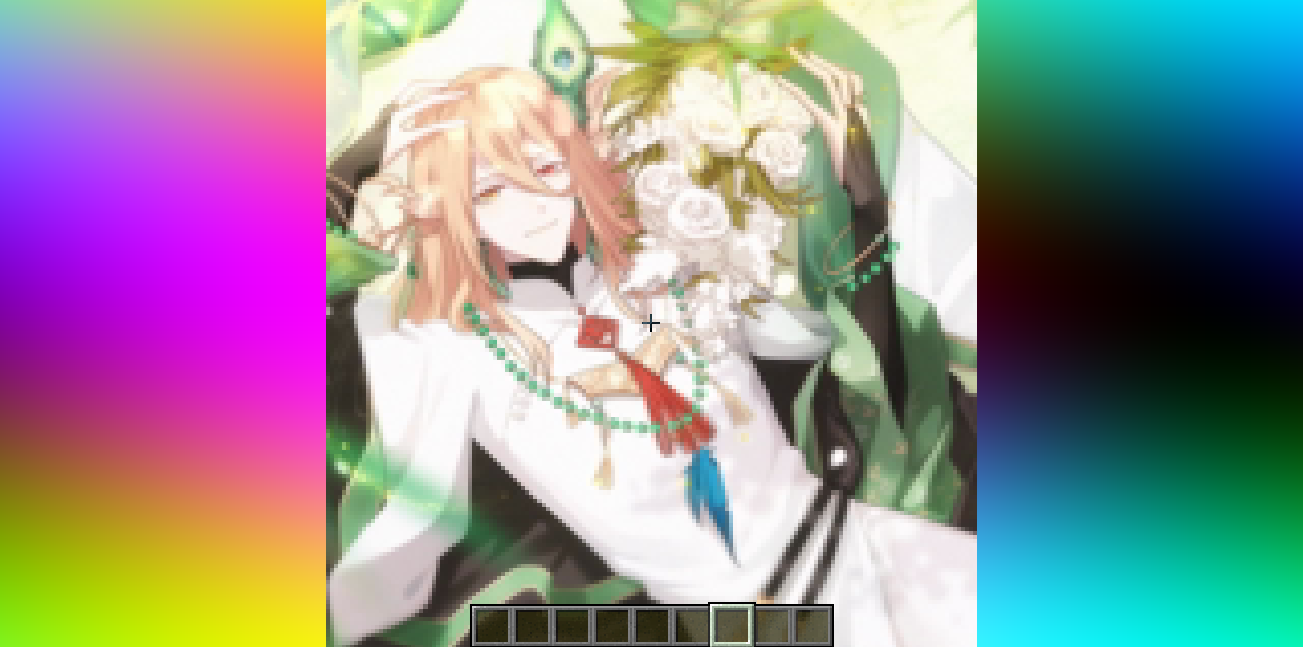
### How to prepare a custom image~
First, use ffmpeg (or any tool) to resize your image to **160×160 pixels**.
```bash
Using ffmpeg:
ffmpeg -i Input.png -vf scale=160:160 image.png
```
Then place the resized image in the same directory as the Python script below.
Run the script to produce an `image_chunks` folder, then copy the 16 **.glsl files** inside into `shaders/data/image_chunks` (you need to unpack the shader pack first).
Enter the game, enable the custom image option in the shader settings, and wait for the shader to finish compiling — Then it's ok~
A Python Script
```python
from PIL import Image
import os
def generate_glsl_chunks(image_path, output_dir="image_chunks"):
try:
img = Image.open(image_path).convert('RGBA')
except FileNotFoundError:
print(f"Error: Image file not found at {image_path}")
return
width, height = img.size
if width != 160 or height != 160:
print(f"Error: Image must be 160x160 pixels, but it is {width}x{height}.")
print(f"You can use:")
print(f"ffmpeg -i image.png -vf scale=160:160 output.png")
print(f"to adjust the image resolution.")
return
os.makedirs(output_dir, exist_ok=True)
chunk_size = 40
num_chunks_x = width // chunk_size
num_chunks_y = height // chunk_size
for chunk_y in range(num_chunks_y):
for chunk_x in range(num_chunks_x):
left = chunk_x * chunk_size
upper = chunk_y * chunk_size
right = left + chunk_size
lower = upper + chunk_size
sub_img = img.crop((left, upper, right, lower))
pixel_data = list(sub_img.getdata())
array_name = f"image_data_{chunk_y}_{chunk_x}"
output_file_path = os.path.join(output_dir, f"{array_name}.glsl")
glsl_array = f"vec4 {array_name}[{chunk_size * chunk_size}] = vec4[{chunk_size * chunk_size}](\n"
for i, pixel in enumerate(pixel_data):
r, g, b, a = pixel
glsl_array += f" vec4({r/255.0}, {g/255.0}, {b/255.0}, {a/255.0})"
if i < len(pixel_data) - 1:
glsl_array += ","
if (i + 1) % 4 == 0:
glsl_array += "\n"
glsl_array += ");\n"
with open(output_file_path, 'w') as f:
f.write(glsl_array)
print(f"Generated file: {output_file_path}")
# --- Config ---
image_file = "image.png"
output_directory = "image_chunks"
generate_glsl_chunks(image_file, output_directory)
```