
Описание
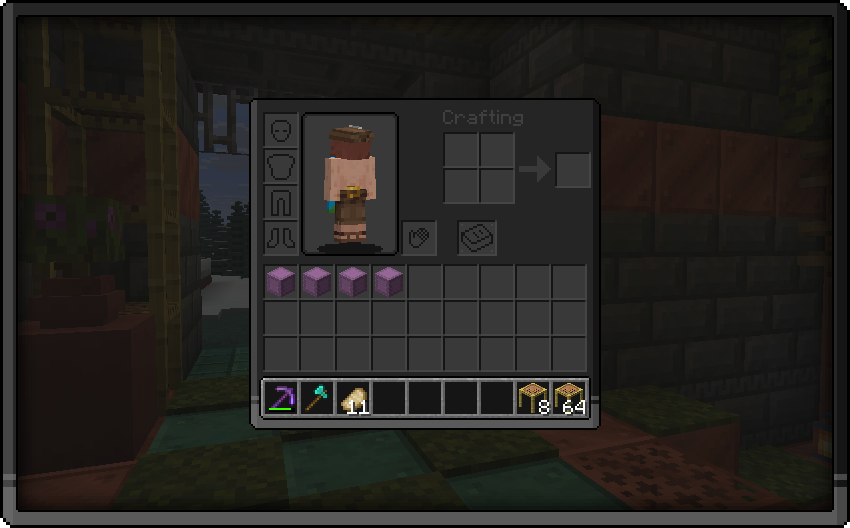
### **👁️ This pack brings you**
_A dark gui pack so that your and my eyes dont get bleached._
**How to install this pack:**
- Download the latest updated version of the pack
- Do NOT unzip the folder and place it in your resource packs folder
- To locate your resource packs folder simply press **[Win] + [R]**
- Now type **"%appdata%/.minecraft"** in the window that opened and press the button that says **"Ok"**
- Locate the folder that says "resourcepacks" and place the pack inside there
- Open Minecraft and make sure the pack appears your Options/Resource Packs