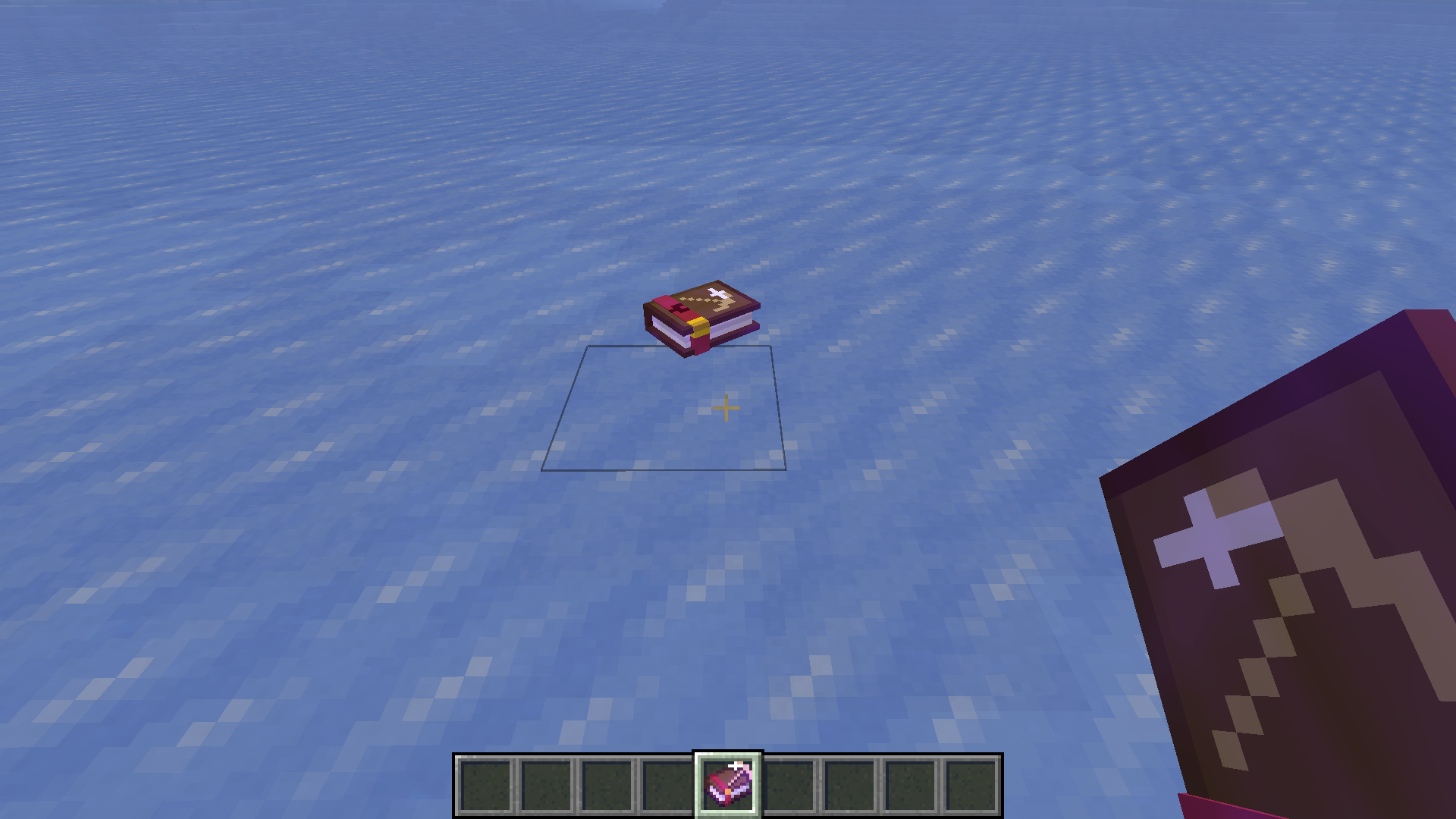
Описание
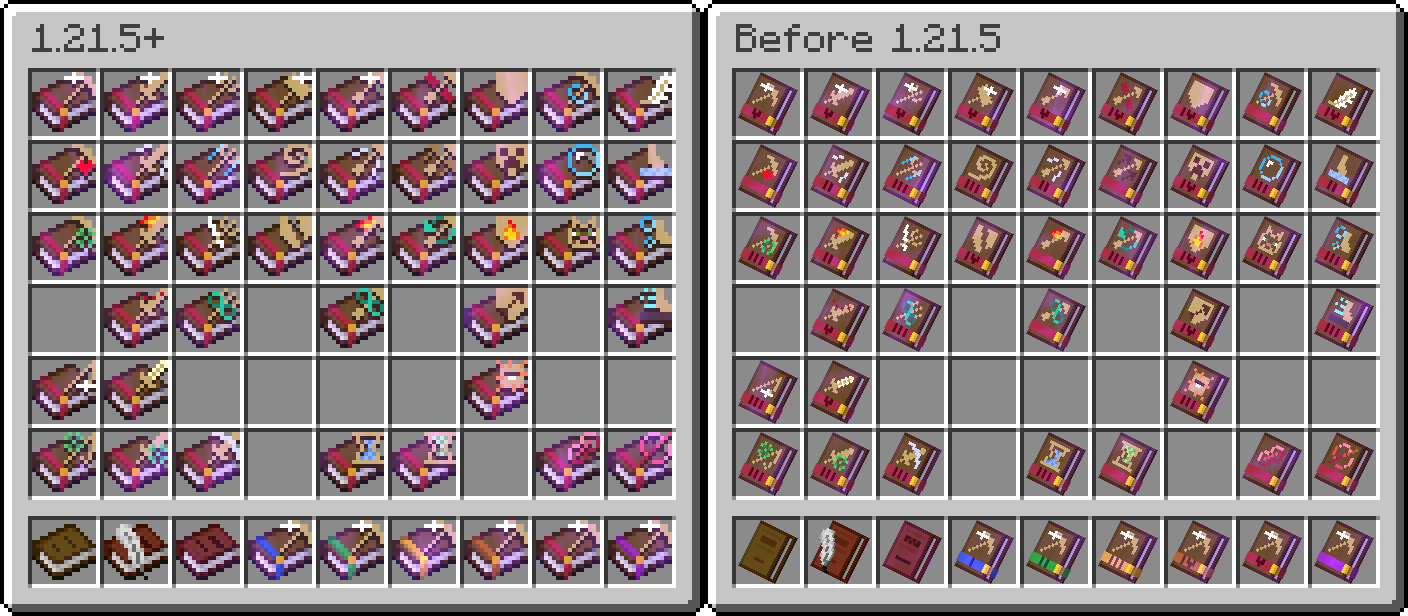
## 2D Textures in GUI for Better Visibility (1.21.5+)
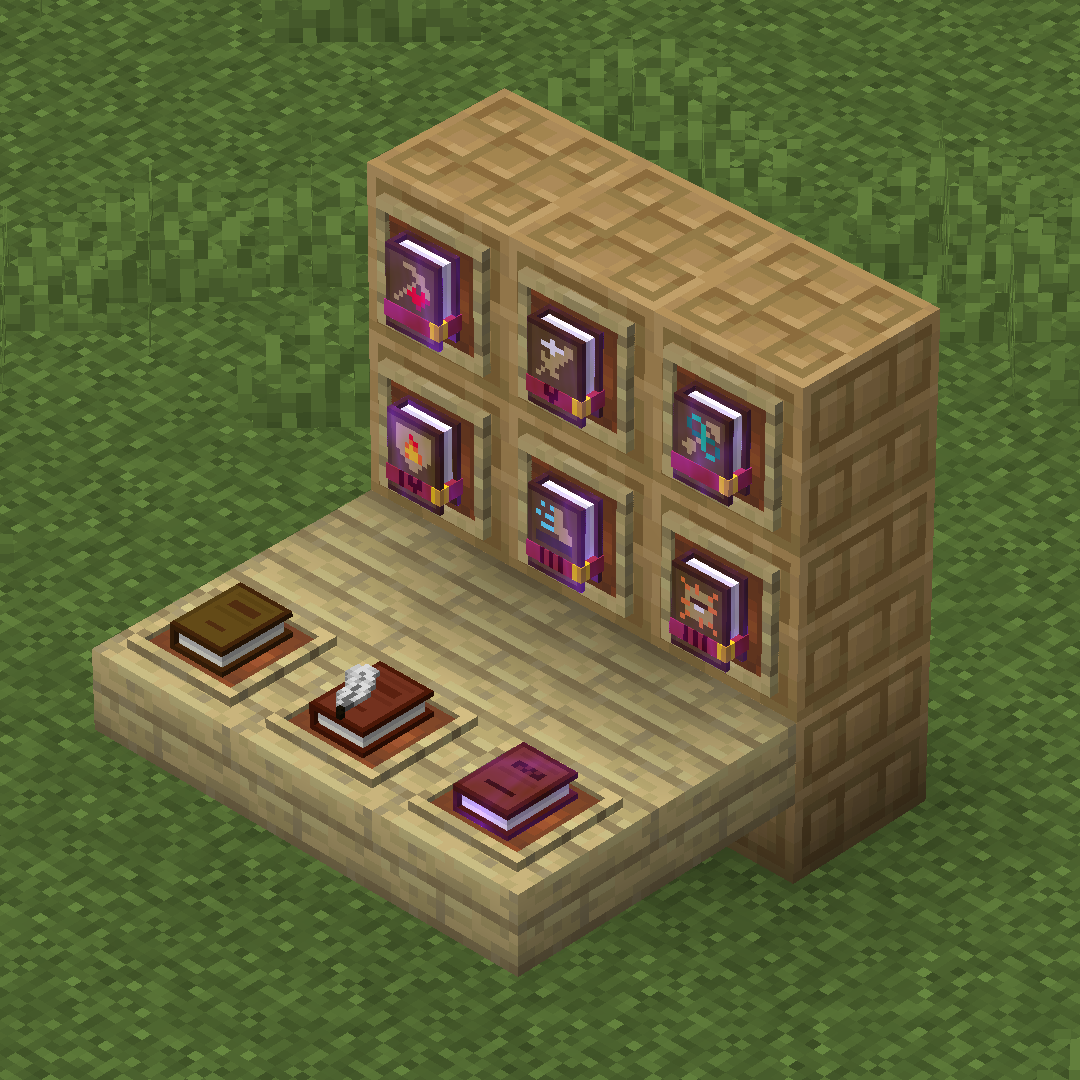
## 3D Models Decorate Your Base
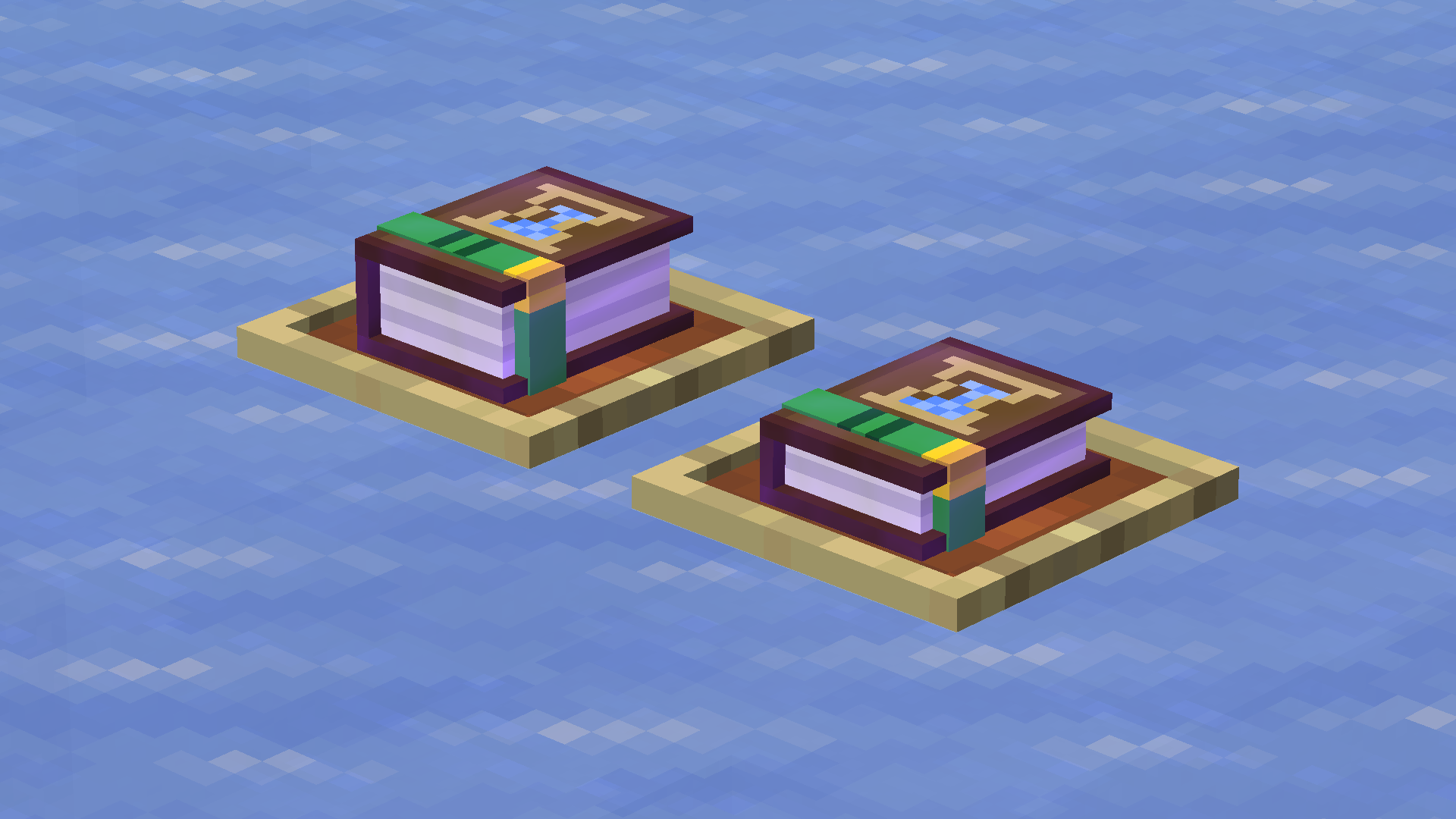
Exhibit your collections with item frames!
## Feature Comparison between 1.21.5+ & Before 1.21.5
|Features |1.21.5+|Before 1.21.5|
|--- |---|---|
|Prerequisite Mod |No |[Variants-CIT](https://modrinth.com/mod/variants-cit)/[CIT Resewn](https://modrinth.com/mod/cit-resewn)/Optifine|
|2D textures in GUI |Yes|No |
|Variable thickness of 3D books |Yes|No |
|Special cover displays priority|Yes|No |
|Basic 3D model |Yes|Yes|
|Icons in tooltips |Yes|Yes|
## Unified Icon Design
For the feature that shows icons in the tooltips, currently, the following languages are supported:
- English (US)
- 简体中文(中国大陆)
- LOLCAT (Thanks to [Mistera91](https://github.com/Mistera91))
Language support requests are welcome! Open an issue [here](https://github.com/GrakePch/IconicEnchantments/issues)!
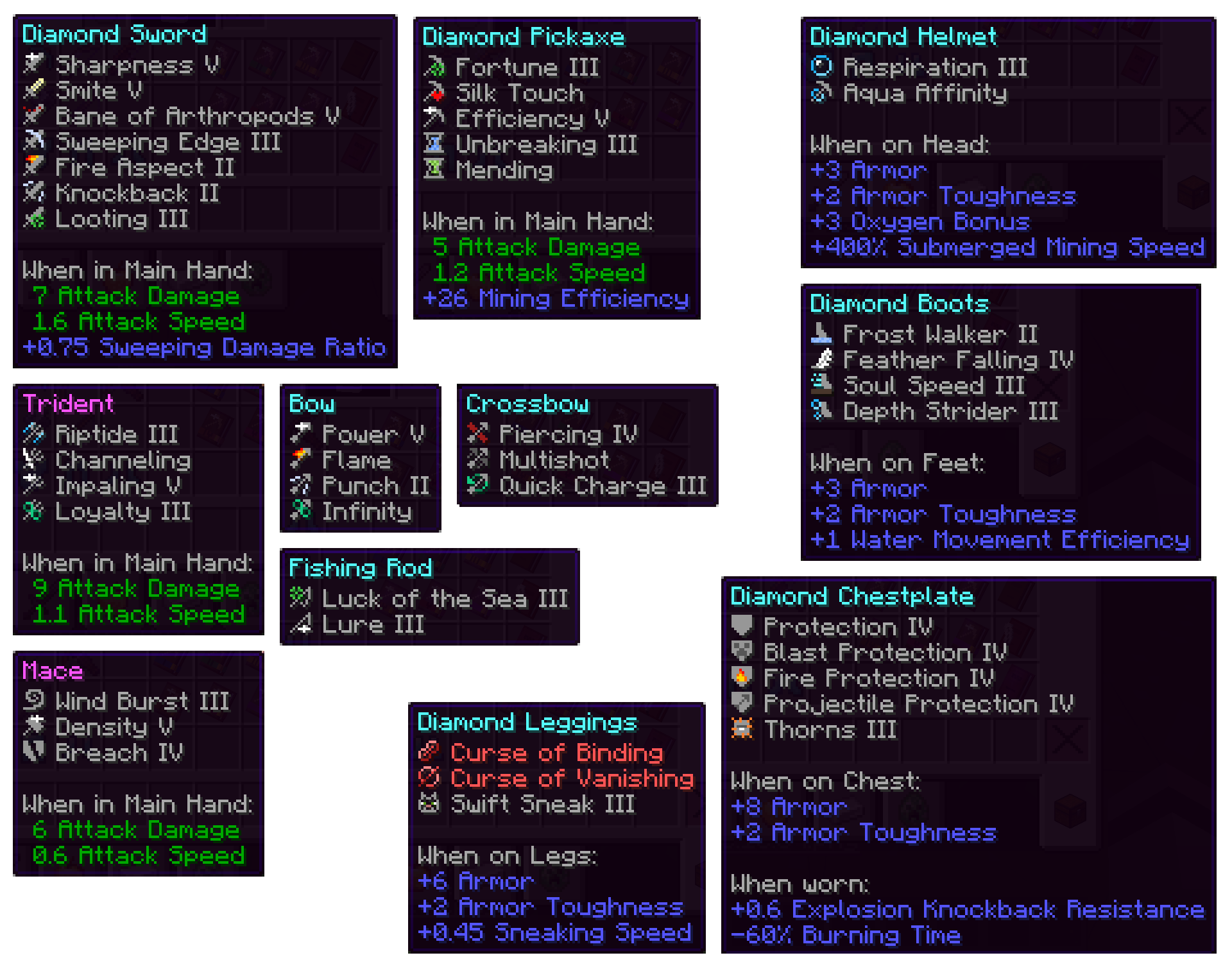
## Books with Multiple Enchantments Get Thicker (1.21.5+)
The cover displays an enchantment based on the order of: curse > enchantment with impossible level > enchantment with the highest level. Within the same level, roughly alphabetical order of the names of the enchantments.
## 2D Textures in GUI, 3D Models Otherwise (1.21.5+)