
Описание
# Hud Lib
This mod is a library for other mods to register their own HUD Elements. These HUD Elements has inbuilt repositioning, anchoring, and configuration. They can all be edited after pressing `RIGHT SHIFT` (Can be rebinded in Key Binds). **This mod has no default elements**, you will need a mod such as Generic Hud (mentioned below) if you want any features.
## Mods using this library
Currently there are 3 mods that uses this library:
- [Generic HUD](https://modrinth.com/mod/generic-hud)
- [Armor HUD](https://modrinth.com/mod/w-armor-hud)
- [Status Effect HUD](https://modrinth.com/mod/status-effect-hud)
## The Editor
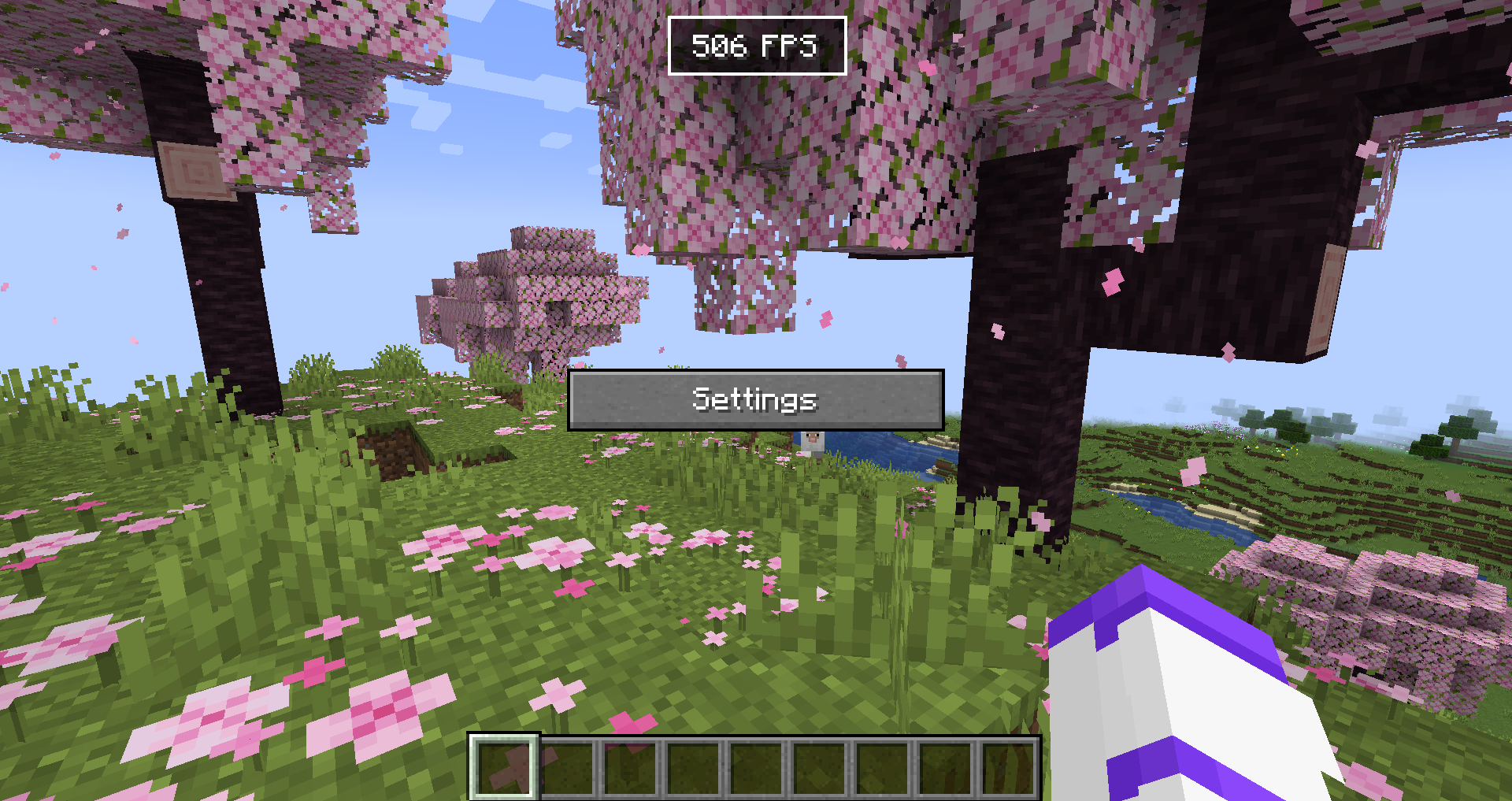
The editor allows you to reposition and disable any HUD Elements. If you want to hide the Settings button or **stop snapping, hold CTRL**. The settings menu will allow you to configure each HUD Element, and disable them/reset their position in the 'Generic HUD Options' tab.
## For Developers
Currently no documentation exists, but you can use [Generic HUD](https://github.com/woooferz/generic-hud), [Armor HUD](https://github.com/woooferz/armor-hud) or the internal [HUD Lib testmod](https://github.com/woooferz/hudlib/tree/master/src/testmod) as an example, because they are all open source.
### What is offered in the library?
- A simple way to render HUD elements, using `DrawContext`, when rendering it you are also given an X and a Y coordinate which is where on the screen it should be rendered.
- With minimal extra setup they can be repositioned in the editor.
- The repositioning also anchors to the screen (e.g. If you put it in the top right corner, it will stay there with any screen size)
- A way to register your own configuration in the "HUD Lib" configuration screen, this is done with [YetAnotherConfigLib (YACL)](https://modrinth.com/mod/yacl)
- They can also be hidden to only show in the editor, or completely disabled in the configuration.
## Versions
The mod has been ported to all 1.21.X versions.