
Описание
# GanKura
GanKura is a Hypixel Skyblock Mod focused on Area Mini-bosses.
- **Commands**
- `/gankura` - Open the main settings screen.
- `/gankura hud` - Open the HUD movement and scaling settings screen.
- `/gankura buttons` - Open the Inventory Buttons editor screen.
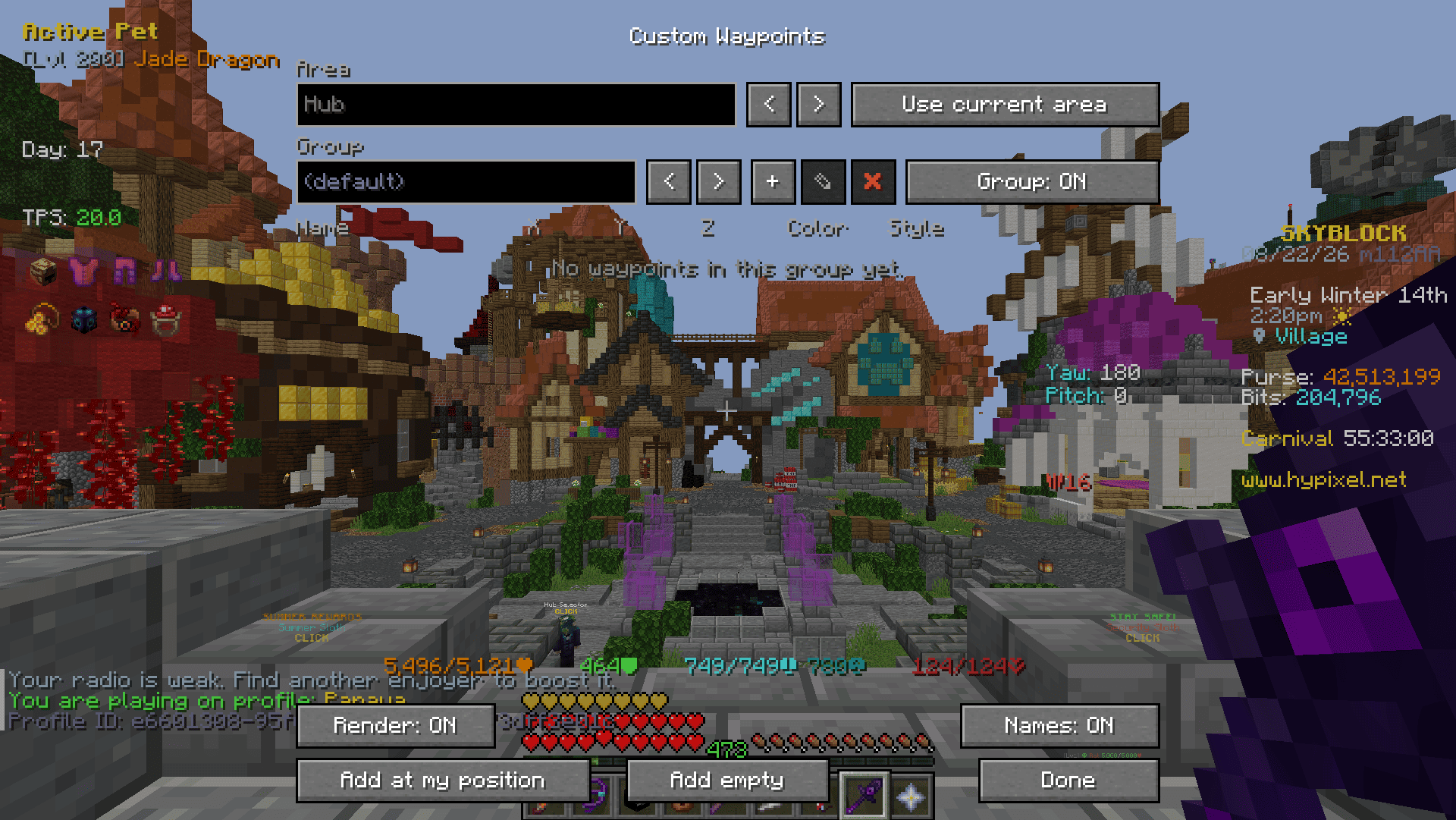
- `/gankura waypoint (/gkw)` - Open the Custom Waypoints settings screen.
- `toggle` - Toggle the rendering of Waypoints.
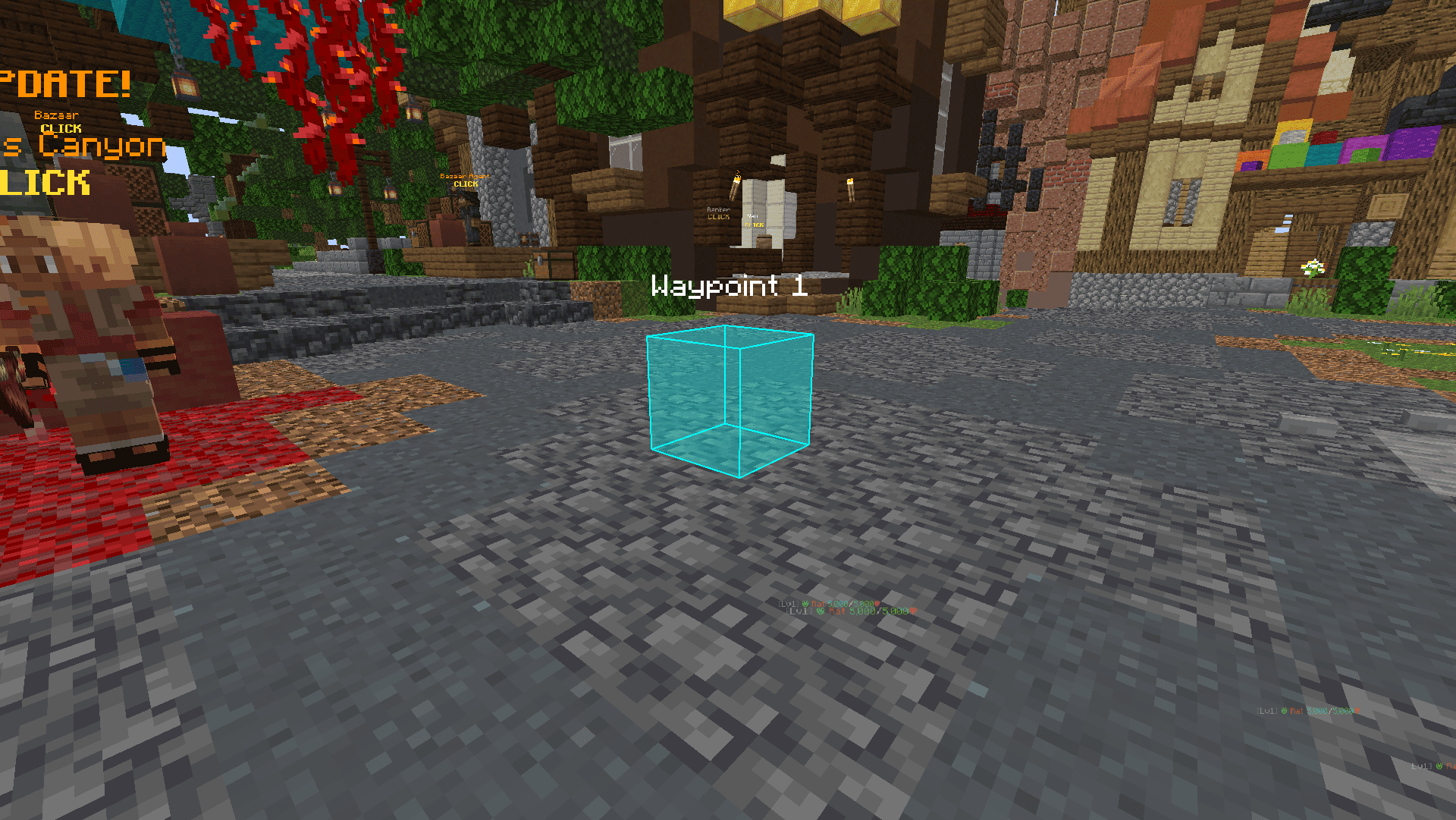
- `add` - Add a Waypoint to your current location.
- `add ` - Add a named Waypoint to your current location.
- `list` - Display a list of Waypoints in the current area.
# Supported
- **The End**
- End Stone Protector
- Dragon
- **Spider's Den**
- Broodmother
- Arachne
- **Crimson Isle**
- Bladesoul
- Barbarian Duke X
- Mage Outlaw
- Magma Boss
- Ashfang
- **Foraging**
- All Moonglade Marsh Mobs (Excluding Sea Creatures)
- All Torrhus Canyon Mobs (Excluding Sea Creatures)
- All Critter Safari Mobs
- **Fishing**
- All Rare Sea Creatures
- All Lotus Atoll Critters
# Features
Bosses
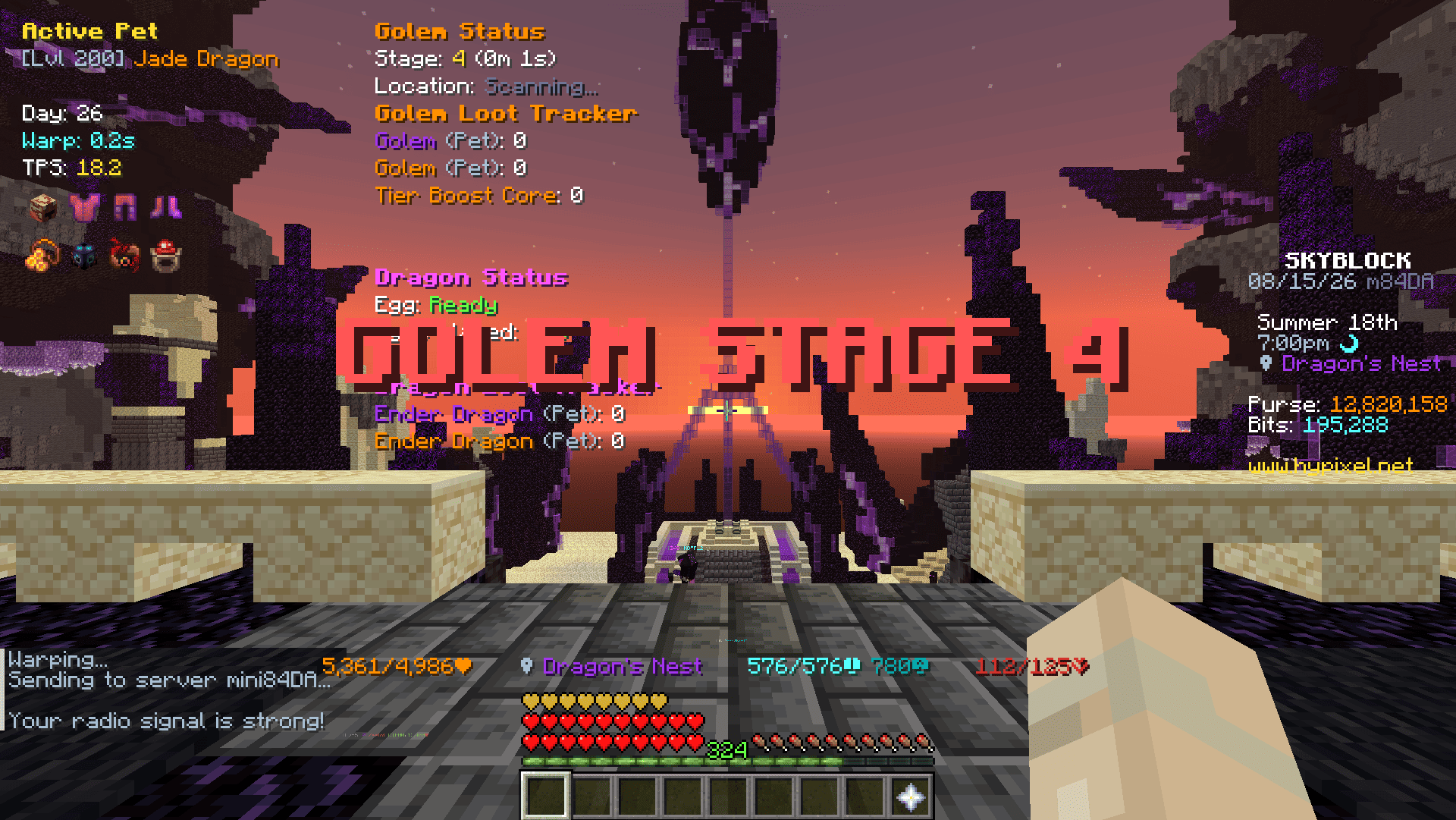
- Stage Announce
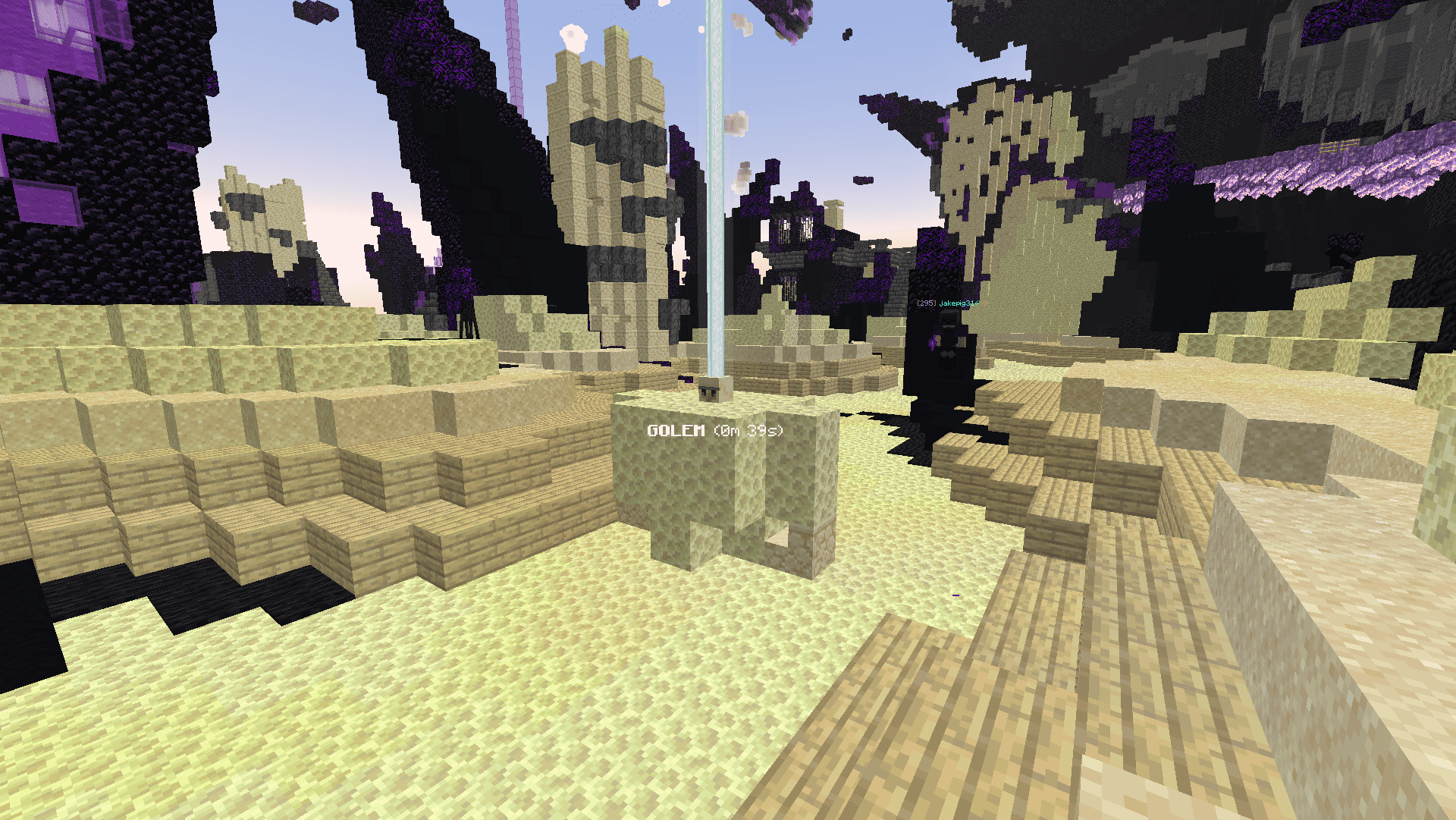
- World Location Display
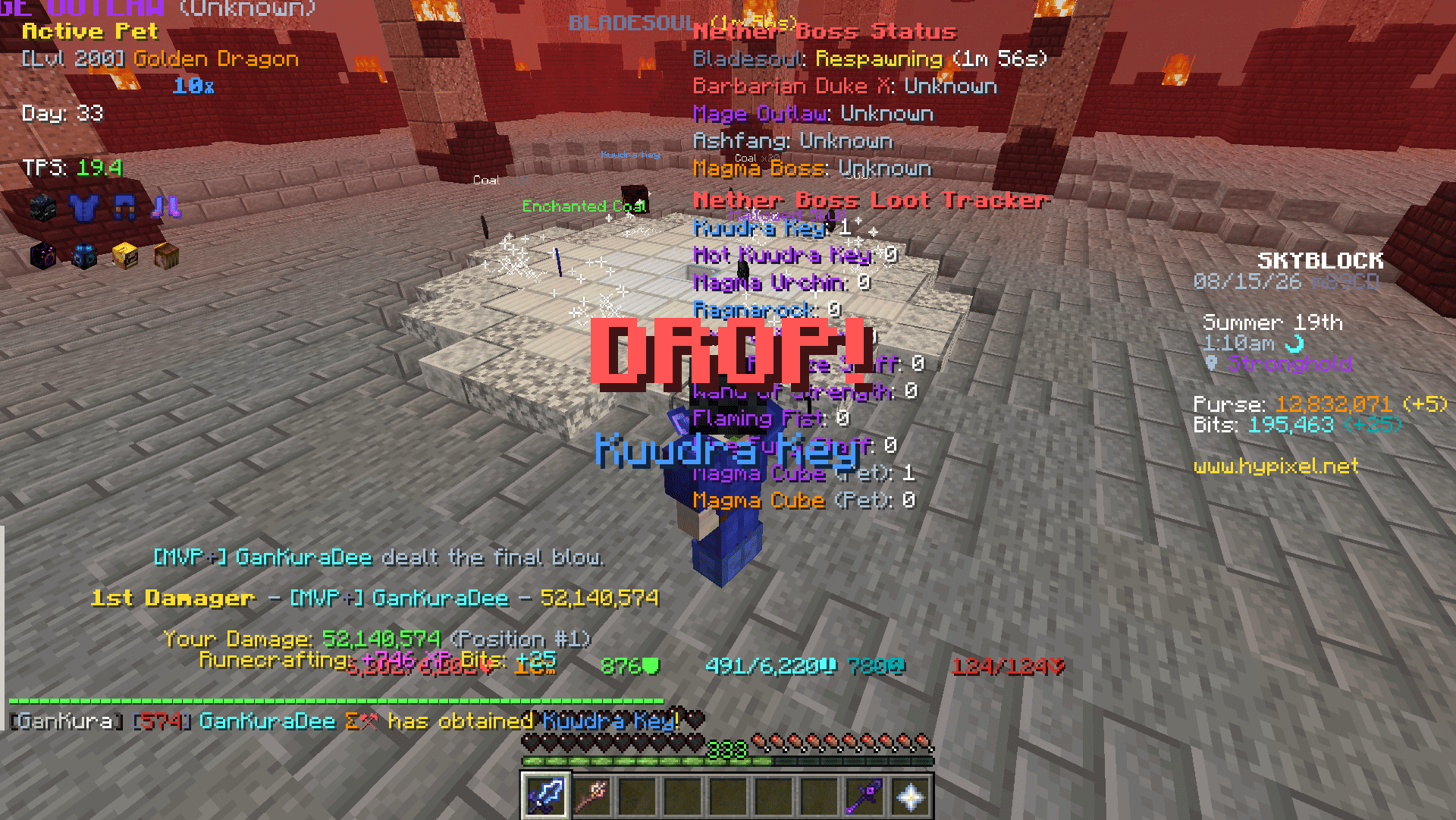
- Rare Drop Notification
- Status HUD
- Loot Tracker HUD
- DPS Calculator
- Loot Quality Calculator
Misc
- Armor HUD
- Equipment HUD
- Yaw and Pitch HUD
- Active Pet HUD
- Day HUD
- TPS HUD
- Armor Stack HUD
- Ferocity HUD
- Quiver HUD
- Hide Damage Splash
- Hide Fire Overlay
- Tab List Cleanup
- Inventory Cleanup
- Scrollable Tooltips
- Invert Tooltip Scroll
- Tooltip From Top
- Replace Roman Numerals
- Max Enchant Chroma
- Book Enchant Gold
- Skip Ultimate Enchants
- Arrow Poison Indicator
- Server Reboot Alert
- Low Quiver Alert
- Warp Cooldown Queue
- Keep Cursor Position
- Held Item Size
- Loadouts Menu Keybind
- Armor Menu Keybind
- Equipment Menu Keybind
- Tree Felled Title
- Mob From Tree Title
- Beeheemoth Spawn Title
- Cocoon Catch Title
- Bestiary Menu - Replace Roman Numerals, MAX highlight and per-slot tier numbers.
- Attribute Menu - Replace Roman Numerals, MAX highlight and per-slot tier numbers.
- Search Input Screen - Replaces the Bazaar and Auction House sign editor with a text box.
- Chat Filter - Hides the profile lines, the stash reminder and blank chat lines.
Fishing
- Shorten Catch Message
- Bite Countdown HUD
- Bait HUD
- Low Bait Alert
- Cast Timer
- Hotspot
- Radar Guess - Reads the Hotspot Radar trail and marks where the hotspot should be.
- Gone Title
- Circle - Draws the hotspot edge as a circle, coloured by its perk.
- Found Alert - Title, sound, temporary waypoint and tracer when a hotspot with the perks
you picked shows up, plus a button to share its coordinates.
- Golden Fish
- Spawn window timer, highlight, tracer and throw rod warning.
- Lava as Water - Draws lava with the water texture and clears the orange view inside it,
on Crimson Isle or everywhere.
Mob Visuals
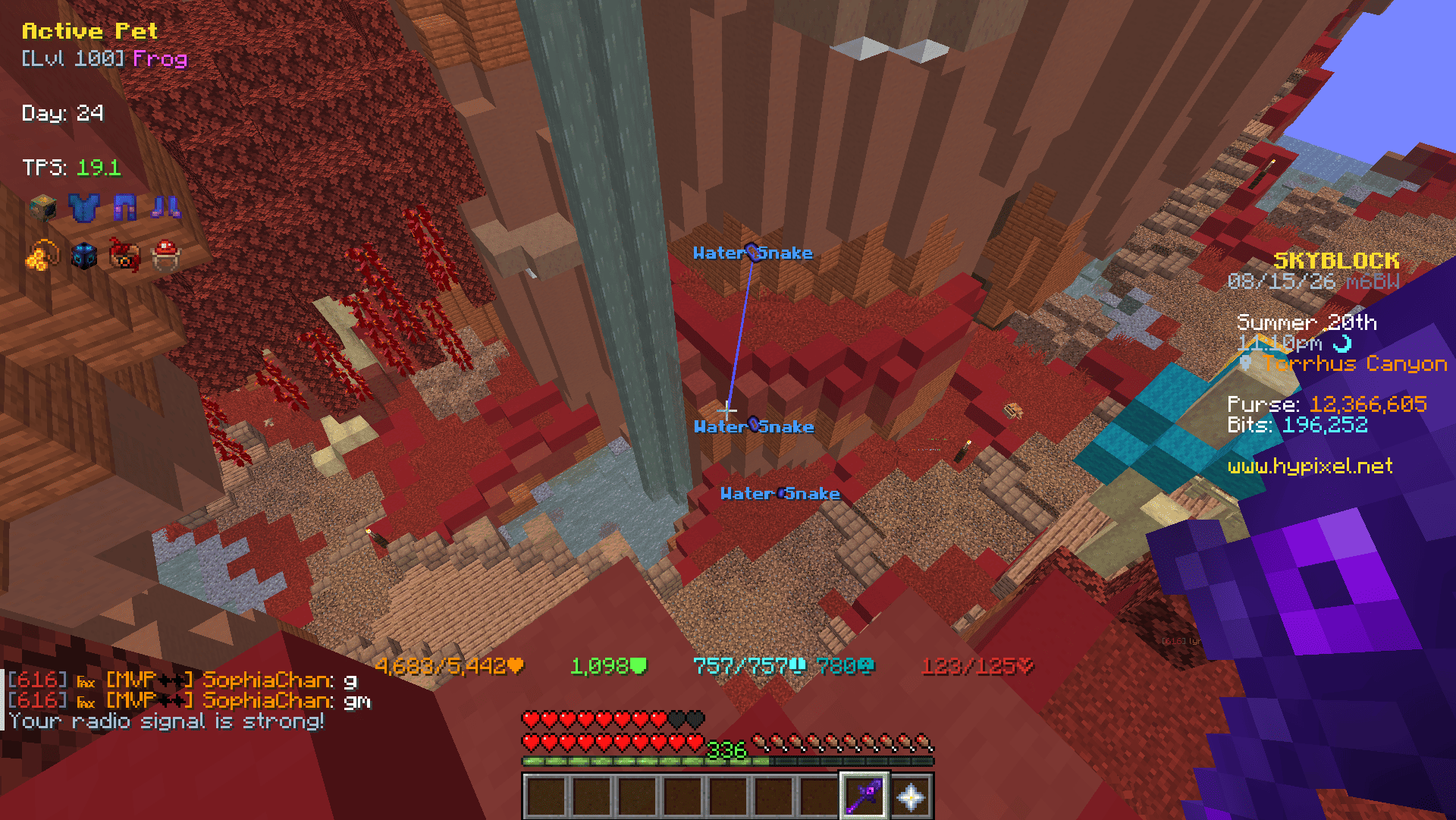
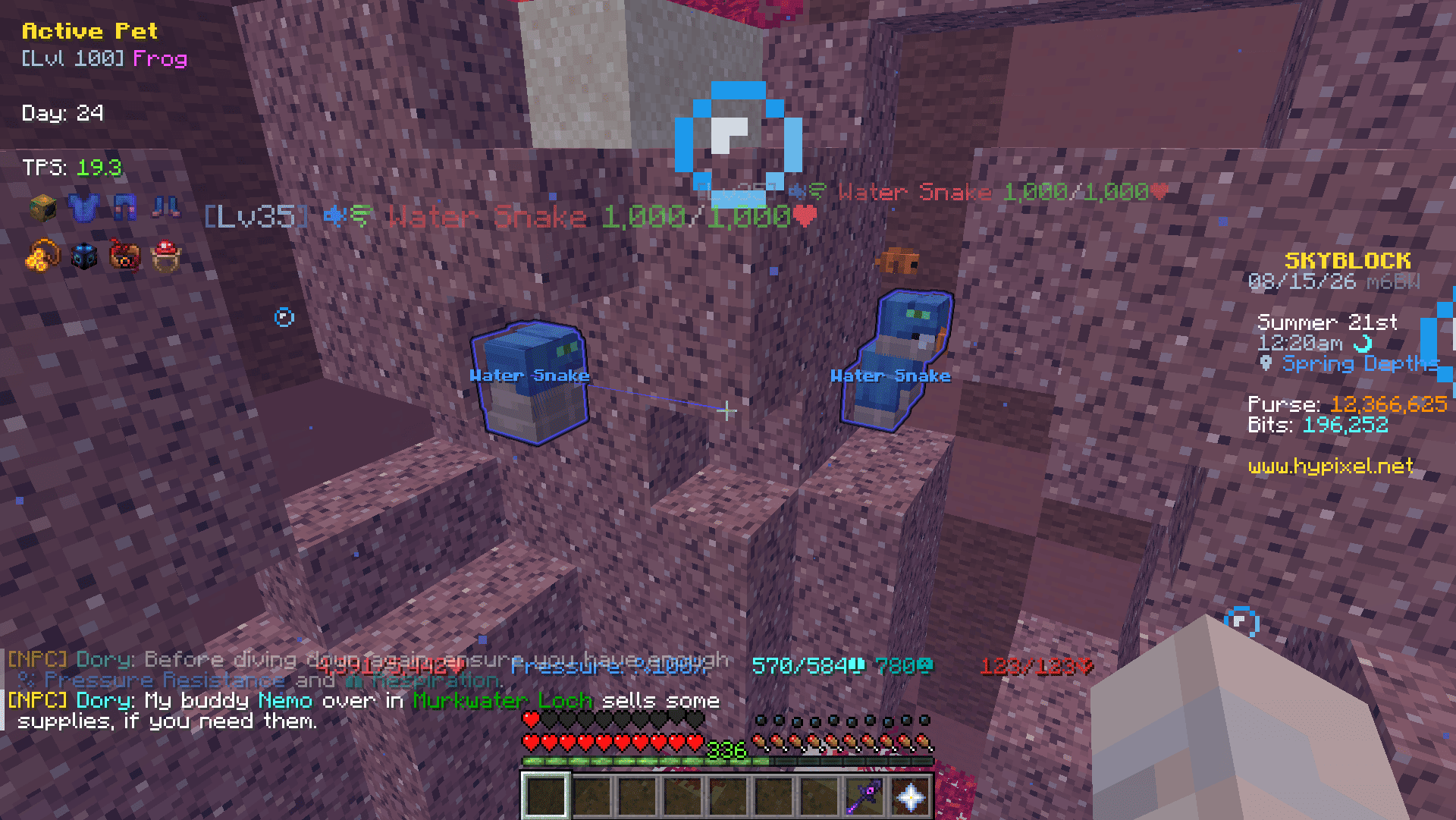
- Display highlights, tracers, and nameplates on selected mobs.
Custom Waypoints
- **Add at my position / Add empty:**
- Add Waypoint to your current location / coordinates x:0,y:0,z:0
- **Area:**
- '' -> Switch between areas where you have created Waypoints.
- **Group:**
- '+' -> Add a Group
- '' -> Switch between the groups you have created
- '✎' -> Rename current group
- '✖' -> Remove current group
- **Waypoint:**
- Name -> Name of Waypoint to display in the world
- X, Y, Z -> Coordinates of Waypoint
- Color -> Settings the color and fill opacity of the Waypoint
- Style:
- Both -> Outline and Fill
- Outline -> Displays only Outline
- Fill -> Displays only Fill
- '⇄' -> Move selected Waypoint to another group
- '✖' -> Remove selected Waypoint
Inventory Buttons
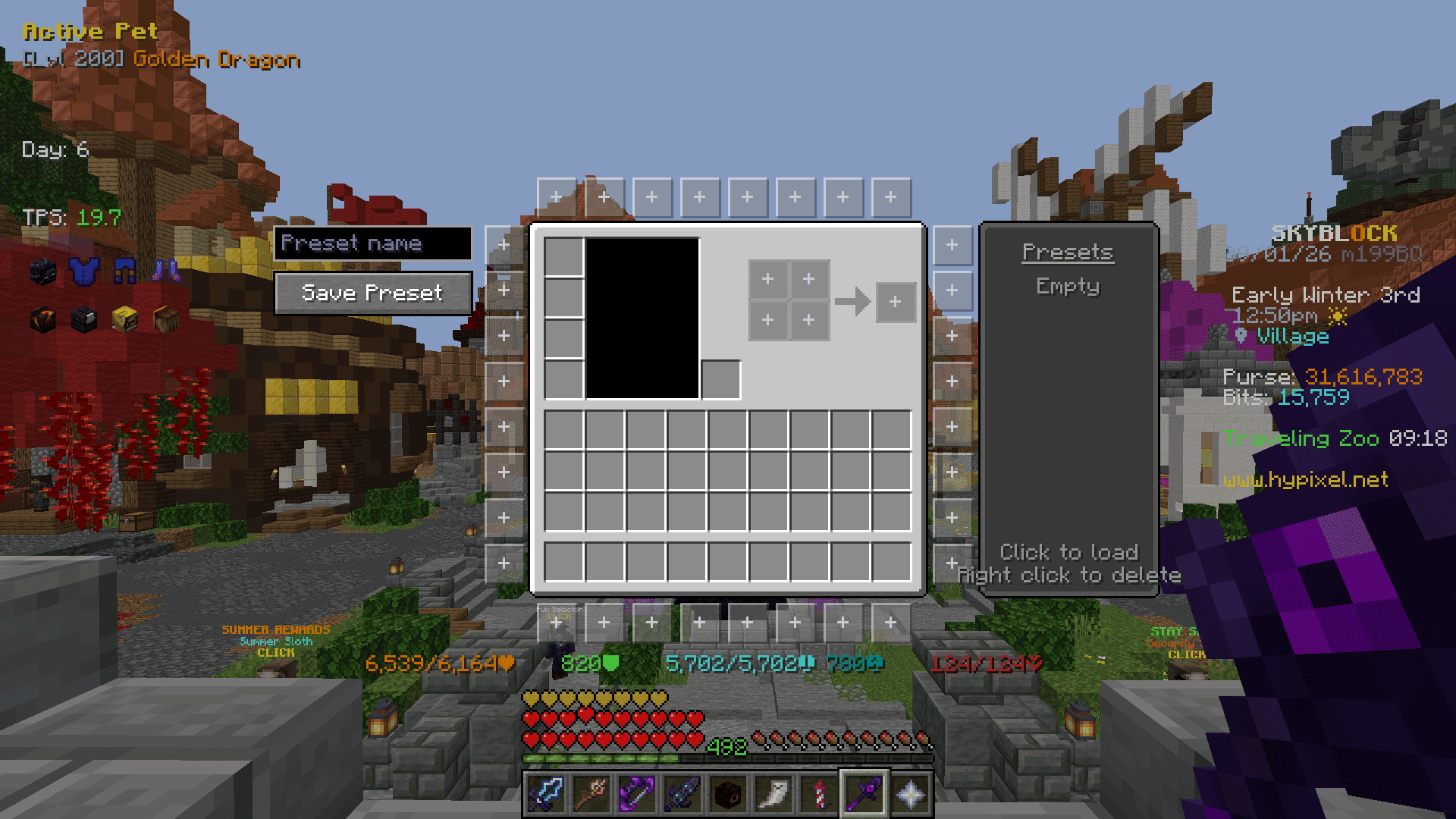
Buttons placed around inventory menus that run a command when clicked. Ported from [NotEnoughUpdates](https://github.com/NotEnoughUpdates/NotEnoughUpdates).
- **Editor** (`/gankura buttons`, or the button in the settings screen)
- Click a slot around the inventory to edit it, click it again to close the panel.
- **Command** -> The command the button runs. A slot with no command stays hidden in game.
- **Background** -> One of five frame styles.
- **Icon Type** -> Item, head or built-in icon.
- **Icon Selector** -> Type to filter, then click an icon.
- **Presets** -> The list on the right. Click a name to load it, right click to delete it. `Empty` is built in and restores the default layout.
- **Save Preset** -> Saves the current buttons to the preset list under the name typed above the button (up to 12).
- **Options**
- Click Type -> Run the command on press or on release.
- Tooltip Delay -> How long the cursor rests on a button before its command is shown.
- Hide in Dungeon Menus -> Keeps the buttons out of dungeon puzzle menus.
# Credits
- [NotEnoughUpdates](https://github.com/NotEnoughUpdates/NotEnoughUpdates) (LGPL-3.0-or-later) - the Inventory Buttons feature, its button textures, icons and presets.
- [SkyHanni-REPO](https://github.com/hannibal002/SkyHanni-REPO) (MIT, Copyright (c) 2022 hannibal2) - the enchantment level limits used by Max Enchant Chroma and Book Enchant Gold.