
Описание
**This resource pack/shader is designed to create smooth screen** animations using the `/title` command. It can be used to display photos, frames, intros, UI elements, black bars for cutscenes, and other *fullscreen textures*. **Textures can smoothly appear, disappear, and slide onto the screen from different directions.🎬**
# 🎞️ Command examples:
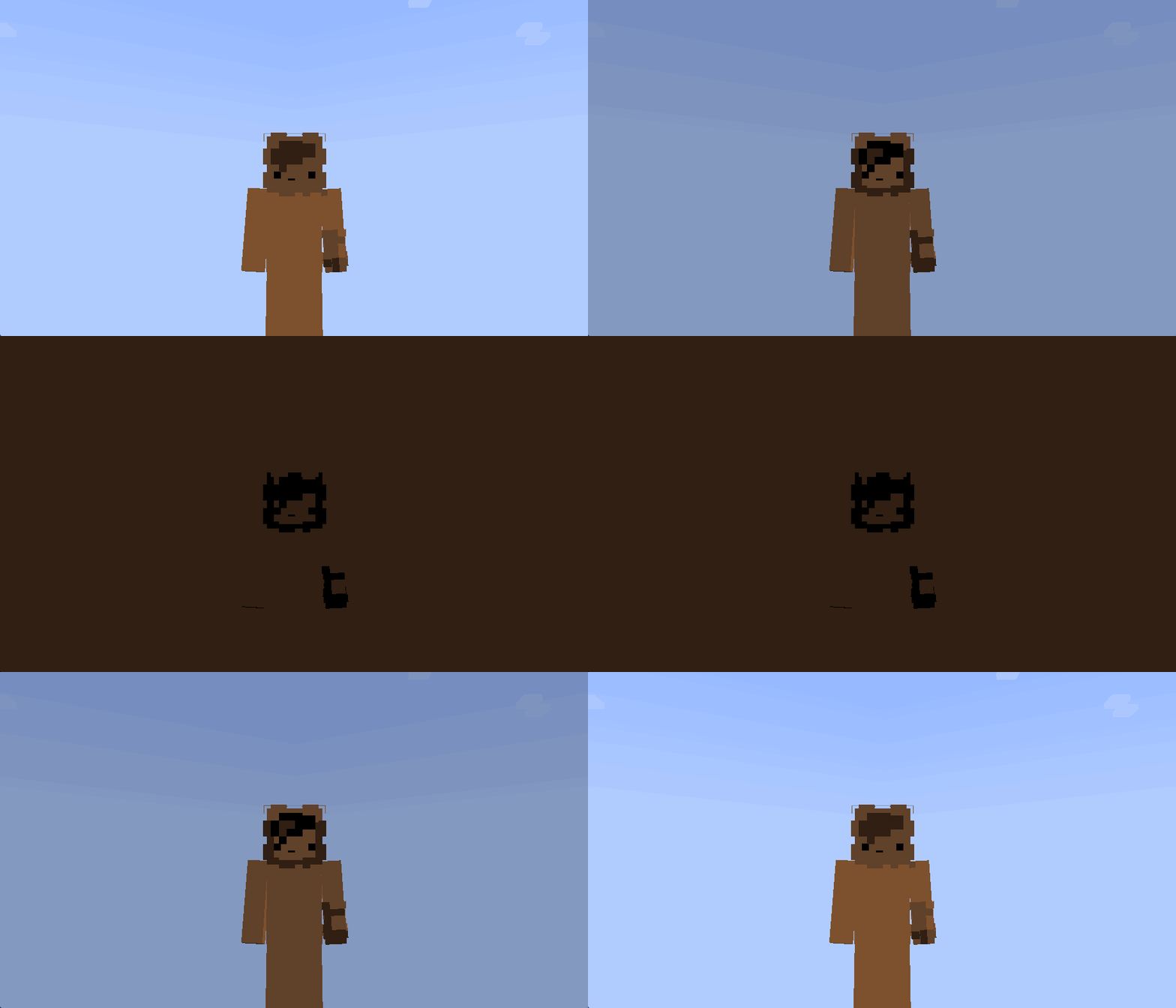
### Screen fade:
```mcfunction
/title @s title [{"font":"render","text":"\uF91C","color":"#000000"}]
```
#
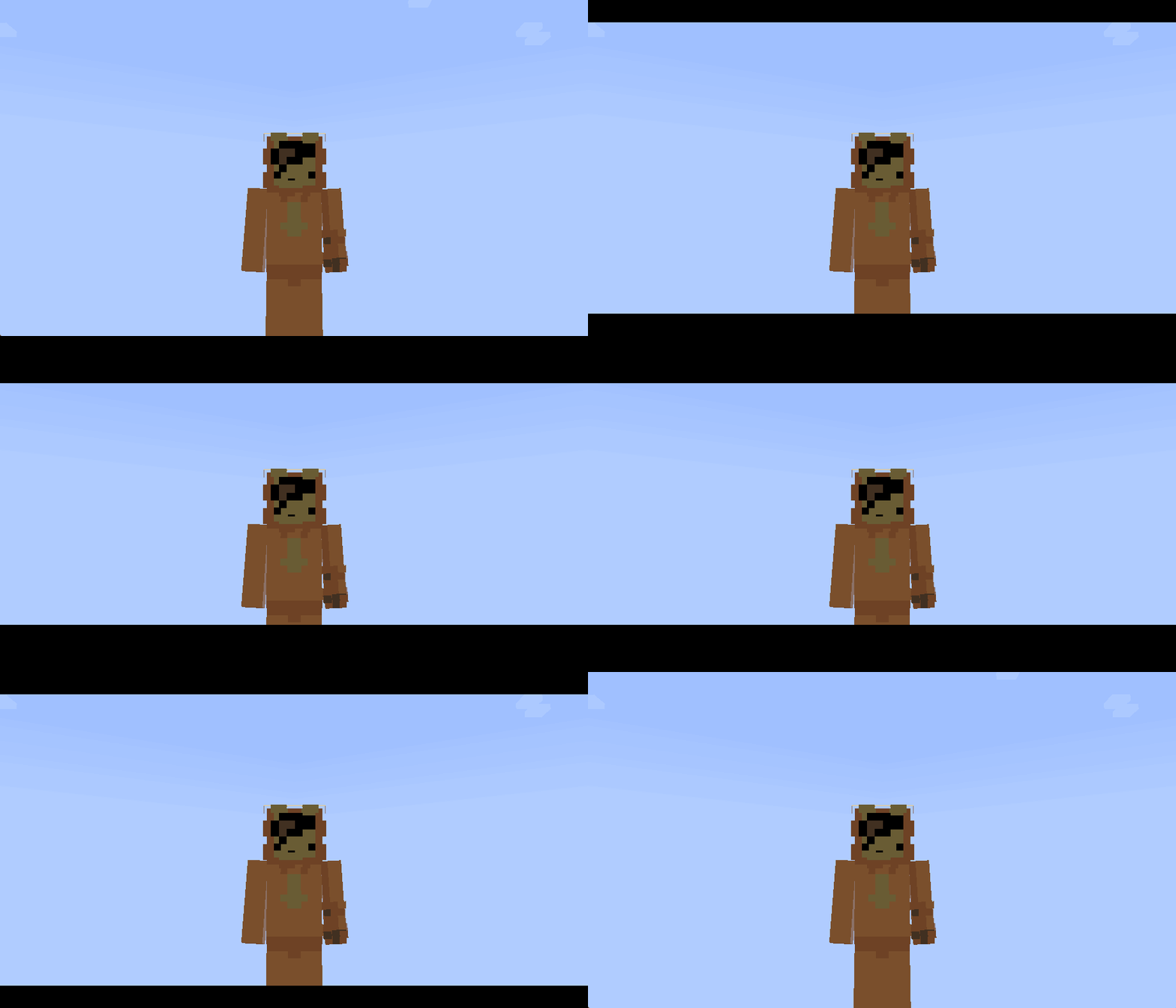
### Cinematic top and bottom bars:
```mcfunction
/title @s title [{"font":"render","text":"\uF91C","color":"#000003"},{"font":"render","text":"\uF91C","color":"#000004"}]
```
#
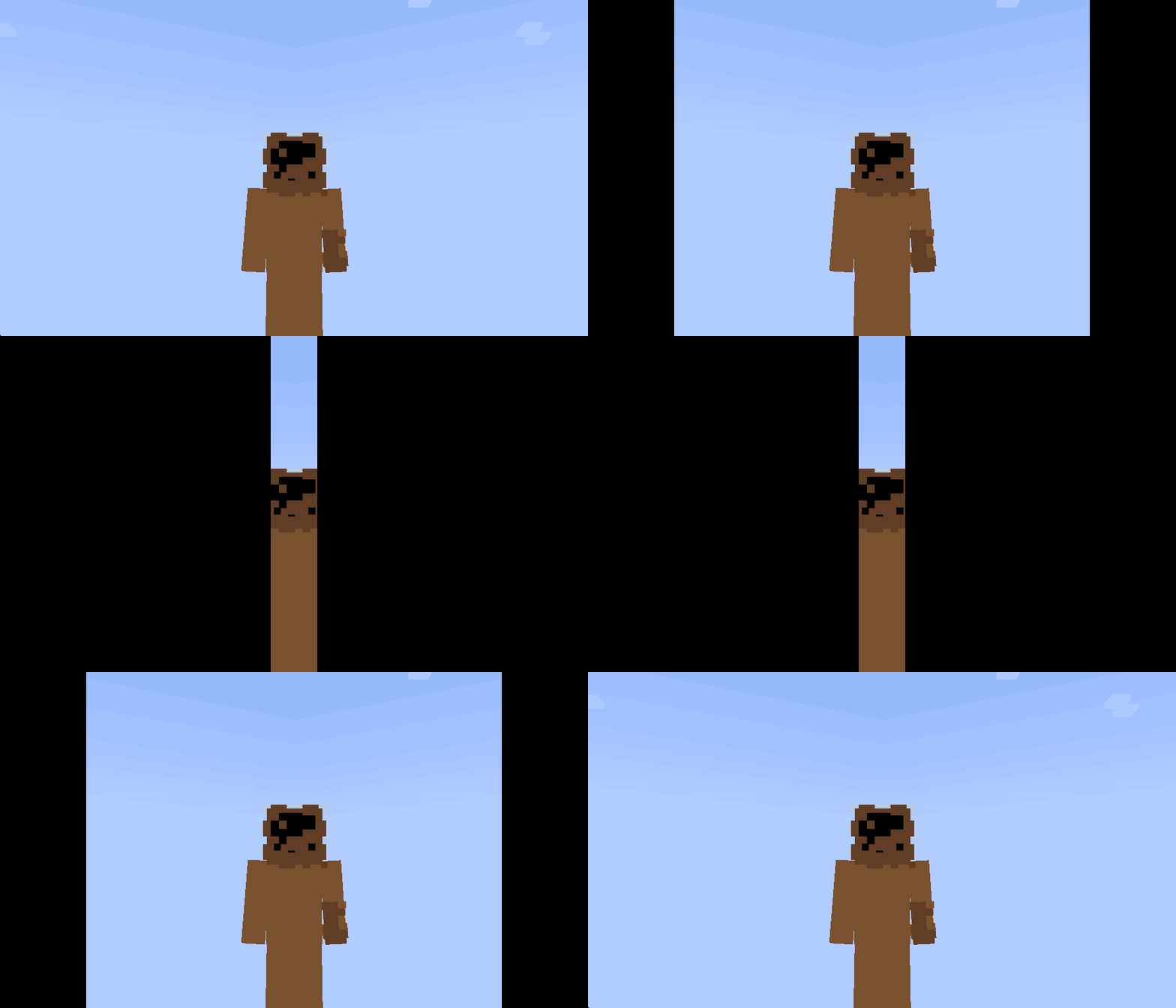
### Screen-covering panels:
```mcfunction
/title @s title [{"font":"render","text":"\uF91C","color":"#000001"},{"font":"render","text":"\uF91C","color":"#000002"}]
```
#
### The animation duration can be configured using this command:
```mcfunction
/title @s times [fade in] [duration] [fade out]
```
### Panel movement directions:
```text
#000001 — from the left to the center
#000002 — from the right to the center
#000003 — from the top downward
#000004 — from the bottom upward
```