Описание
# Fancy Dyes
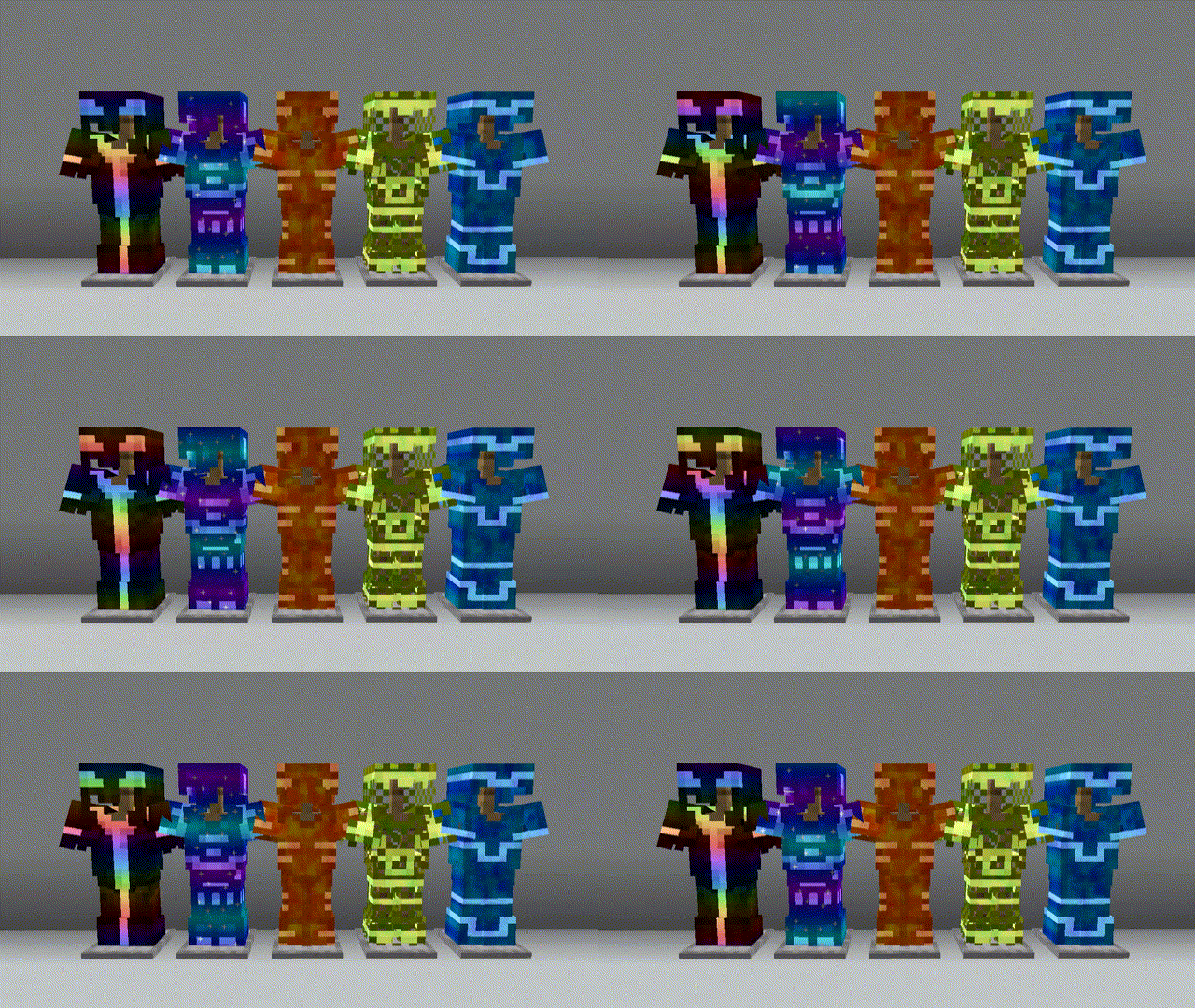
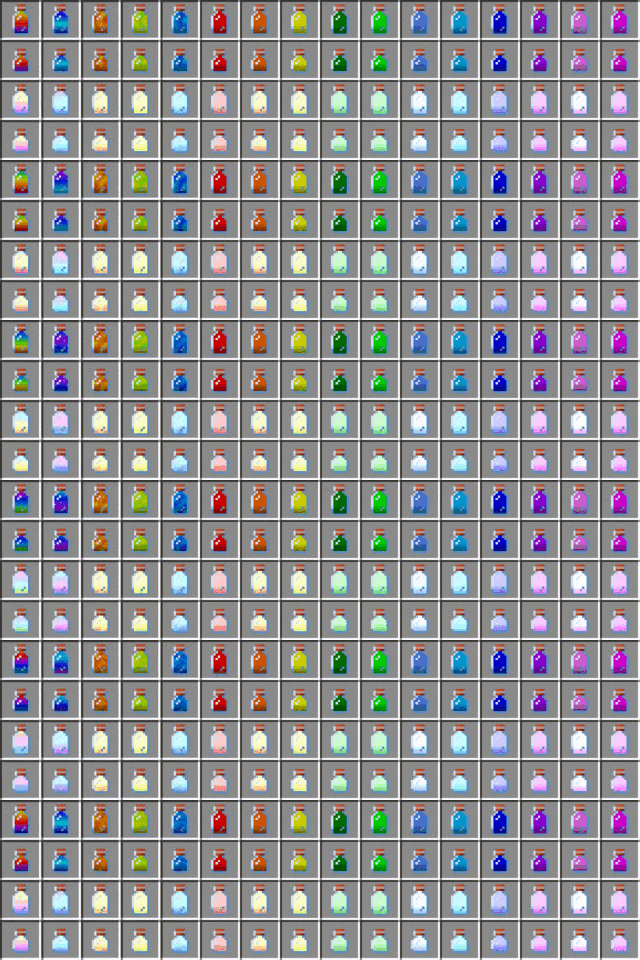
This mod adds special new dyes, that can be used on any armor to change how they look.
## Usage
Crafting Dye
If you're not using some sort of recipe mod, you start off by crafting some dye bottles.
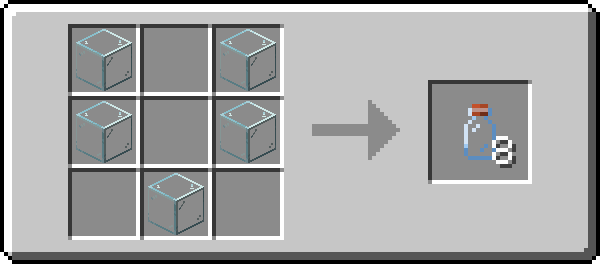
When you craft some, you should get all the dye recipes in your recipe book.
Adding Dye
Dyes are added to armor using a smithing table.
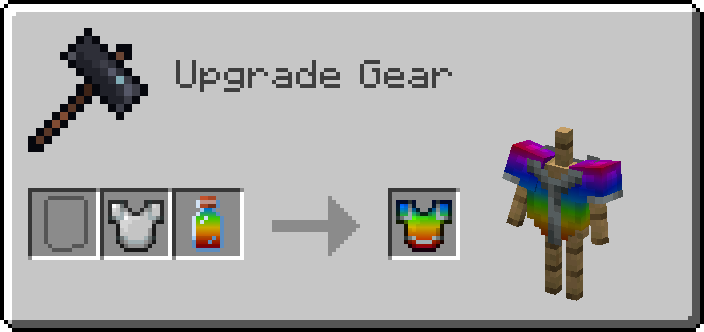
Adding Dye to Armor Trims
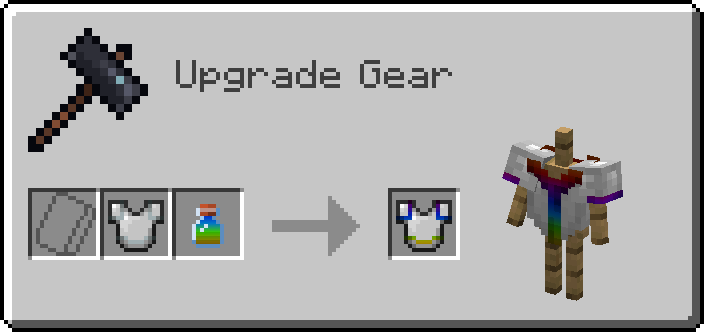
To dye the trim, you'll need to put your dye into a Crafting Table to turn it into a small dye.
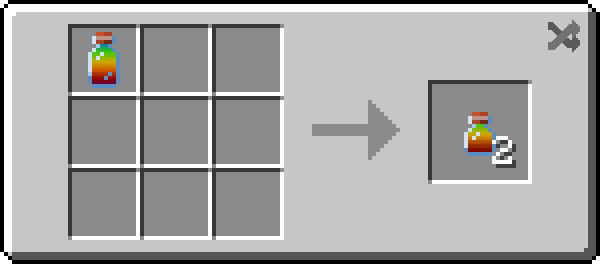
Then you can apply the dye in the same way you would apply a normal one!
Removing Dye
To remove a dye, simply put an empty bottle into a Smithing Table with the armor to reclaim your dye!
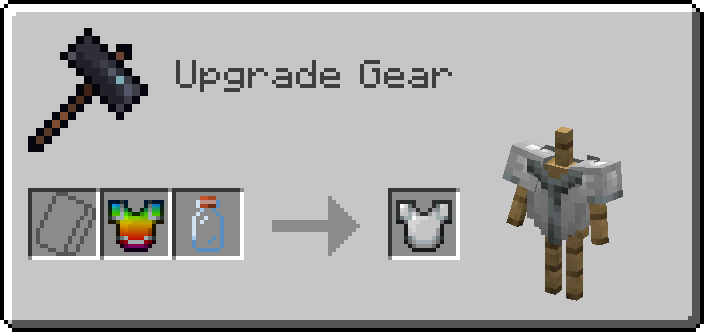
Small dye bottles can used to reclaim dyed armor trims. Small dye bottles are crafted in the same way you craft small dyes.
## Compatibility
Shaders
If you use shaders, all dyed items that aren't being rendered in your inventory are invisible. This is probably a [fundamental incompatibility](https://github.com/IrisShaders/Iris/blob/1.20-new/docs/development/compatibility/core-shaders.md), but I may try and revisit this issue in the future.
Modded Armor
It should be compatible with most modded armor that doesn't do anything too crazy. If you find a mod that doesn't work, please let me know!