
Описание





[](https://dc.hutch79.ch)
# Description
F-Command is a little and easy to configure Minecraft Plugin which lets you set up multiple commands which are executed on pressing the F or Q key (Swap Hands or dropping Items).
You can configure every command exactly to your needs with the following easy to use options.
- Which Key should be pressed
- Per command Permission
- Define per command if it should be executed by the Player or the Server
- Should the action (Dropping item or swapping hand) be executed
- Does the Player need to sneak or not?
And the best thing is: You can even use PlaceholderAPI within the commands, and therefore integrate hundreds of other Plugins!
Every one of thees options is available for every command you configure!
# Usage Ideas
Click me
## Server Menu
You have a menu where your players can easily switch servers on your network?
Make it easily accessible by pressing shift+F to open the menu!
## Gui based AdminShop
You have a AdminShop in a GUI like EconomyShopGUI?
Why not open it by pressing F?
It's much easier than typing in a command!
# Commands & Permision
Only one command, only one Permission!
`/fcmd reload` - Reloading your Config
`fcommand.admin` - Update notification and access to /fcmd reload
# Config
```yaml
# Only turn this on if you're asked by the Dev
# Might spam your console and/or chat ;-)
debug: false
# Example configuration
command:
# Name of the Command.
command1:
key: f # f or q
# Does the Player need to sneak to execute the command?
requireShift: false
# Which permission is required to execute this command?
permission: f-command.example
# Which command should be executed as the player?
# You can also use PlaceholderAPI here!
# Enter without /
command: say f no shift
# Stopping item drop or hand swap from happening
cancel: true
# Should the command be executed from the Server?
executeAsServer: false
command2:
key: F
requireShift: True
permission: f-command.example
command: say F shift
cancel: true
executeAsServer: false
```
# bStats
[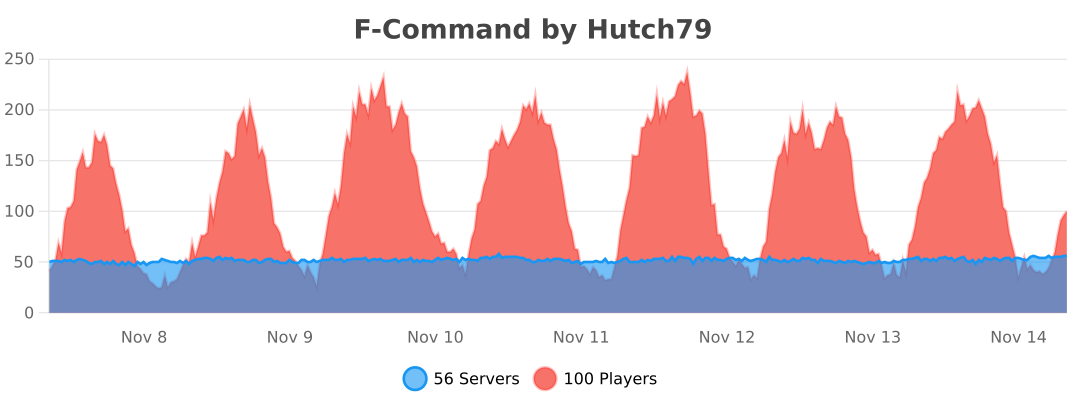](https://bstats.org/plugin/bukkit/F-Command)