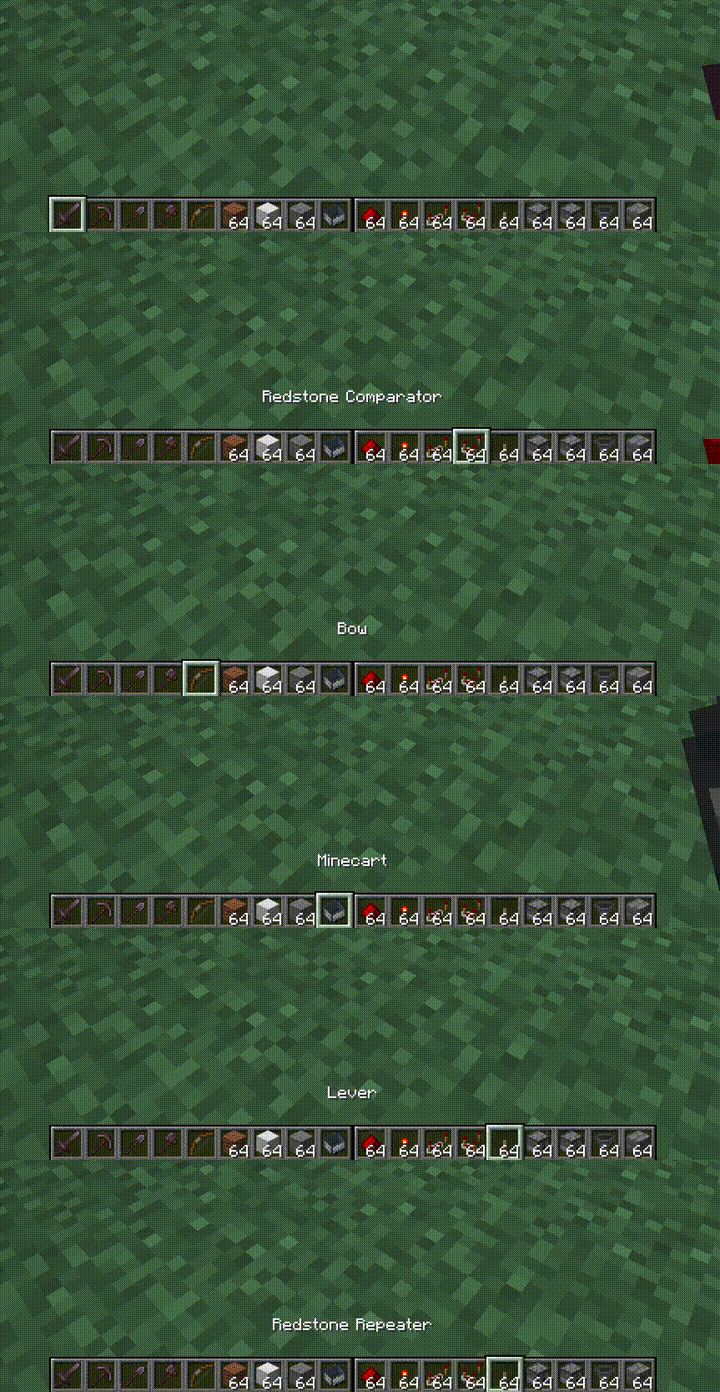
Описание
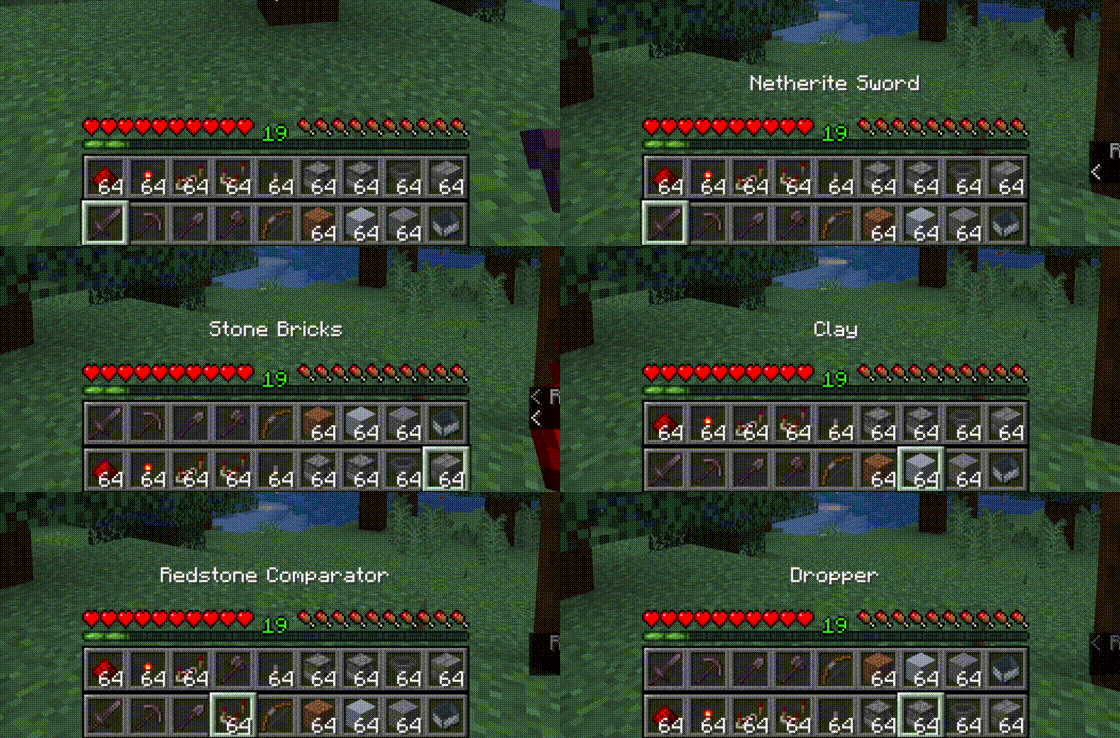
Top bar is the bottom bar of the player's inventory.
* Press R to swap the rows
* Press Shift-R to swap only the items in your hand.
* Press = to disable/enable
Controls are configurable in the standard Minecraft controls settings.
Additional configuration is in the mod's menu page. [ModMenu](https://modrinth.com/mod/modmenu/) is required for the extra configuration.
This mod is client-only and is compatible with vanilla servers.
## Fluent Mode
Fluent mode can be enabled in the mod's config menu (using ModMenu). This disabled manual swapping using the `R` key,
and instead does the swapping transparently as the user scrolls along a double-wide hotbar, created by rendering the
second hotbar alongside the first, rather than on top.