
Описание
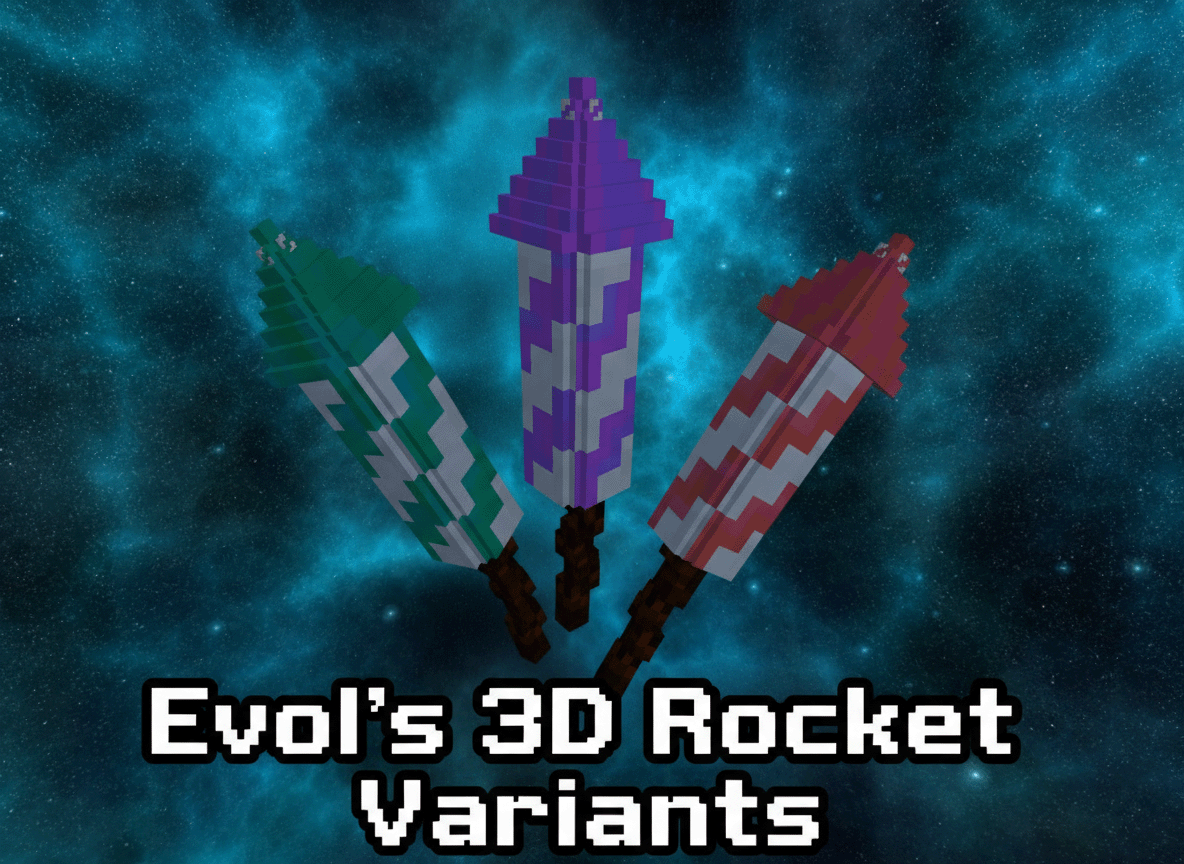
Evol's 3D Rocket Variants
A resource pack that transforms the default 2D firework rockets in Minecraft into stunning 3D models with unique textures, adding a new layer of visual immersion to your pyrotechnic displays! This pack is designed for use with the Fabric mod loader and requires the `variants-cit` mod to function correctly.
## Features
- **3D Rocket Models:** Experience firework rockets like never before with completely new, custom 3D models.
- **Variant Textures:** Each flight duration (1, 2, and 3) now has its own distinct texture, making it easier to differentiate your rockets at a glance.
- **Seamless Integration:** Designed to work flawlessly with the `variants-cit` Fabric mod.
## Requirements
To use this resource pack, you *must* have the following installed:
- **Fabric Loader:** The modern modding toolchain for Minecraft.
- **Variants-CIT Mod:** This Fabric mod is essential for custom item textures and models based on NBT data. You can find it on CurseForge or Modrinth.
## Installation
1. **Install Fabric Loader:** If you haven't already, install the Fabric Loader for your desired Minecraft version.
2. **Install Variants-CIT:** Download the `variants-cit` mod (and its dependencies, if any) and place them in your Minecraft `mods` folder.
3. **Download Evol's 3D Rocket Variants:** Get the latest version of this resource pack.
4. **Place the Resource Pack:** Move the downloaded `.zip` file (or the unzipped folder, if you prefer) into your Minecraft `resourcepacks` folder.
- To find this folder, open Minecraft, go to `Options` -> `Resource Packs` -> `Open Pack Folder`.
5. **Enable the Resource Pack:**
- From the `Resource Packs` menu in Minecraft, move "Evol's 3D Rocket Variants" from the "Available" column to the "Selected" column.
- Ensure it is placed *above* any other resource packs that might modify firework rockets.
6. **Enjoy:** Load into your world and marvel at your new 3D rockets\!
## Troubleshooting
- **Rockets still look 2D?**
- Make sure `variants-cit` is installed correctly in your `mods` folder.
- Verify that "Evol's 3D Rocket Variants" is enabled and at the top of your resource pack list.
- Reload your resource packs in-game by pressing **F3 + T**.
- **Game crashes?**
- Ensure you have the correct version of `variants-cit` for your Minecraft version.
- Check your `latest.log` file in the `.minecraft/logs` folder for error messages.
## Support
If you encounter any issues not covered here, or have suggestions, please feel free to reach out via [Link to your preferred support channel, e.g., GitHub Issues, Discord, Modrinth Comments].
---