
Описание
# Description:
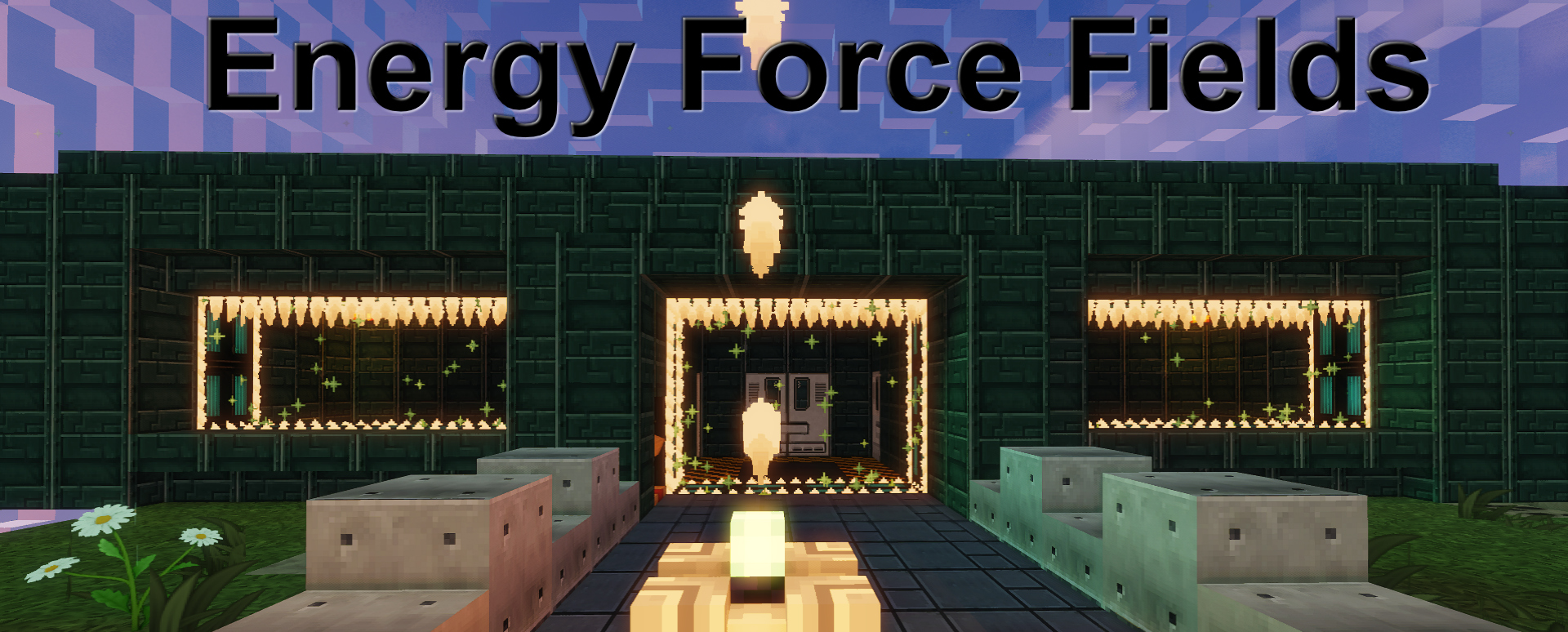
A Paper plugin that protect any doorway, wall in gap, or area (portable generator) with an Energy Force Field, controlled through a GUI. Raise it and it becomes a solid barrier.
# How to setup your own Force Field (Doors):
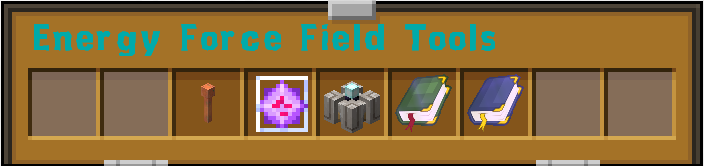
If you have the permission then you can use /eff_tools to open up the convenient tools GUI. In this GUI you will find 5 items (Lighting Rod: "Force Field Creator Tool (for doors)"; Beacon: "Force Field Generator (for a sphere style FF)", Ender Crystal: "Remote control ", player Book: "List of force field & Generators" Admin Book 2: "List of all force field & Generators in the world "), that you can drag to your inventory for further use.
## Lighting Rod: (Force Field Creator Tool)
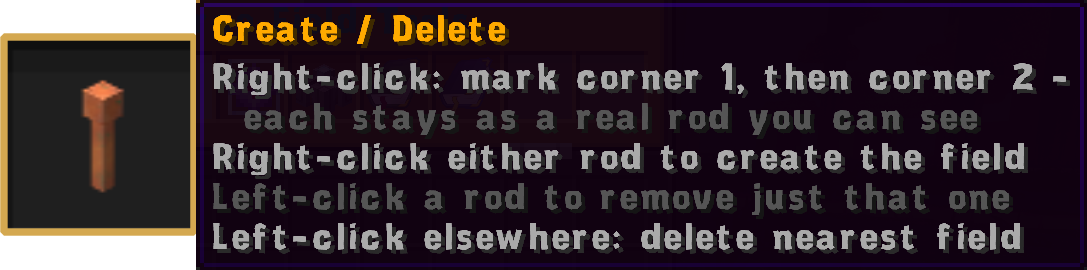
Using the Lighting Rod: Chose two positions perpendicular to each other (one a the bottom left corner and one at the top right corner) by left clicking Once successful you will be given 2 lecterns (Force Field lectern) to control and edit the force field. Place them where ever you wish (typically one on each side of your force field).
* Please note that the maximum size of a Force Field is set to 5000 blocks
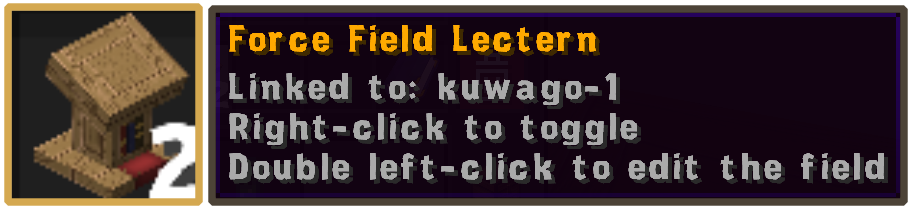
Upon placing force field lectern right-click to toggle on/off or double left-click to open Force Field lectern menu with the following options.
Rename Force Field, Change ownership, Location of the said Force Field, Set Public/Private (default), Back up on/off, Get replacement lecterns, Delete Force Field and Remove current lectern.
## Force Field Generator: (Custom Beacon)
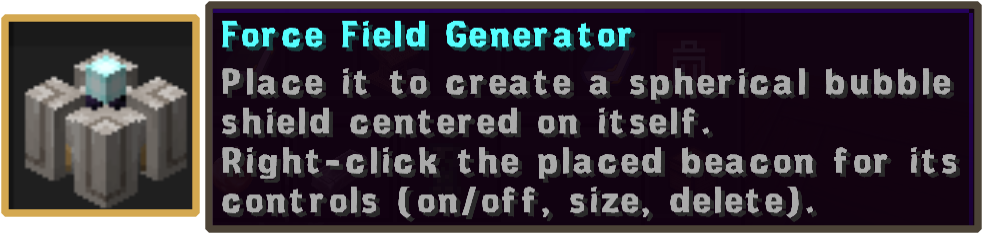
Force Field Generator can be use to protect a limited area. Players may own only 2 Generator. Generators can be use separately or concurrently to extend the size of the first one. Upon placing the F. F. Generator right-click it to open the menu for the current generator with the following options.
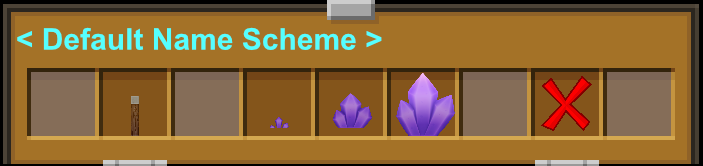
on/off, field size selector three option are available default size are 25, 50, 75 radius (fully customizable in the config.yml file), and delete generator
*Please note that the maximum of 2 F. F. Generator can be own by a player
* Upon deletion the generator will not be pick-able.
## Remote:
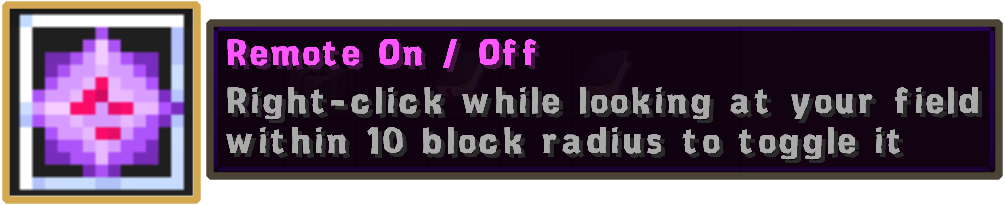
The Remote can control both the Force field and Generators you own within 10 block radius wile facing in the direction of the force field or generator.
## Player Book:
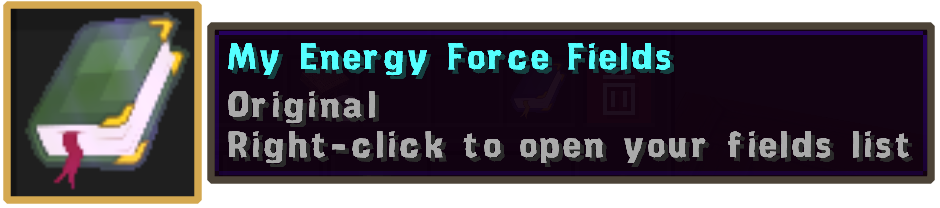
This book will contain all your Force Fields and generators
## Admin Book:

This book is for admins it will contain all Force Fields and generators in the world
## Commands & Permission:
Current Commands and Permissions can be found on the wiki on github or in the config.yml