Описание
# 🙂 Emoji Type
### **Type Minecraft emojis and symbols with simple shortcodes.**
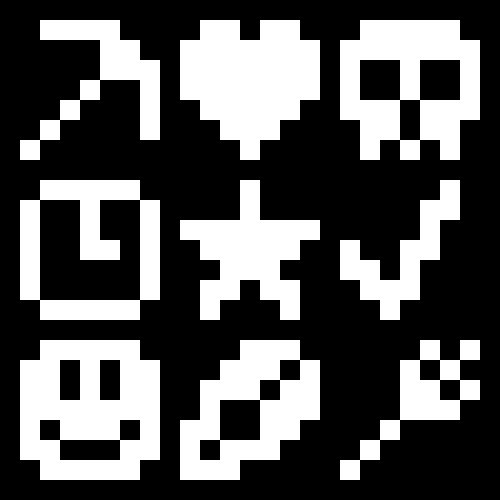
**Emoji Type** allows you to instantly insert 200+ emojis into your game using intuitive keywords. Type `:skull:` and get ☠️ instantly. Works in chat, signs, books, anvils - everywhere text appears. No resource packs or texture changes needed.
---
## 🚀 Key Features
* **Seamless Integration:** Works in chat, signs, books, and even anvils.
* **Smart Autocomplete:** Type a colon (`:`) in chat to see a real-time list of suggestions.
* **Vanilla Compatible:** Emojis are standard Unicode. Other players can see your emojis even if they *don't* have the mod installed!
* **Emoji Pack:** Create, edit your own emoji packs via a built-in visual editor.
### Bundled Emoji Packs
| Pack | Description | Examples |
| --- | --- | --- |
| **Minecraft Essentials** | Tools, weapons, and status icons. | ⚔️ ⛏️ 🏹 ☀️ ❄️ |
| **Text Art (Kaomoji)** | Classic ASCII and Japanese emoticons. | `¯\_(ツ)_/¯` `(╯°□°)╯` |
| **Letter Emojis** | Stylized circled alphabets. | ⓐ Ⓑ ⓒ Ⓓ |
---
## 🛠️ How to Use
1. **Install:** Drop the mod into your `mods` folder (Client-side only!).
2. **Trigger:** Press `:` in any text field.
3. **Search:** Start typing (e.g., `:sw...`) and use your arrow keys or mouse to select.
4. **Anywhere Else:** On signs or anvils, simply type the full code (e.g., `:heart:`) and watch it transform.
> **Customizing:** Access the config via **Mod Menu (Fabric)** or the **Mods setting (NeoForge)** to enable/disable emoji packs or build your own from scratch!
---
## ❓ Frequently Asked Questions
**Do I need this on my server?**
Nope! It’s **100% client-side**. It won’t do anything if installed on a server.
**Can my friends see the emojis?**
Yes! Since these are native Unicode characters, anyone on a modern Minecraft client can see them perfectly.
**How do I share my custom packs?**
Just send the `.yaml` file found in `config/emojitype/emoji_packs/`. Your friends can just drop it in their folder and they're good to go.
**Why no autocomplete on signs?**
Minecraft’s sign and anvil interfaces are a bit more restrictive than chat. For now, just type the full keyword (like `:check:`) and it will convert automatically.
## 🖼️ Gallery
| Chat Suggestions | Config Screen | Emoji Packs |
| :---: | :---: | :---: |
| | | |
**View more images in the Modrinth's gallery...**