
Описание
# Ectoluminescence

or "Ectolum" for short
It's a mod that gives more purposes to a few of features already existing in vanilla minecraft, including: **Glow Ink Sac, Phantom Membrane and Echo Shard**.
Ideas for these features were taken, with the consent of the creator, from youtube video ['I Fixed "USELESS" Minecraft Features'](https://youtu.be/lYRpvjmH6Q8) by Nekoma (Note, that the mod only includes ideas for items listed above).
# Features:
1. New smithing recipes for trimmed armor: combining it with 2 **Glow Ink Sac**s makes the trim glow, combining with **Echo Shard** + **Glow Ink Sac** makes it "pulse-glow", **Echo Shard** + **Phantom Membrane** makes it "pulse-fade" and **Echo Shard** + any trim material makes it change color back-and-forth. All of these effects can be stacked, applying them one by one adds another "key frames" for colorfull animated effect!
2. Using **Glow Ink Sac** on a **Banner** or **Decorated Pot** faces makes them emissive
3. Using **Phantom Membrane** on a **Banner** or any type of **Sign** causes its background to disappear. These banners can be mined with silk touch to preserve the effects. This also affects shields with banners
4. New items:
- **Clear Item Frame** - A semi transparent Item Frame, that becomes invisible once you put an item inside. Perfect for creating displays with the Item visible, without the unnecessary texture of an Item Frame underneath! It's crafted from one Item Frame and one Glow Ink Sac.
- **Glow Torch** - A waterloggable version of torch, that glows worse than Soul Torch on the surface, but also glows as bright as a torch when placed underwater. Crafted from Glow Ink Sac and a Stick.
**Full preview of features listed above is available in the gallery :>**
## New trim effects:
### Glowing
Makes the armor trim glow in the dark! There is little to none difference in daylight (also, due to lack of light in the UI, it's not really visible here. Check the gallery for better reference)
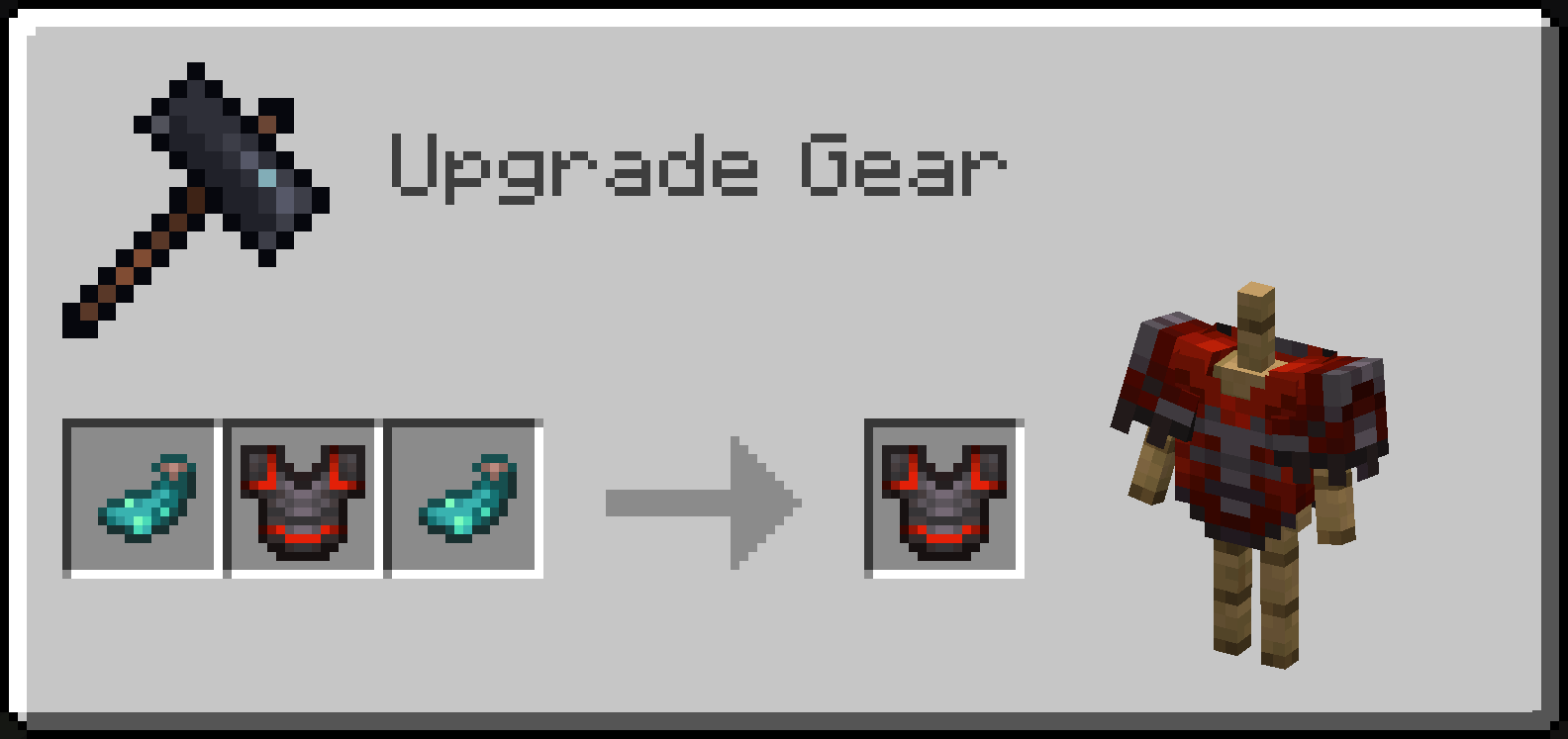
### Echoing Effect: Fade
Makes the armor trim disappear periodically
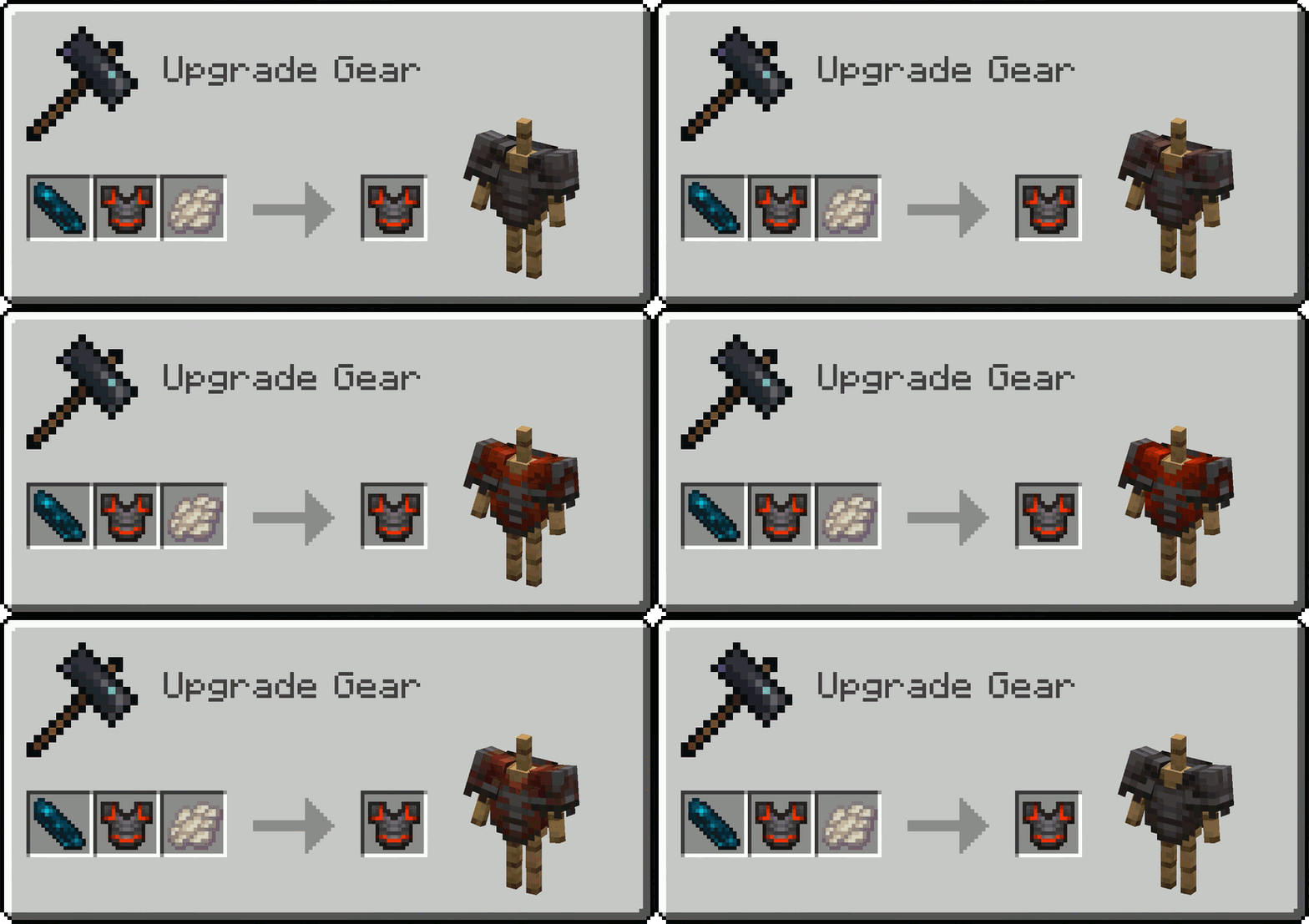
### Echoing Effect: Twinkle
Makes the armor trim periodically emissive (it is best observed in the dark)
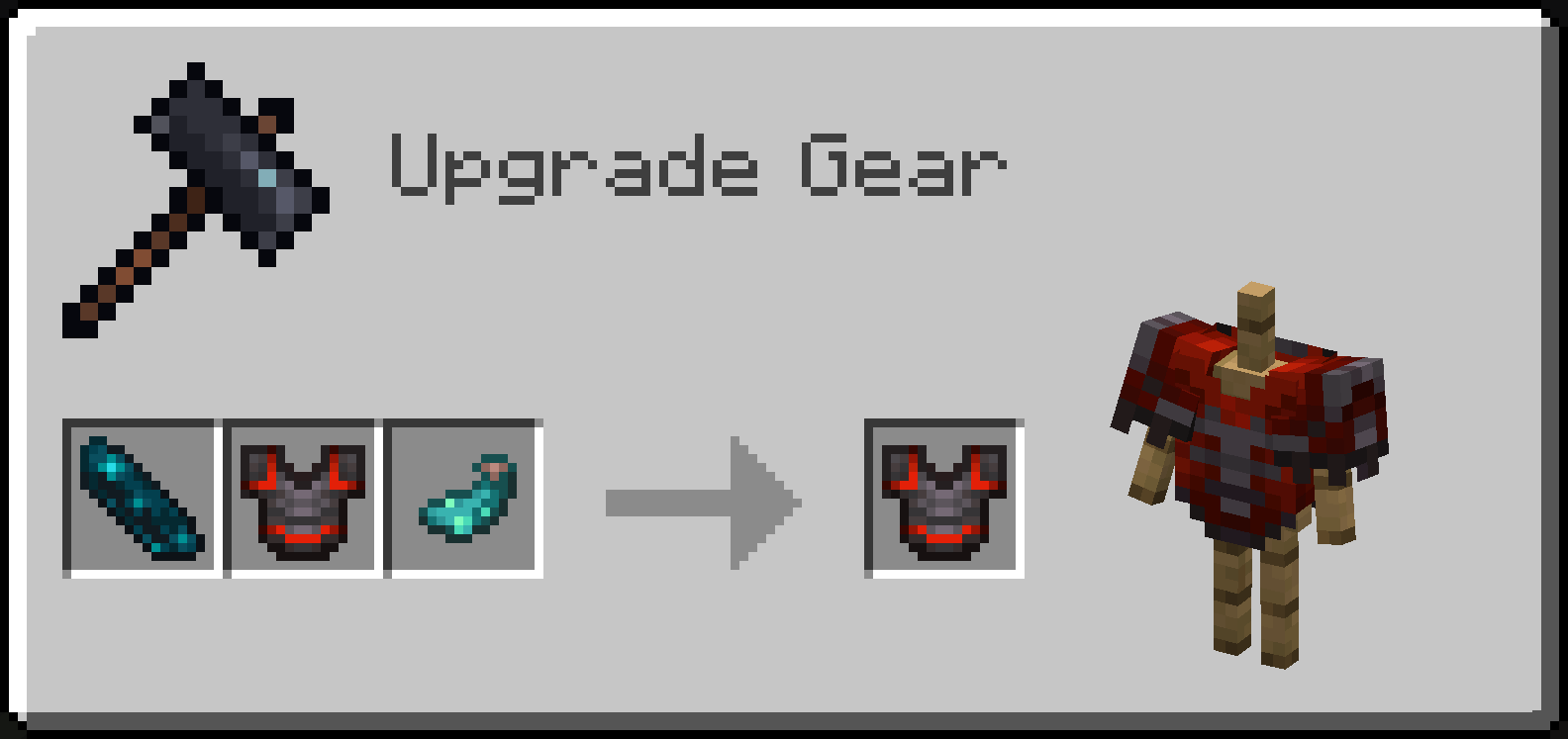
### Echoing Effect: Pigment
Combining an Echo Shard with a trimmed armor and any trim material makes the armor trim change color periodically, from the one from original trim, to a new one that depends on a material used

As mentioned earlier, these echoing effects can be stacked, making them apply one by one over time in a loop!
# Info for commandblock users and developers
- All the blocks/mobs that you can use Glow Ink Sac on have optional `ectolum.glowing` (boolean) nbt that decides whether it's glowing or not
- Same with optional `ectolum.hide_background` (boolean) nbt for blocks that you can use Phantom Membrane on
- The only exception is Decorated Pot, which has optional `ectolum.sherd_glow_overrides` (byte array with 4 elements, eg. `[B; 1b, 0b, 0b, 1b]`) nbt deciding which faces in `Sherds` list glow
- Every trimable armor piece can have both: `ectolum.glowing` (boolean) and `ectolum.hidden` (boolean) nbt tags inside the `Trim` nbt compound, but also additional `ectolum.echoing_layers` (compound list) nbt containing information on how its properties **changes** between each "echo". Each "echoing layer" can have any of `glowing` (boolean), `hidden` (boolean) or `material` (trim material ID, eg. `"minecraft:iron"`) specified, all of these parameters are optional. For example, in order to make a netherite trim with silence pattern glow for 3 intervals, and then not glow for another 3 (counting in the interval in which the default trim's parameters are read), so 6 intervals in total, the nbt would look like so: `{Trim: {pattern: "silence", material: "netherite", ectolum.glowing: true ectolum.echoing_layers: [{}, {}, {glowing: false}, {}, {}]}}`
- The Netherite Chestplate you can see on the icon, glowing with all the colors of the rainbow, you can currently only aquire in creative mode via commands. The command for it looks like so: ```
/give @p netherite_chestplate{Trim:{pattern: "silence", material: "redstone", ectolum.glowing: true, ectolum.echoing_layers: [{material:"copper"},{material:"gold"},{material:"emerald"},{material:"diamond"},{material:"lapis"},{material:"amethyst"}]}}```
- Openning a world without the mod will cause blocks and mobs loosing the nbt parts added by this mod, but the vanilla parts will remain intact. Ofc nbt tags in items will stay the same, so any echoing layers applied to armor's trim will be visible once the mod is added again
****
Shader used for screenshots in gallery: [Photon](https://modrinth.com/shader/photon-shader)