
Описание
# Easy Install
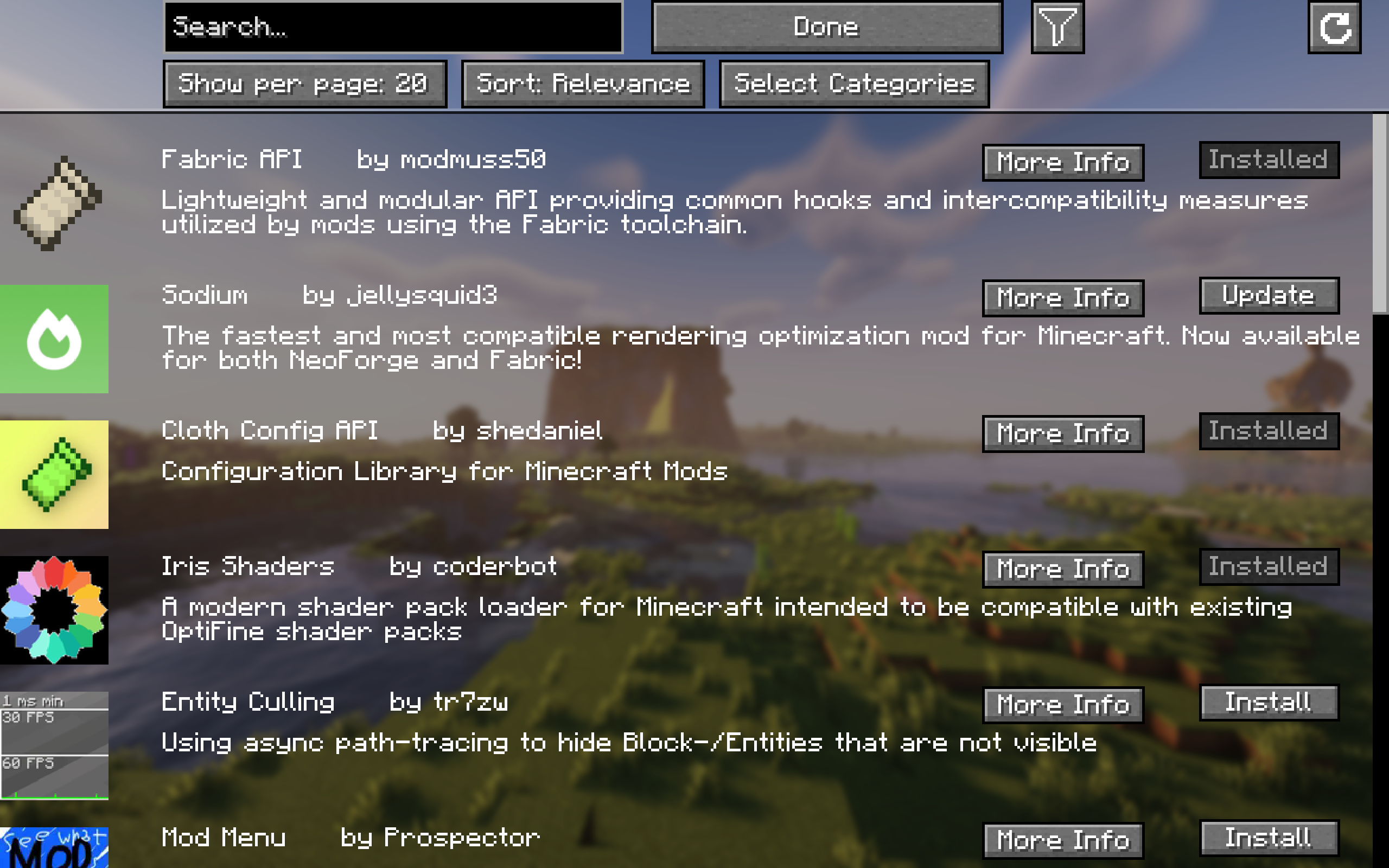
Easily **browse**, **install**, and **update content** like mods, resource packs, datapacks, and shaders from **Modrinth** and **all required dependencies** with a **single click** of a button!
**For mods, changes will only apply after a restart of the game. For everything else, no restart is required!**
For more detailed information about a project, simply click "More Info" and it will take you to the project screen.
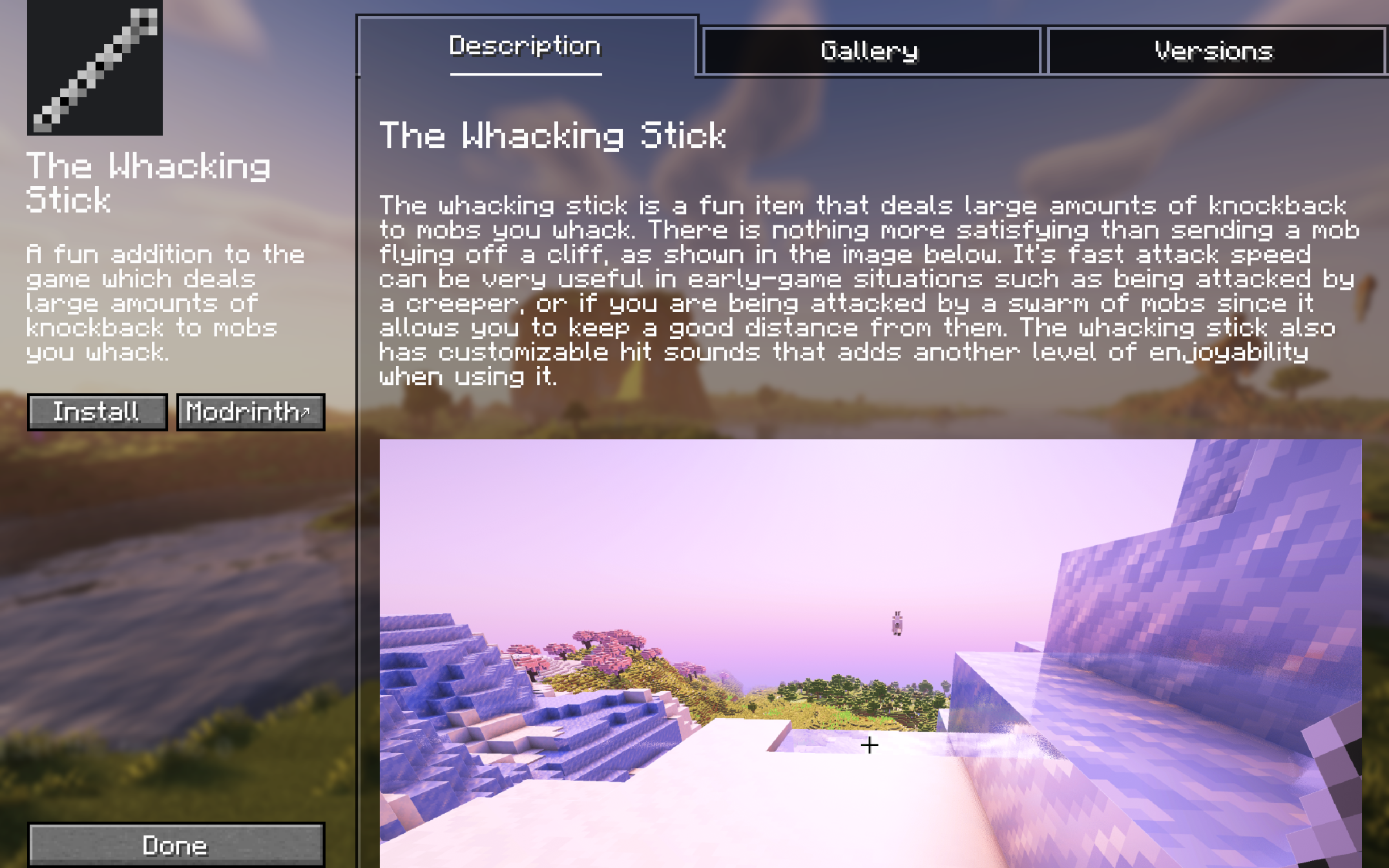
## Project Screen
Here, you can view the description, gallery, and you can choose between versions of the project that are available for your game version.
## Other Features
- To view all your updates in one place, click ↻ at the top right of the browsing screen. If you don't see it, you are all up to date.
- You can also filter your search results by category.
- Navigate projects with ease using pagination.
If you experience any issues please report them [here](https://github.com/nperamur/Easy-Install/issues).