
Описание
# DBDP
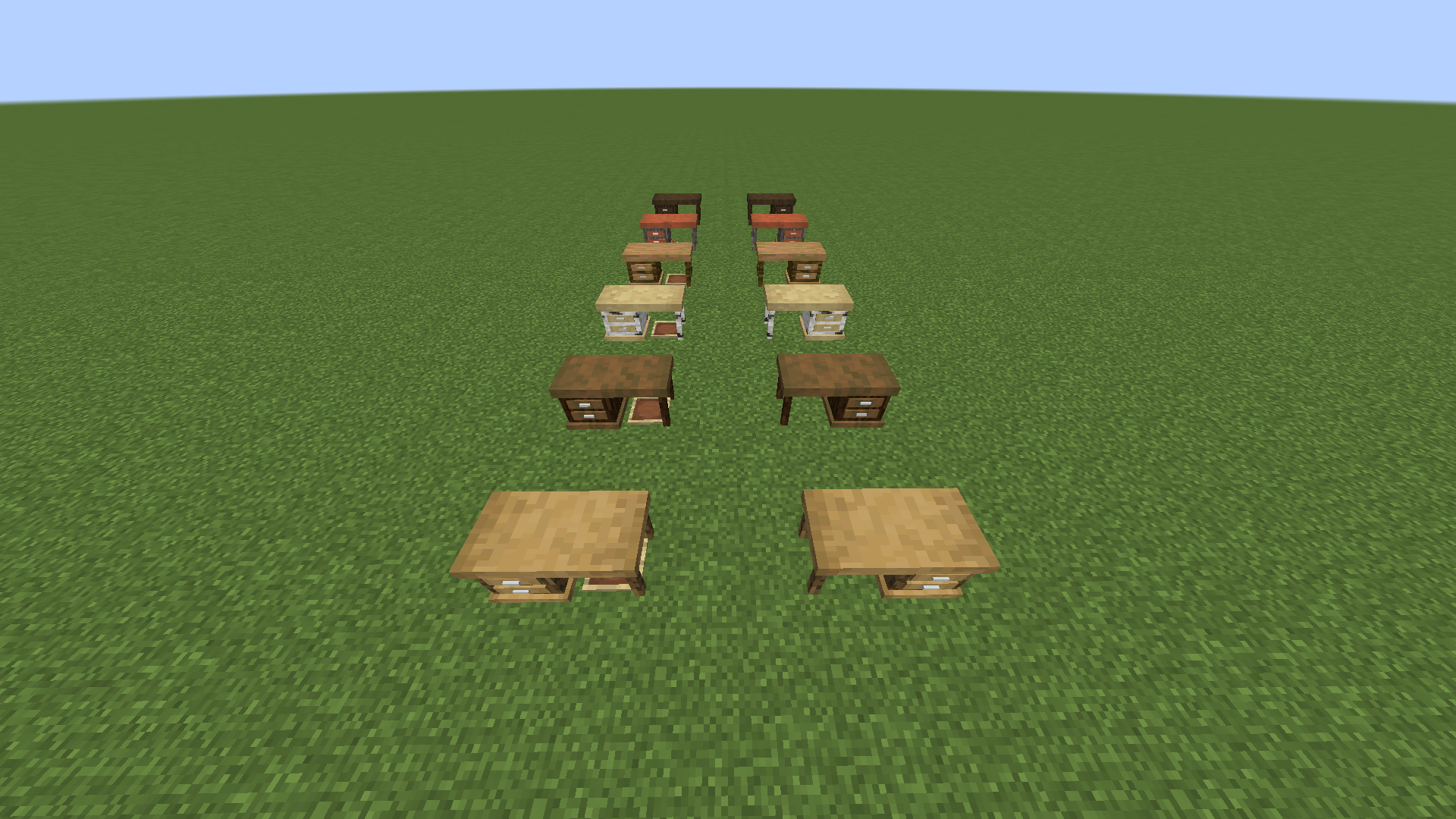
DarkblooM's Desk Pack is a simple CIT resource pack that adds wooden desks to Minecraft.
## What is CIT?
**CIT** (**C**ustom **I**tem **T**exture) is a feature of [Optifine](https://optifine.net/home) that allows players to change the appearance of items through the use of resource packs. It is also sometimes called **CEM** (**C**ustom **E**ntity **M**odel).
## How do I use it?
Simply install [Optifine](https://optifine.net/home), then download the latest [release](https://github.com/DarkblooM-SR/DBDP/releases) of DBDP and put it inside the **resourcepacks** folder in your **.minecraft** directory.
Once that's done, open a Minecraft world, take the wooden planks block of your choice and, using an anvil, rename it "Desk Right" or "Desk Left" depending on the orientation you want. Then, put an item frame on the floor and put your desk inside, and voilà!
## Tips
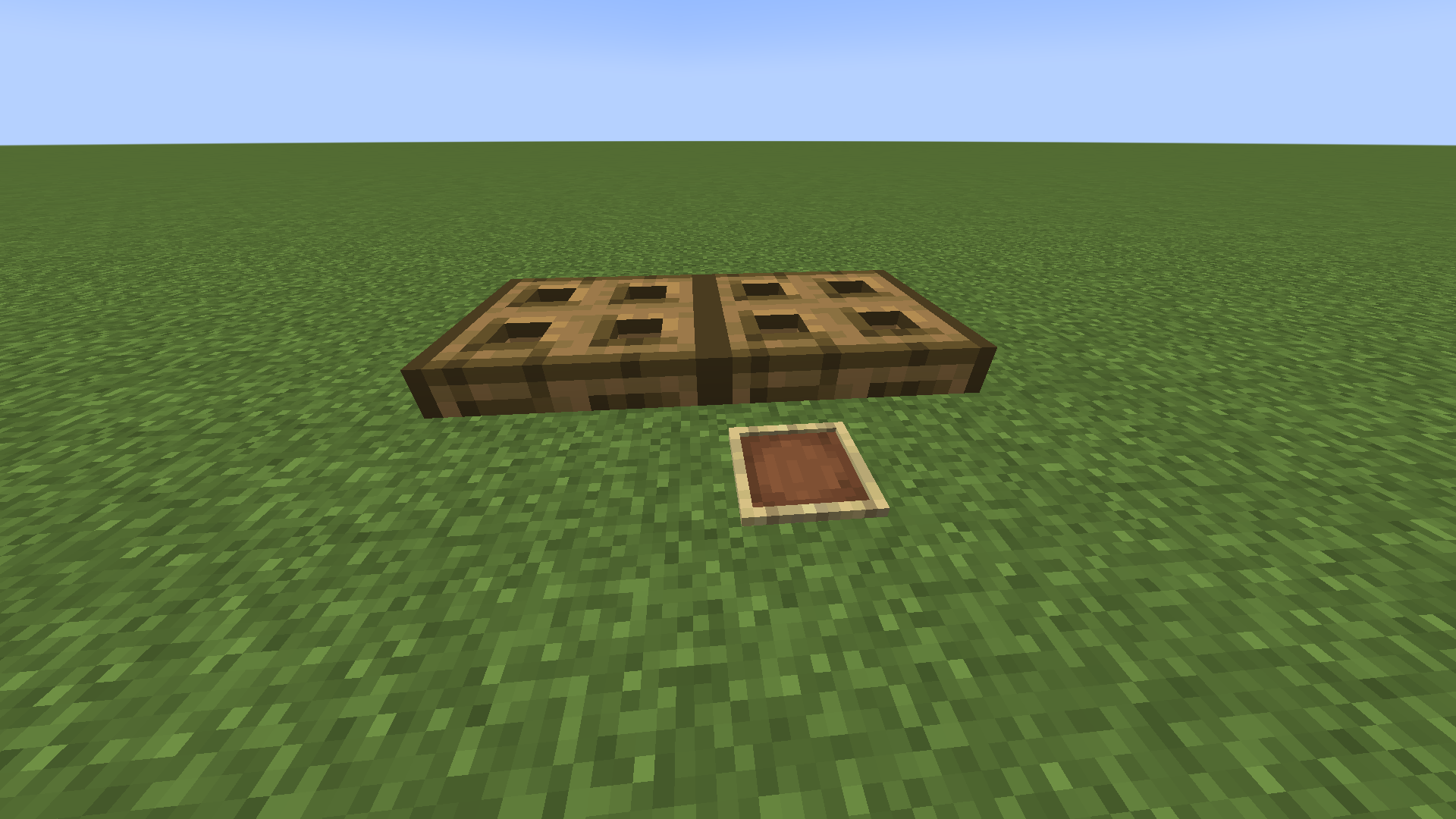
You can use trapdoors to put decorations on top of your desk.
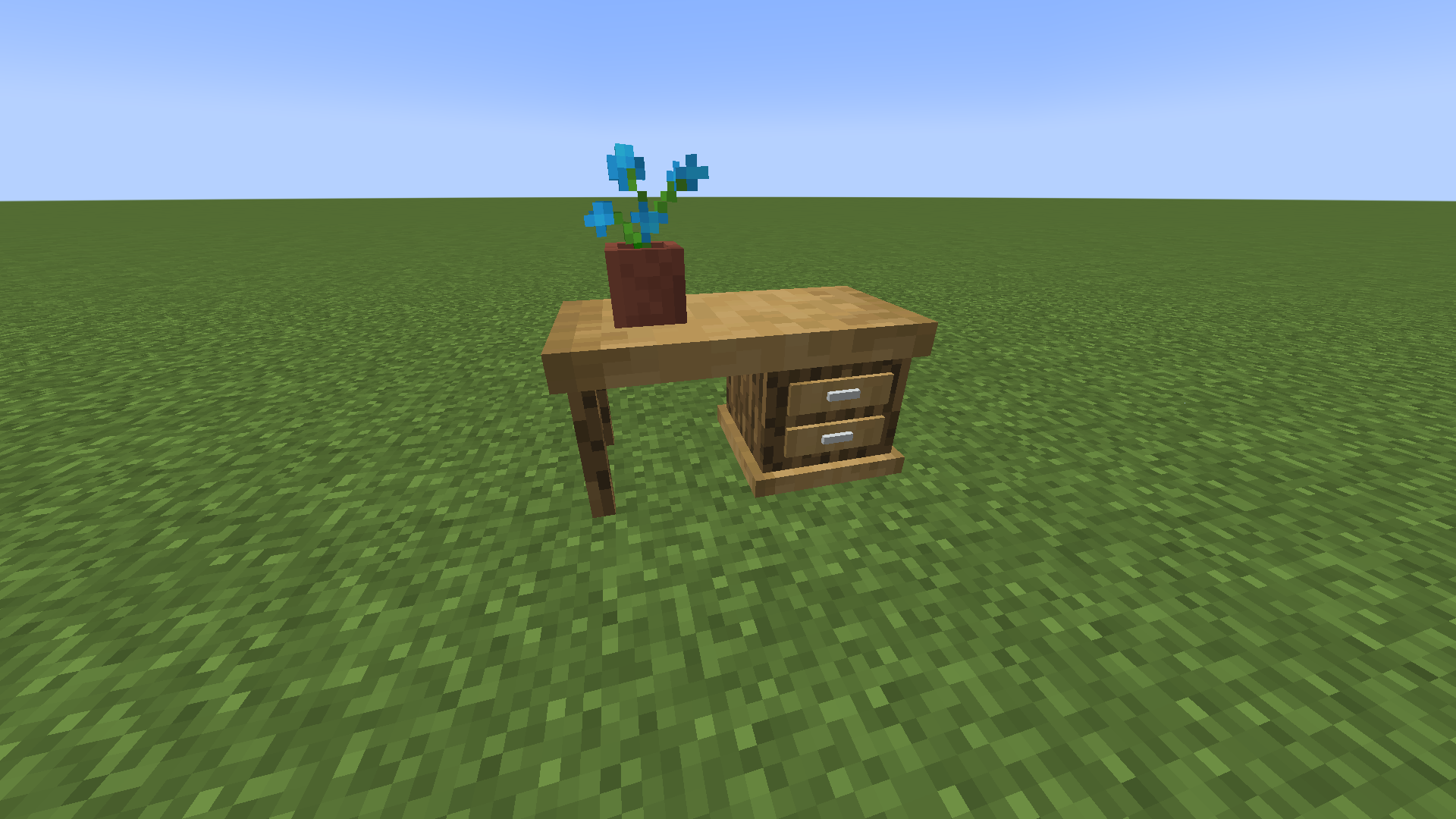
You can use a resource pack that makes item frames invisible for a better effect. I recommend [Mizuno's Invisible Item Frames](https://www.mediafire.com/file/mn932cxhvd38ilw/Invisible_Item_Frame_Pack_1.18.1-1.0.zip/file).
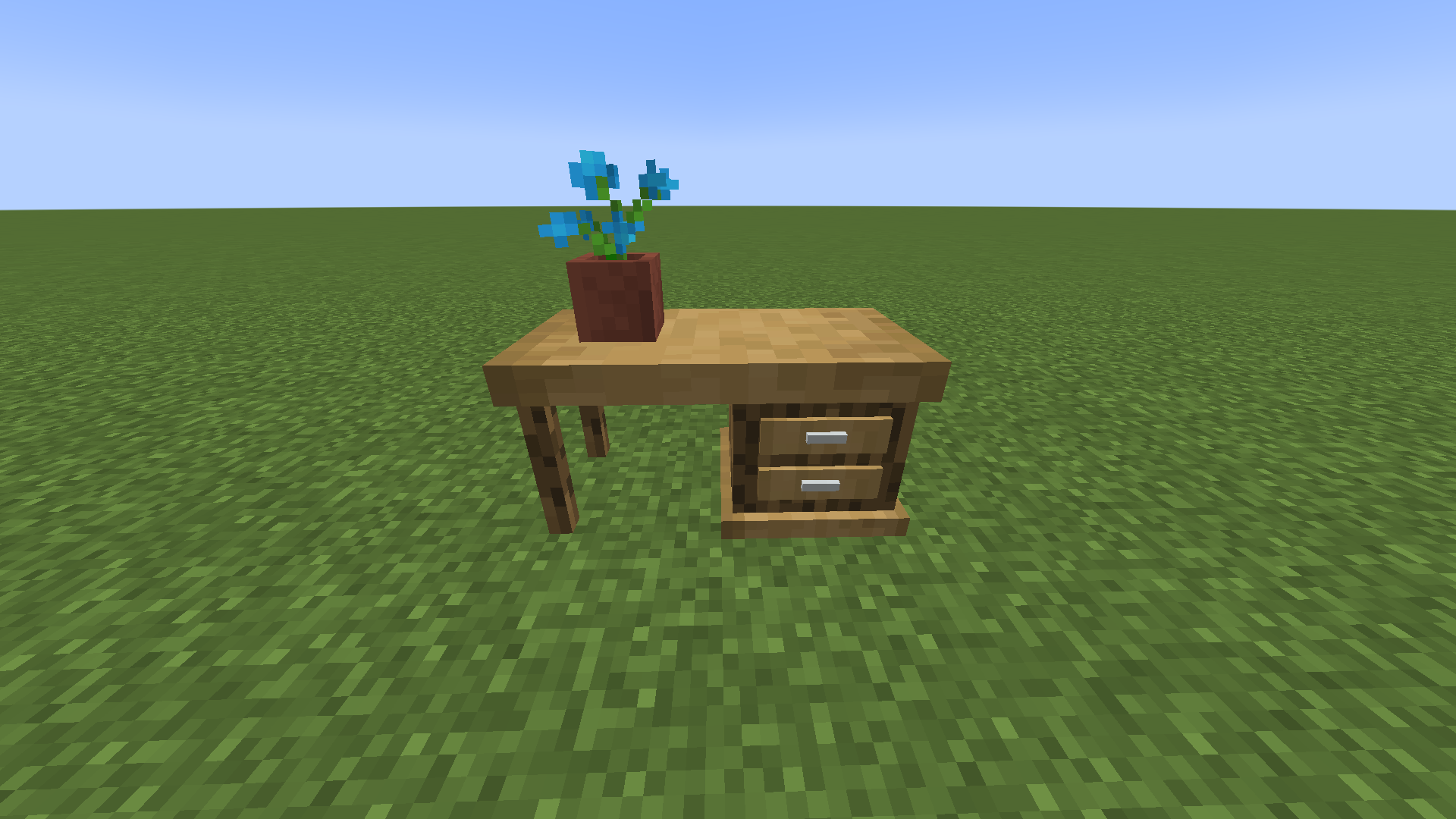
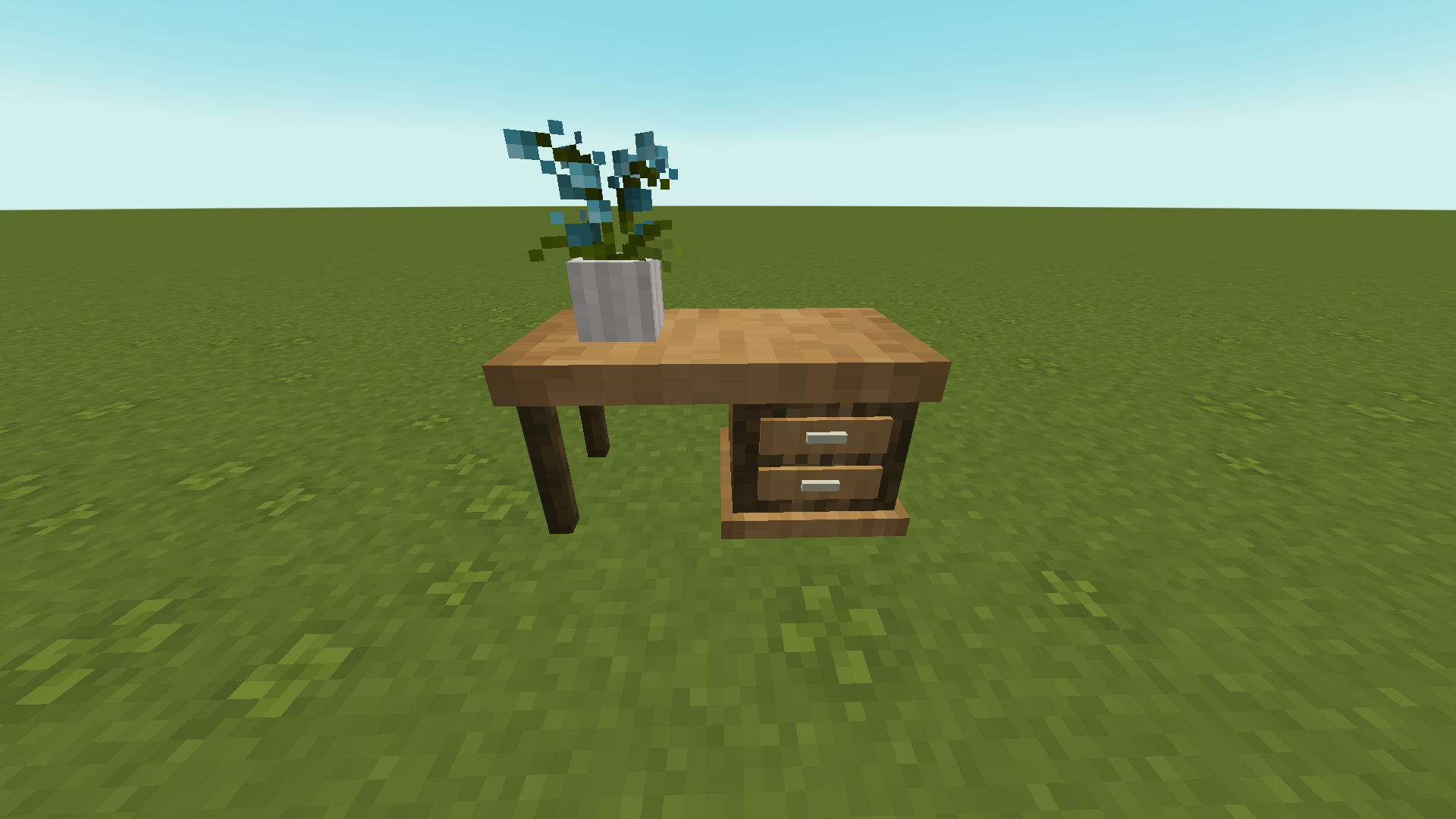
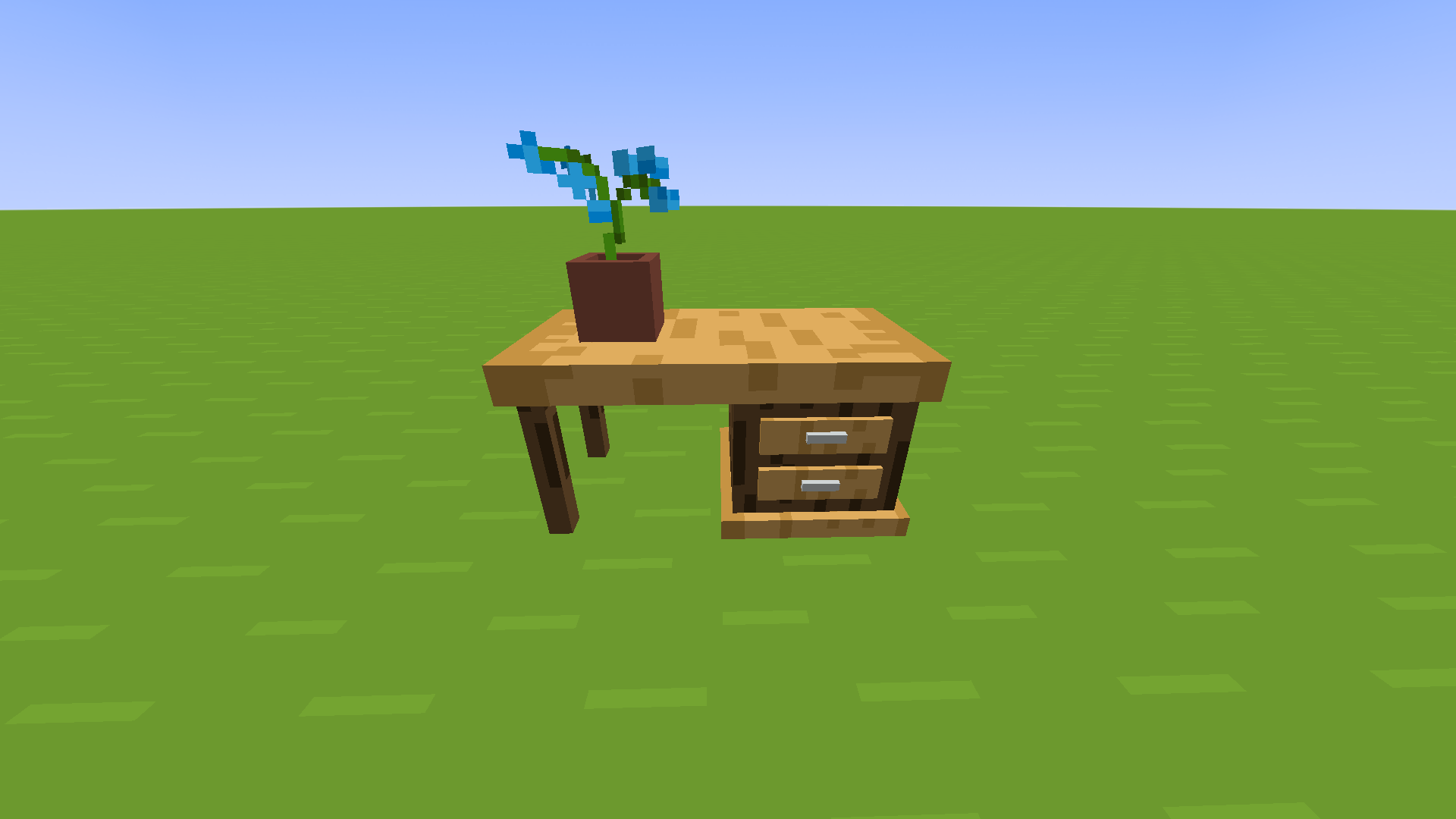
I made the models so they have what I call adaptive textures, so the look of the desks will match whatever texture pack you are using.
**Default look**
[**Mizuno's 16 Craft**](https://www.mediafire.com/file/8hhey4h9ohu4ox7/Mizuno%2527s_16_Craft_JE_1.18.1-1.0.zip/file)
[**Bare Bones**](https://www.curseforge.com/minecraft/texture-packs/bare-bones-texture-pack)
## Troubleshooting
### What version does this work on?
The pack was made for 1.18 but it should work on previous versions all the way down to 1.13, no guarantee though.
### It doesn't work!
Make sure you have installed the latest version of Optifine.
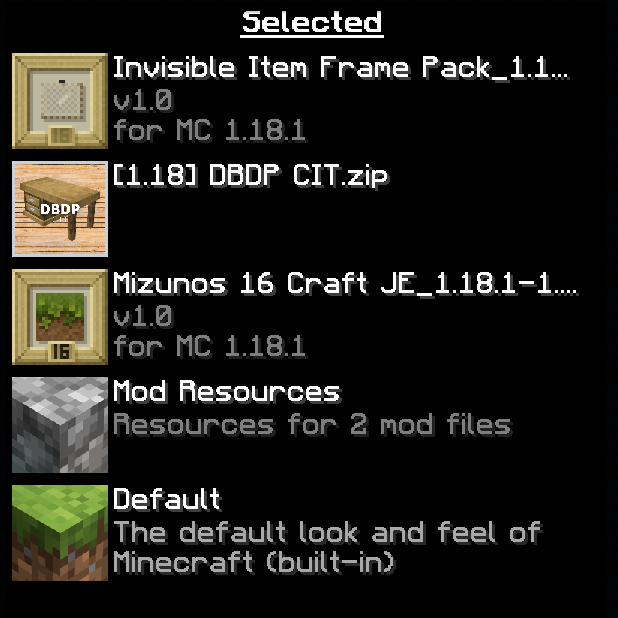
Also make sure that your packs are loading in the right order, like this:
Also watch out for typos when renaming items!