Описание
# 🎯 CustomCrosshair
```
For any suggestions or Bug Reports, Please DM @SupRani on Discord.
```
Take full control of your crosshair — draw any shape, pick any color, and add hit effects, all from a simple in-game menu. No resource packs needed.
---
## ✏️ Pixel Editor
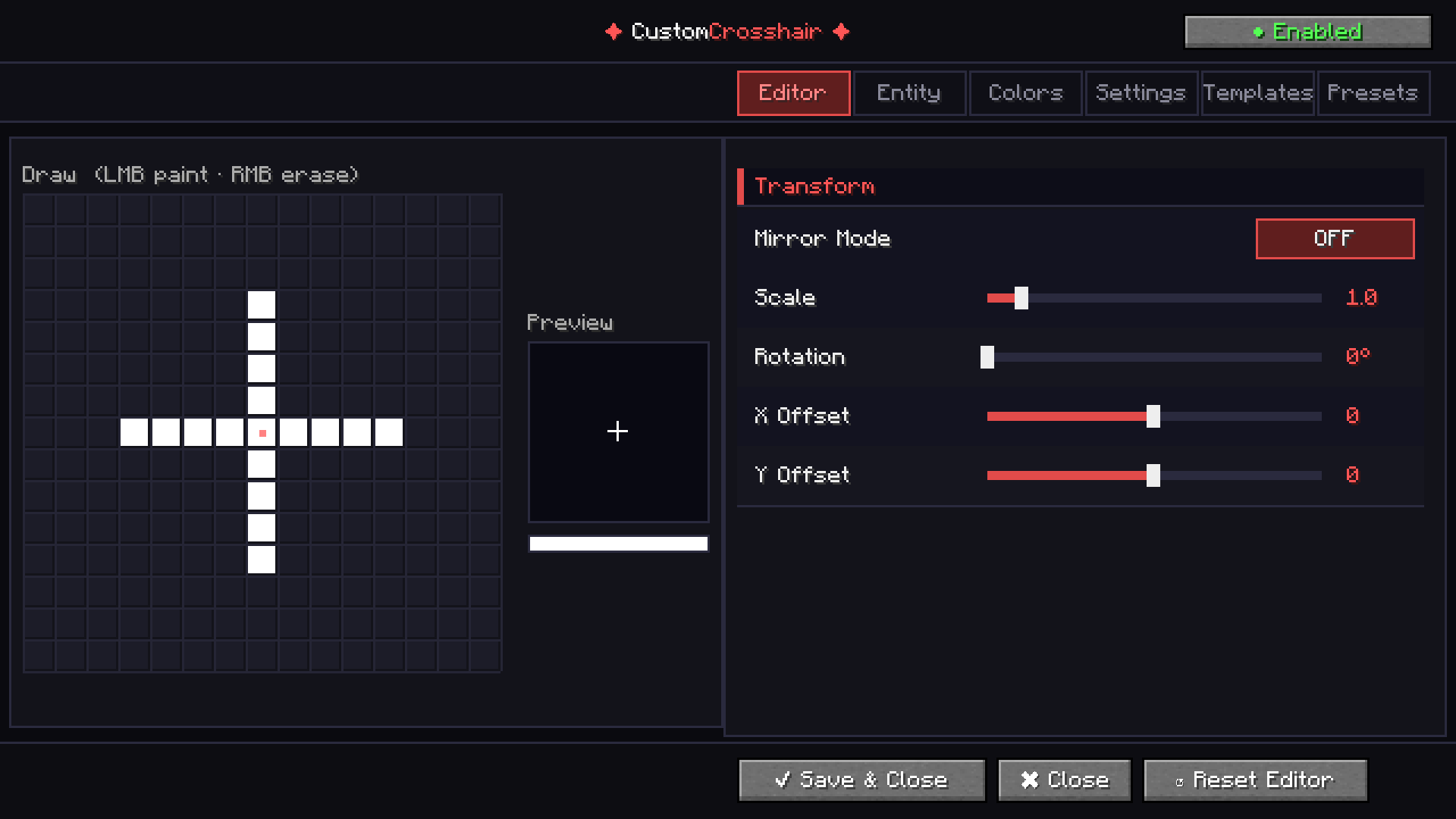
Draw your crosshair pixel by pixel on a 15×15 canvas with left-click to paint and right-click to erase. Every change shows up instantly in the live preview — what you see is exactly what you get.
## 🎨 Color & Blending
A full HSV color picker, RGB sliders, and alpha control give you complete freedom over your crosshair's look. Vanilla Blend Mode keeps the classic Minecraft feel while still letting you customize — the best of both worlds.
## 👾 Entity Crosshair
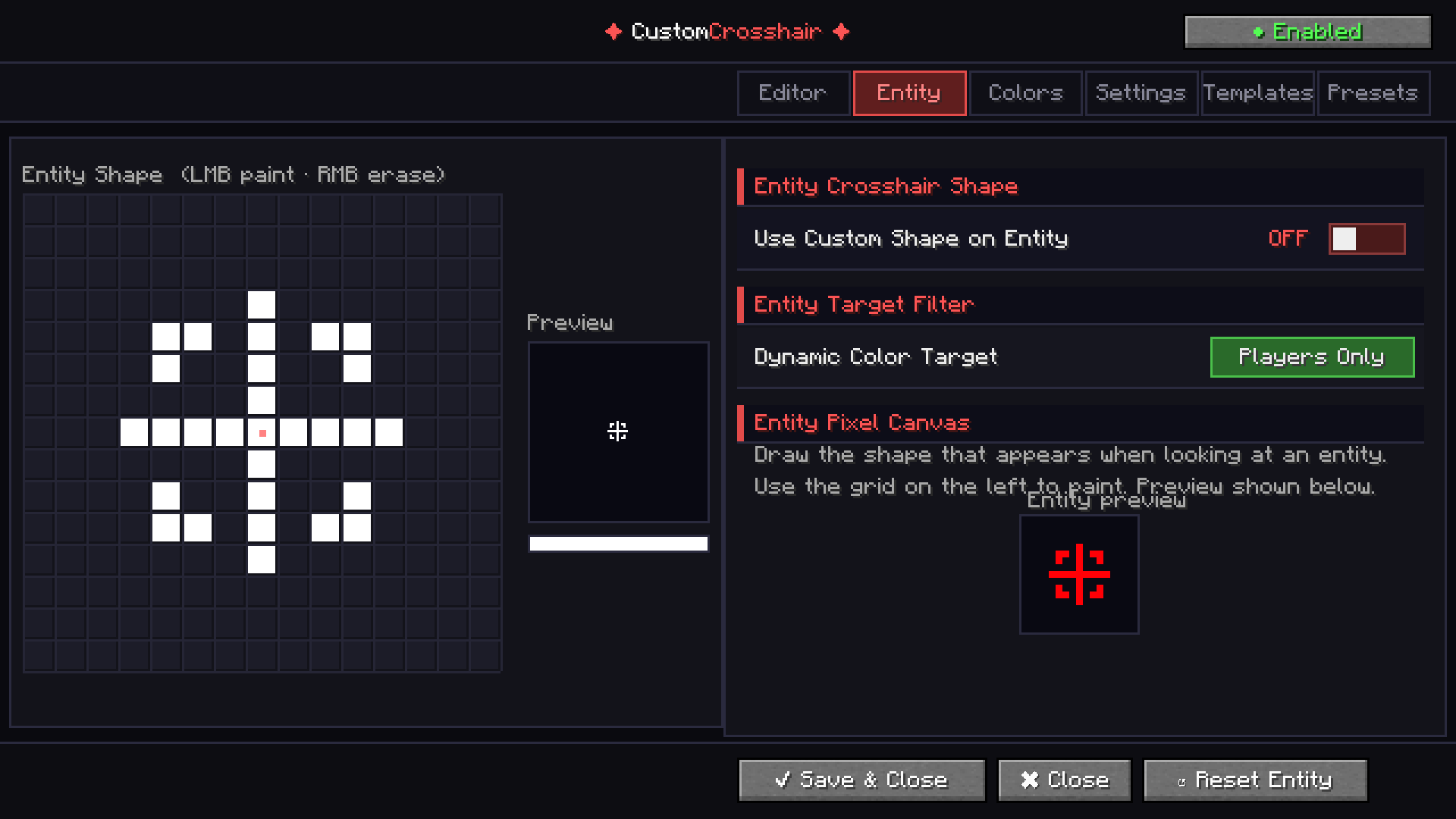
Set a completely separate crosshair shape that automatically swaps in whenever you look at a mob. Perfect for PvP players who want instant visual feedback without any effort.
## ⚡ Dynamic Effects
- **Attack Flash** — your crosshair flashes a custom color every time you swing
- **Dynamic Color** — automatically switches color when targeting an entity
- **Invert Mode** — flips your crosshair color against any background
- **Outline** — adds a clean border around every pixel for maximum visibility
## 🔧 Transform Controls
Scale, rotate, and offset your crosshair with precision sliders. Mirror modes (horizontal, vertical, or both) let you build perfectly symmetric designs in seconds.
## 💾 Preset System
Save unlimited named crosshair configurations and switch between them instantly. Your entire setup — shape, color, effects — stored in one click.
## 📦 Built-in Templates
Not sure where to start? Choose from 10 built-in templates including Classic Cross, Sniper, Circle, Diamond, X Shape, and more.
## 🖥️ The GUI
This is not your average Minecraft settings screen. CustomCrosshair features a fully custom-built dark UI with tabbed navigation, live previews, a real color picker, scrollable panels, and toggle switches — all inside the game, no external tools, no config file hunting.
---
**Fabric 1.21.4 // 1.21.11**