
Описание
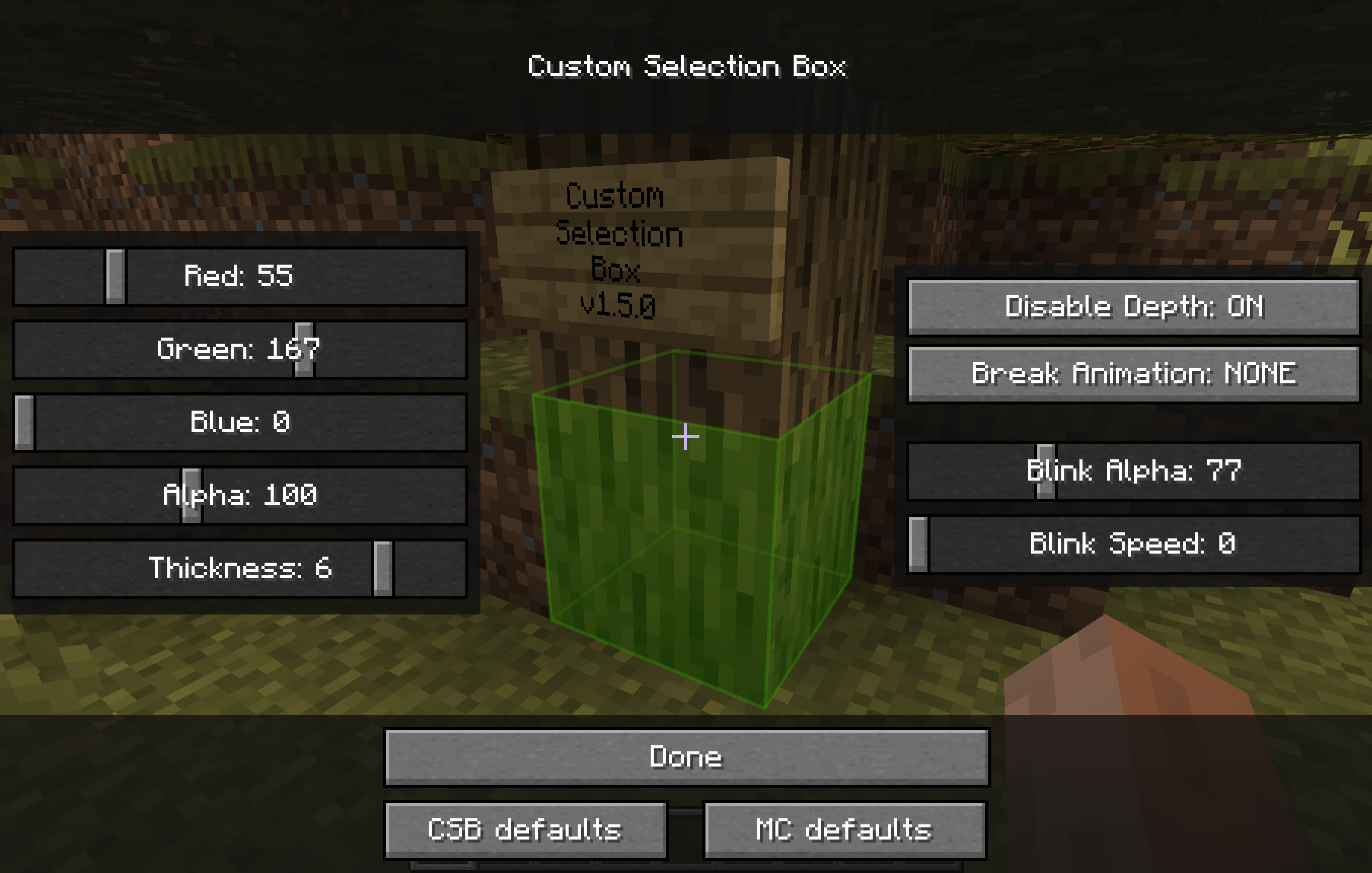
### Change appearance of the box highlighting the block you're looking at
### Background
There was an awesome mod called ["Custom Block Selection Box" by BeastGamer](http://www.minecraftforum.net/forums/mapping-and-modding/minecraft-mods/1284934-1-3-1-custom-block-selection-box-v2-includes-a)
But it edits base classes, so it wasn't compatible with so many other mods, it was for Minecraft 1.3.1, and not updated for ages, and also all downloadlinks are broken...
-> It's just OUTDATED
So I made a new one, without any baseclass edited (using MinecraftForge), with an awesome settings screen,
and for the newer Minecraft version (starting with 1.5)!
(And during the time I was gone, [shedaniel maintained a fork](https://github.com/shedaniel/CustomSelectionBox-New/) :P)
I also added some new functions:
- disabled depth buffer
- custom block break animations
(check them out)
And [shedaniel](https://github.com/shedaniel/) added:
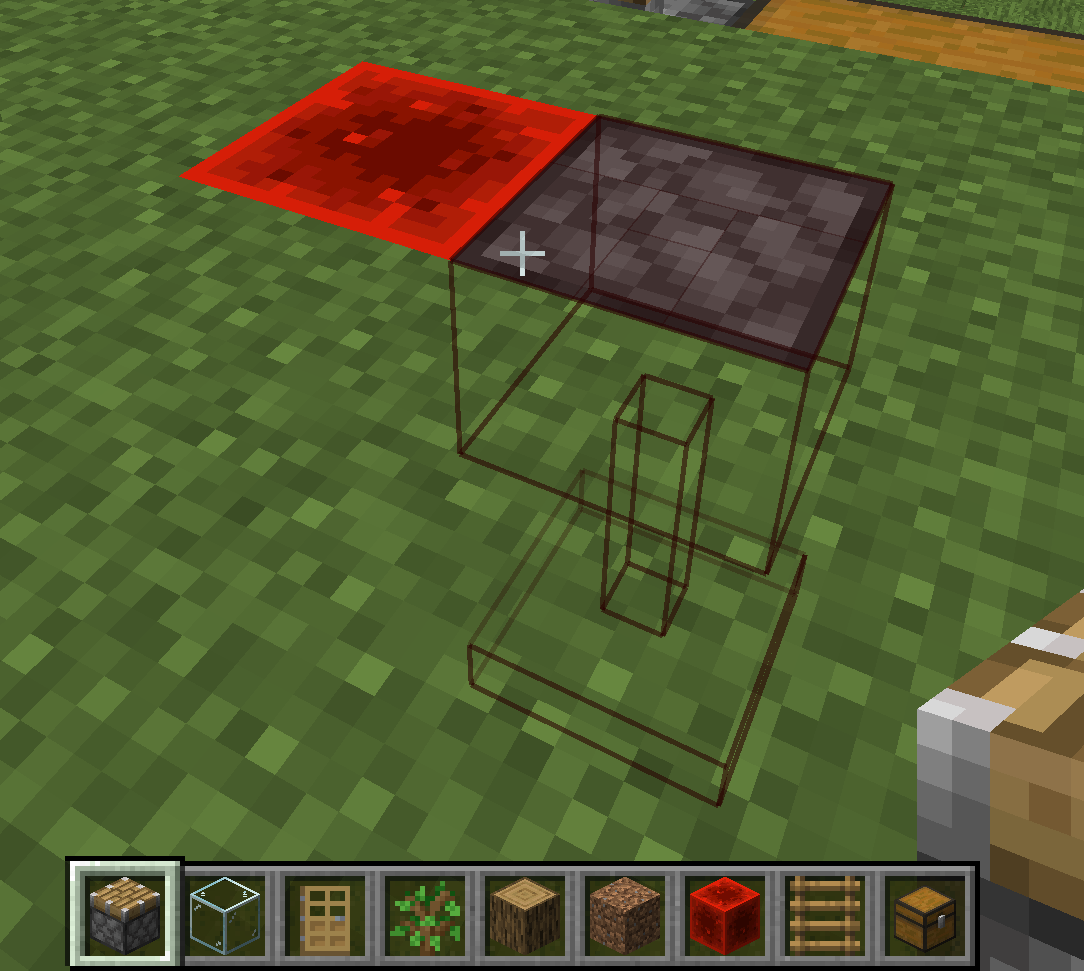
- linking of connected blocks (chests, doors, pistons, beds)
### How to open settings
#### (recommended) Using [modmenu](https://modrinth.com/mod/modmenu) or [Mod Settings](https://modrinth.com/mod/mod-settings/)
If ModMenu/ModSettings is installed, you can access the config screen from there.
Otherwise, a button will be added in **Options > Video Settings**
### Reporting issues & Feedback
[on GitLab](https://gitlab.com/tennox-mods/CustomSelectionBox/-/issues).
### Contributing (Mod is open source)
If you're ready to engage with code, check the [CONTRIBUTING docs](https://gitlab.com/tennox-mods/CustomSelectionBox/CONTRIBUTING.md)