Описание
# 🌐 Cubium – The In-Game Minecraft Browser
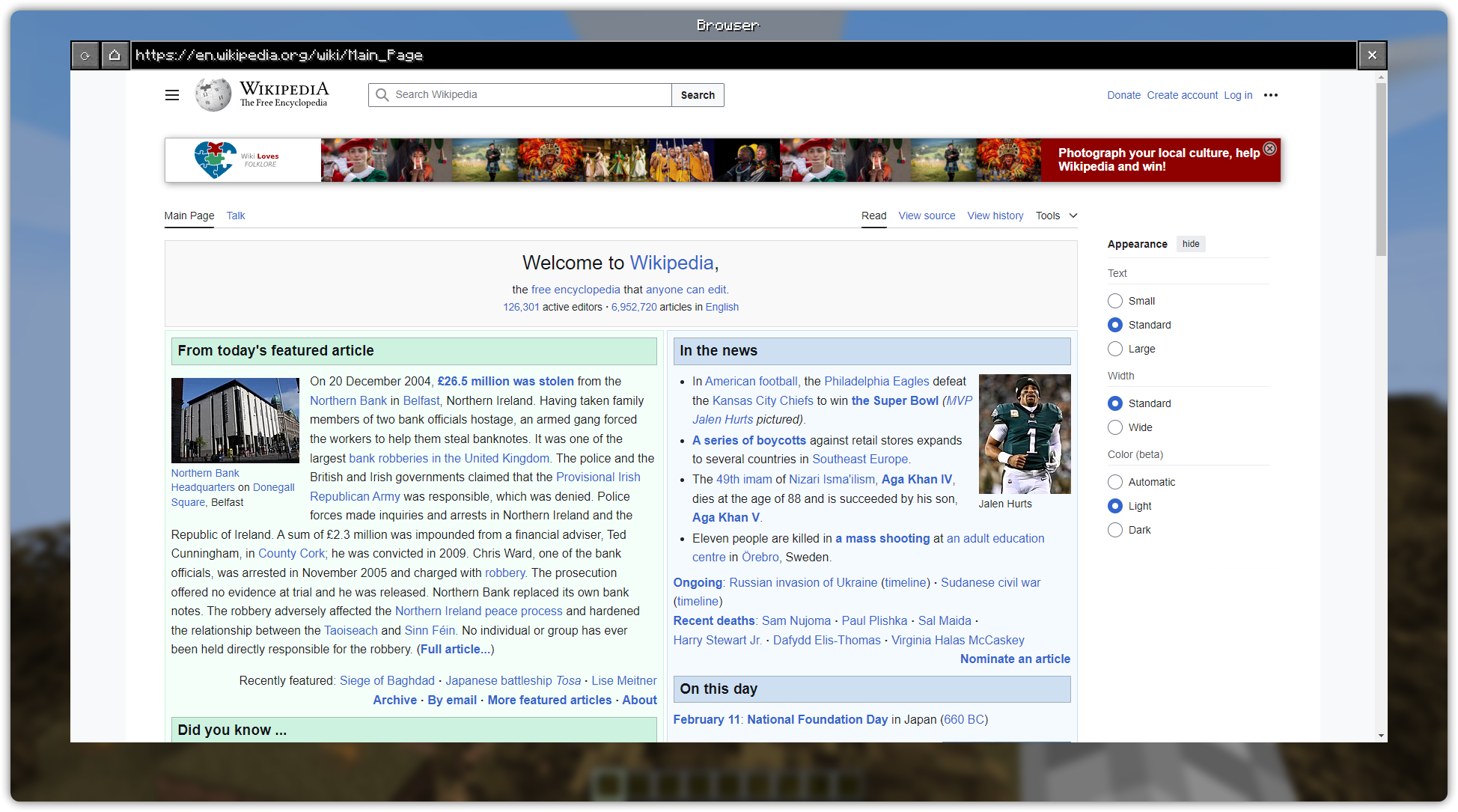
**Cubium** is a client-side Minecraft mod that integrates a Chromium-based browser directly into the game. With Cubium, you can browse the web seamlessly without ever needing to tab out. The browser can be opened at any time using the **B** key (default, customizable in settings).
## 🚨 Important
Cubium uses the [MCEF library](https://modrinth.com/mod/mcef). Make sure to install it together with the mod.
You will also need the [Fabric API](https://modrinth.com/mod/fabric-api) and the [Fabric Language Kotlin](https://modrinth.com/mod/fabric-language-kotlin) for the mod to work.
If you want to use Quilt, you'll need to use the [Quilted Fabric API](https://modrinth.com/mod/qsl) instead of the [Fabric API](https://modrinth.com/mod/fabric-api), and the [Quilt Kotlin Libraries](https://modrinth.com/mod/qkl) instead of the [Fabric Language Kotlin](https://modrinth.com/mod/fabric-language-kotlin).
## 🛠️ Features
- **Fully Integrated Browser:** Surf the web while staying in Minecraft.
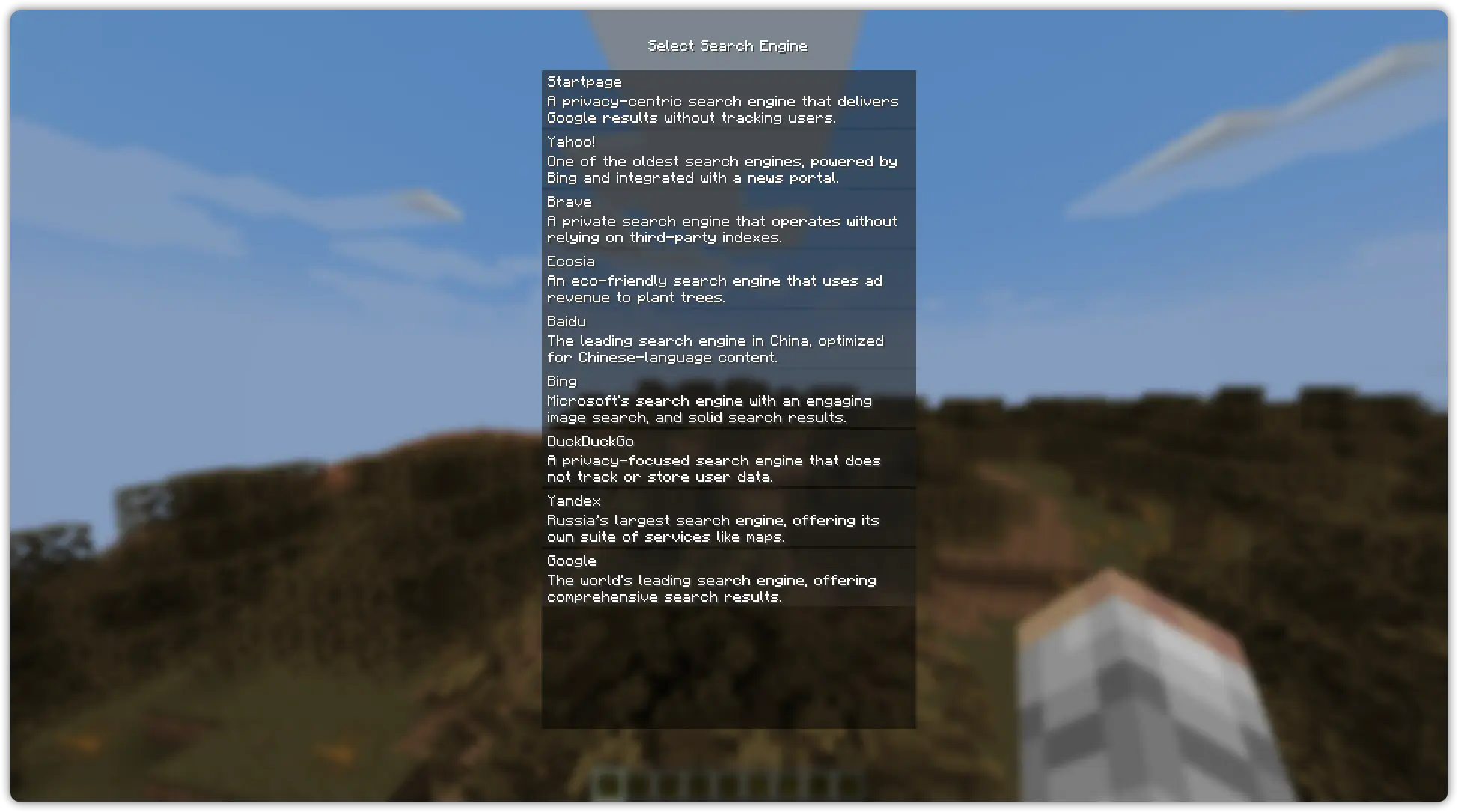
- **Customizable Search Engines:** Choose your preferred search engine for a optimized browsing experience.
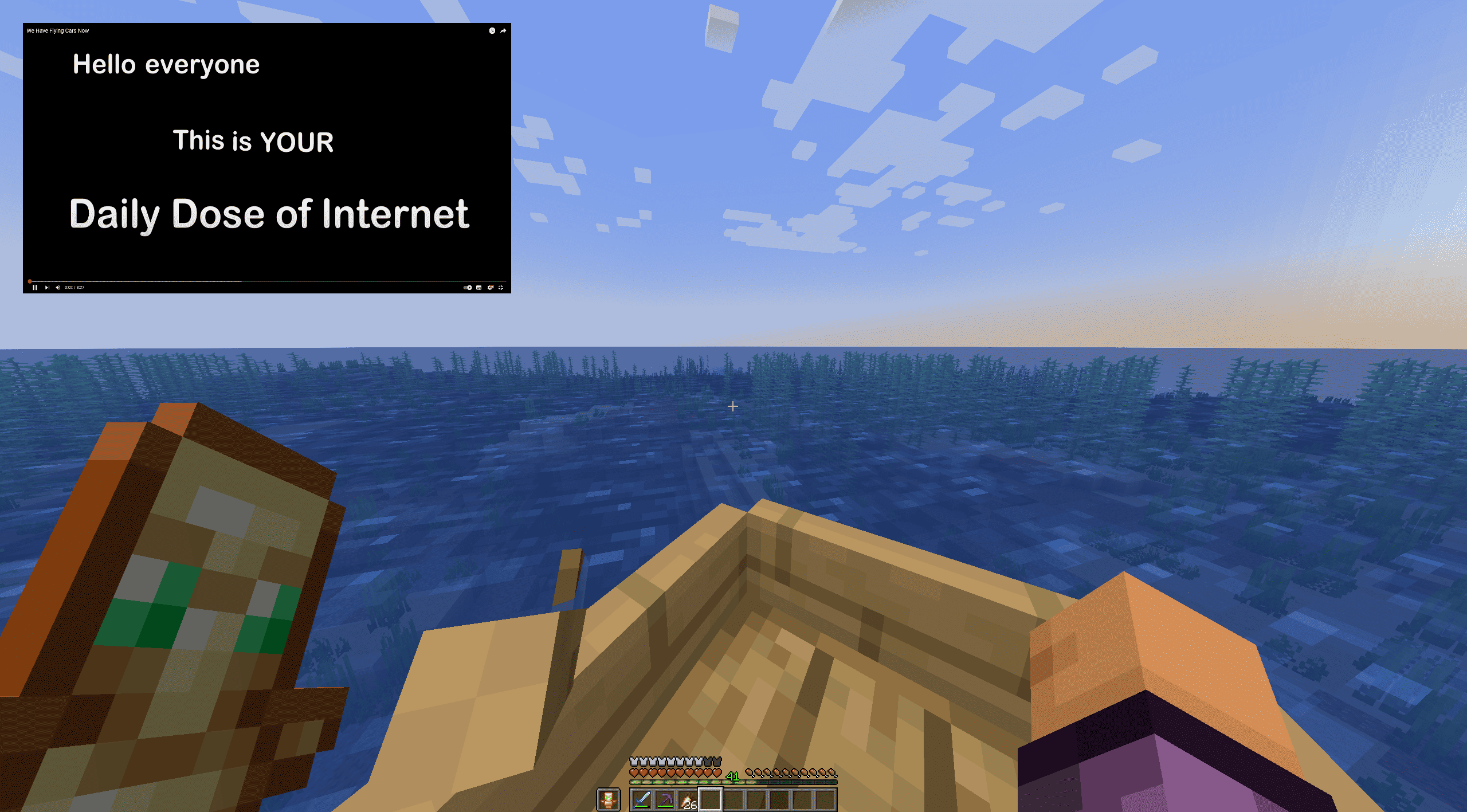
- **Picture-in-Picture Mode:** Use a floating, movable window to browse while playing.
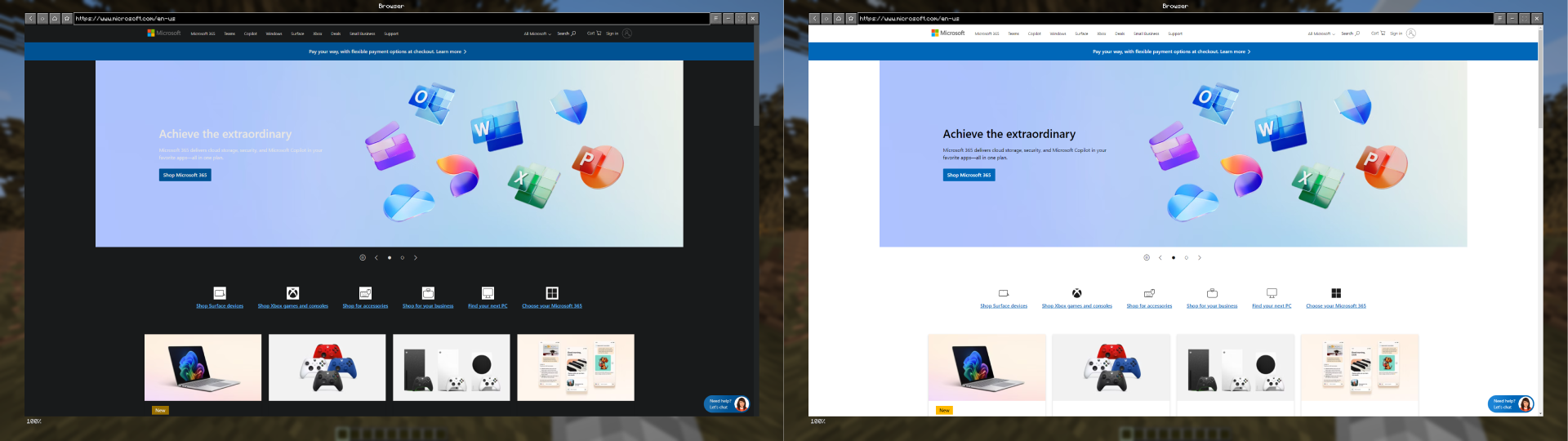
- **Dark Mode:** Experience every website in a dark style using [Dark Reader](https://darkreader.org/) scripts.
- **Minimizable Window:** Minimize the browser while keeping audio and processes active.
- **File Downloads:** Download files directly through the browser without leaving Minecraft.
- **Client-Side Only:** No server-side dependencies; works in any singleplayer or multiplayer environment.
- **User-Friendly Interface:** Designed for ease of use, just like a regular browser.
## 🚀 How to Use
1. Press **B** (default) to open the browser in-game.
2. **First Time Setup**: Select your preferred search engine; the browser will open once you've made your selection.
3. After selection, pressing **B** will open the browser directly with your chosen search engine.
4. If you have the history enabled, Cubium will remember your **last visited page** instead.
5. To reset your search engine (if you want to change it), use the command:
**/cubium reset_default_se**
## 🧩 Works Great with TMYK
Cubium works seamlessly with the [TMYK](https://modrinth.com/plugin/tmyk) mod by fingerguns83. TMYK allows you to easily access wiki links by typing **/wiki [search term]**, or simply **/wiki** to look up information about blocks, entities, or fluids you're currently looking at.
## 📖 Wiki
If you need help, you can check the [wiki](https://github.com/HenriTom/Cubium/wiki) for additional information and guides, join our Discord server [here](https://discord.gg/XdHBJKTvxJ), or open an issue on GitHub [here](https://github.com/HenriTom/Cubium/issues/new/choose).
## 🖼️ Preview
**Search Engine Selection (Order randomized):**
**Browser Example (On the [Wikipedia Main Page](https://en.wikipedia.org/wiki/Main_Page)):**
**Picture in Picture Example (On [YouTube](https://www.youtube.com/watch?v=LplgwgO91y4)):**
**Dark Mode (On [Microsoft Website](https://www.microsoft.com/en-us/)):**