Описание
The Create mod added the **redstone link**, which is super useful for various redstone control systems. But the **channel can only be set using items**, which are prone to collision and hard to organize in larger systems.
This mod adds a Variable Name Tag (Var Tag), which allows you to **set the channel using String (text) names!**
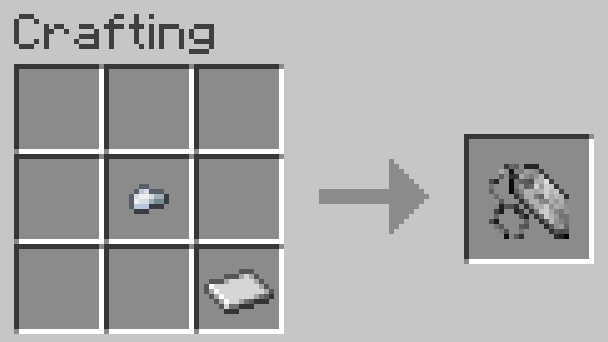
It can be crafted with an iron nugget and an iron sheet:
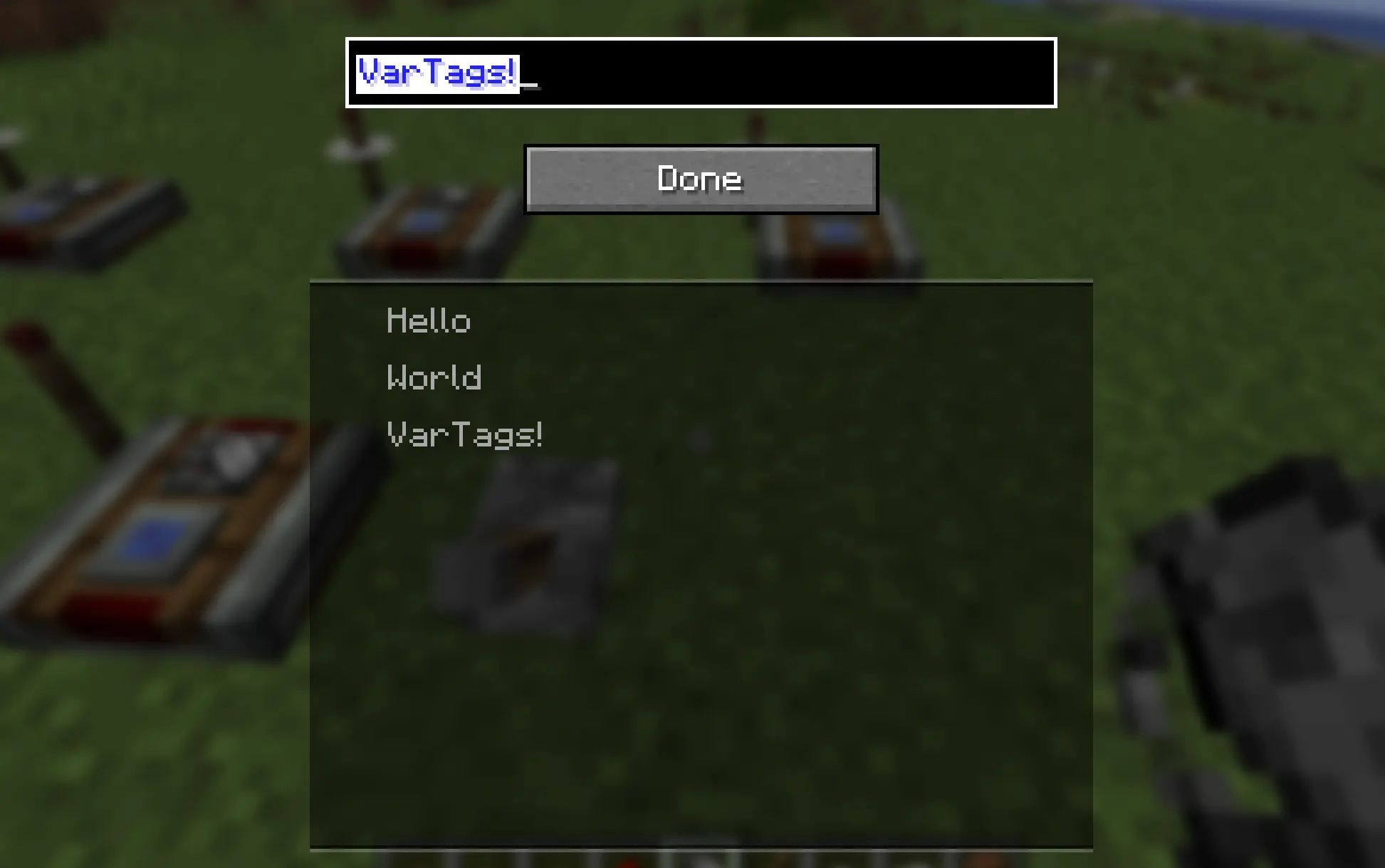
Right-clicking with it opens a UI to set the variable name. Variable names set in the same dimension are displayed in the list below. Click to fill in.
Only tags with the same variable name will "match":
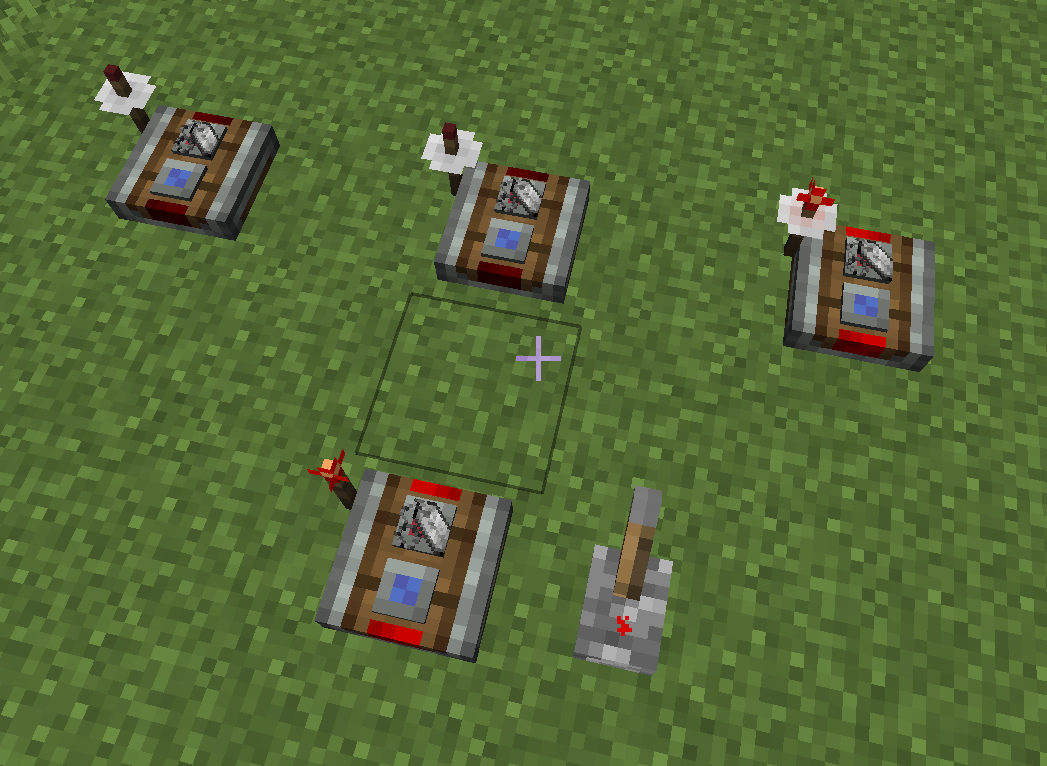
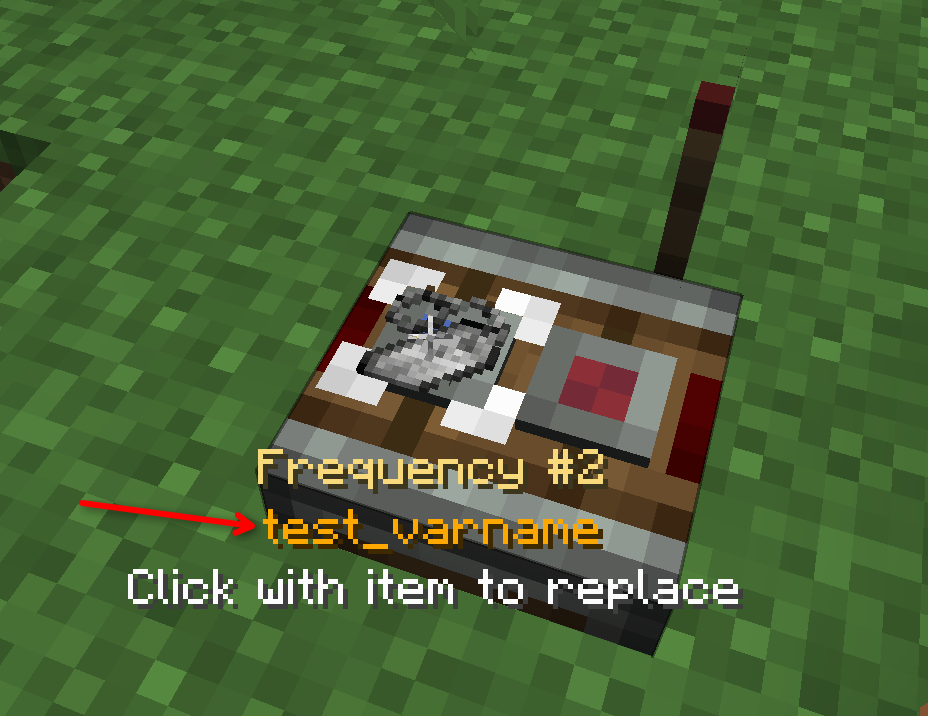
Pointing to the frequency slot on the redstone link will also display the string name:
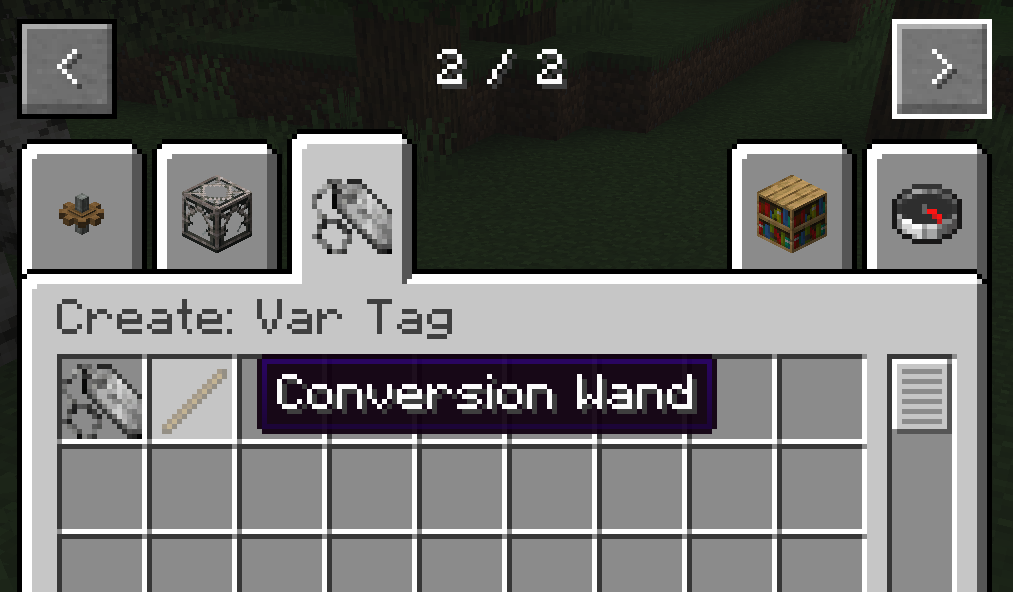
There is also a creative mode tool (Conversion Wand) that allows you to replace all var tags in the current dimension with vanilla items, so your map still works even after the var tag mod is removed. Right click with the wand to convert. Note: This cannot be undone!