
Описание
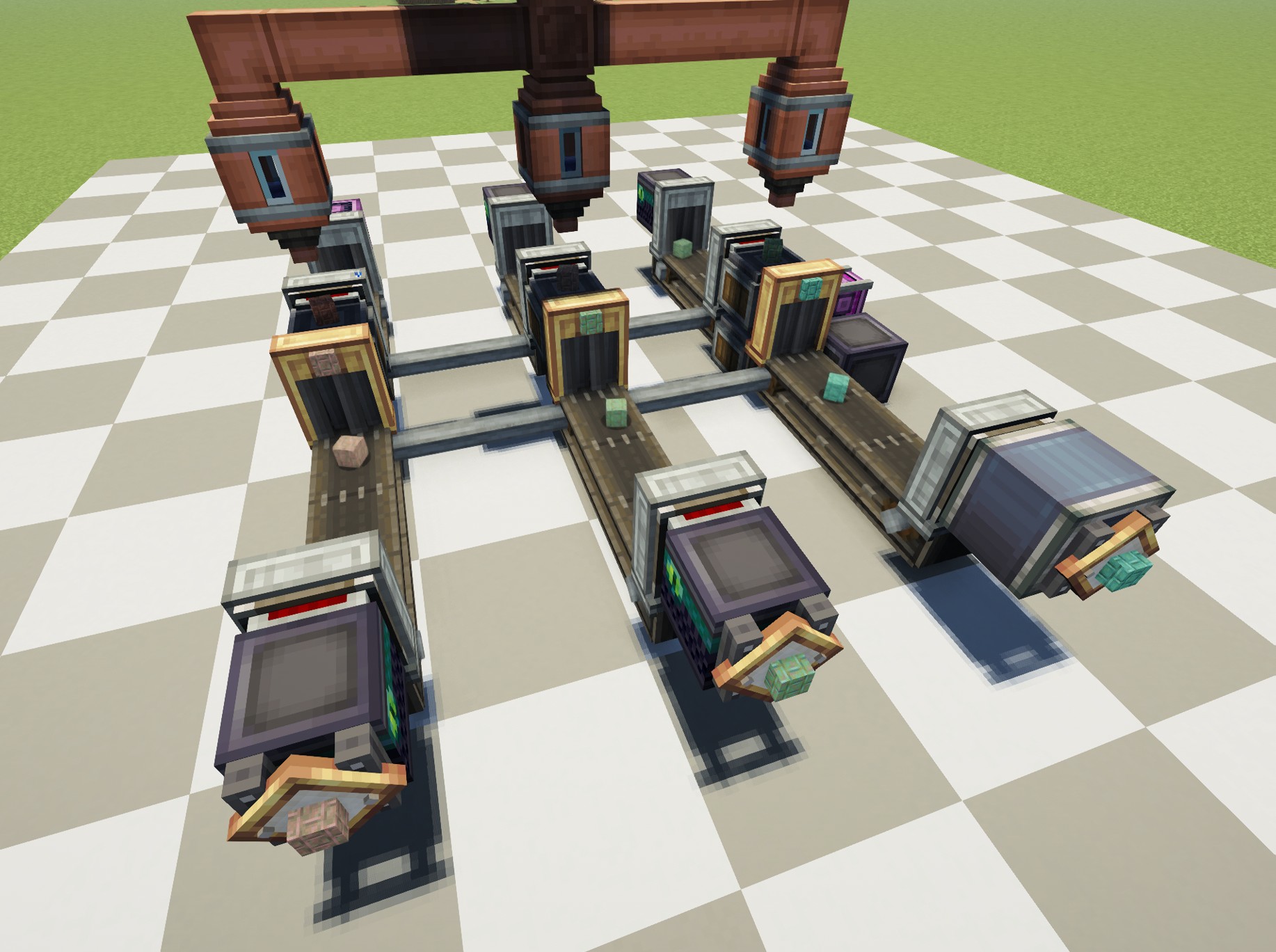
# About
[Create: Oxidized](https://modrinth.com/mod/create_oxidized) is an add-on for the Create mod. It introduces new recipes for Oxidizing Copper, allowing players to Oxidize Copper Faster.
This **datapack** adds more recipes to the list.
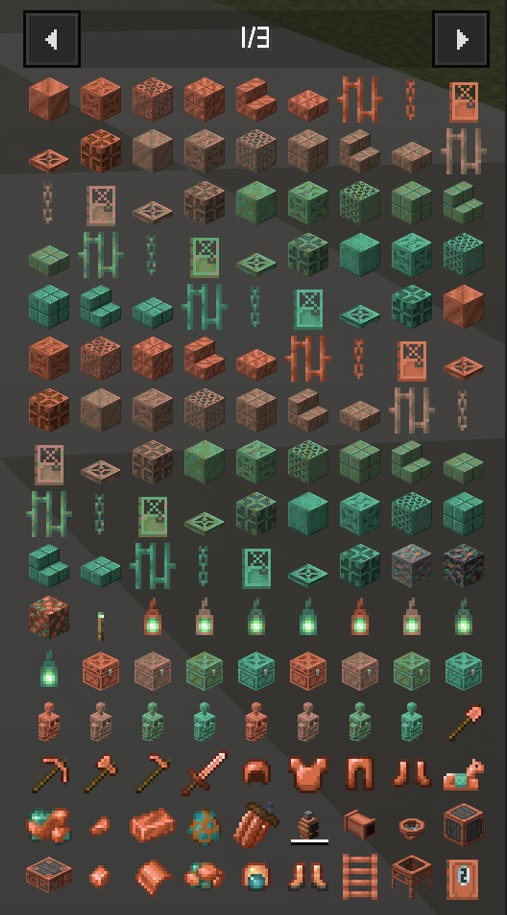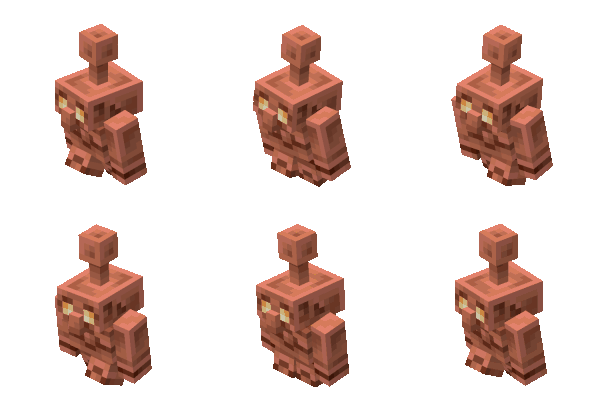copper golem not included (It has its own mechanics)
only unwaxed blocks...
## Recipe
Fill spouts with 500mb of water onto copper block variant. (I left it as is while I decide).
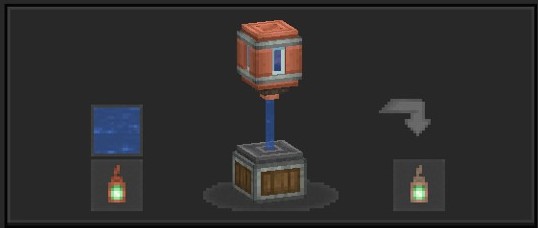
Tip: Use [Just Enough Items(JEI)](https://modrinth.com/mod/jei) To View The Recipe In-Game
## ⚙️ Supported Version
1.21.1 NeoForge
1.21.1 Create
0.1.2 (above) Create:Oxidized
## 🧩 Installation Guide
### Just place it in your datapack folder.
But for those who don't know how to do it:
1. Go to where you have Minecraft installed.
2. Find the saves folder.
3. You'll see folders with the names of your worlds; choose the one you want to use the datapack on.
4. Place the file in the datapacks folder.
Something like this: C:\User\ .minecraft\saves\new_world\datapacks
Just leave it there, done!
[](https://www.curseforge.com/members/kentapainter/projects)[](https://discord.gg/C47W2vcKX)[]()