
Описание
# Command Blocks to Sign
Transform your command blocks into clickable signs!
## ⚙️ Server side!
If you only install this datapack/mod on your server/LAN, it will work for everyone else without them needing to install it!
## 📖 Instructions:
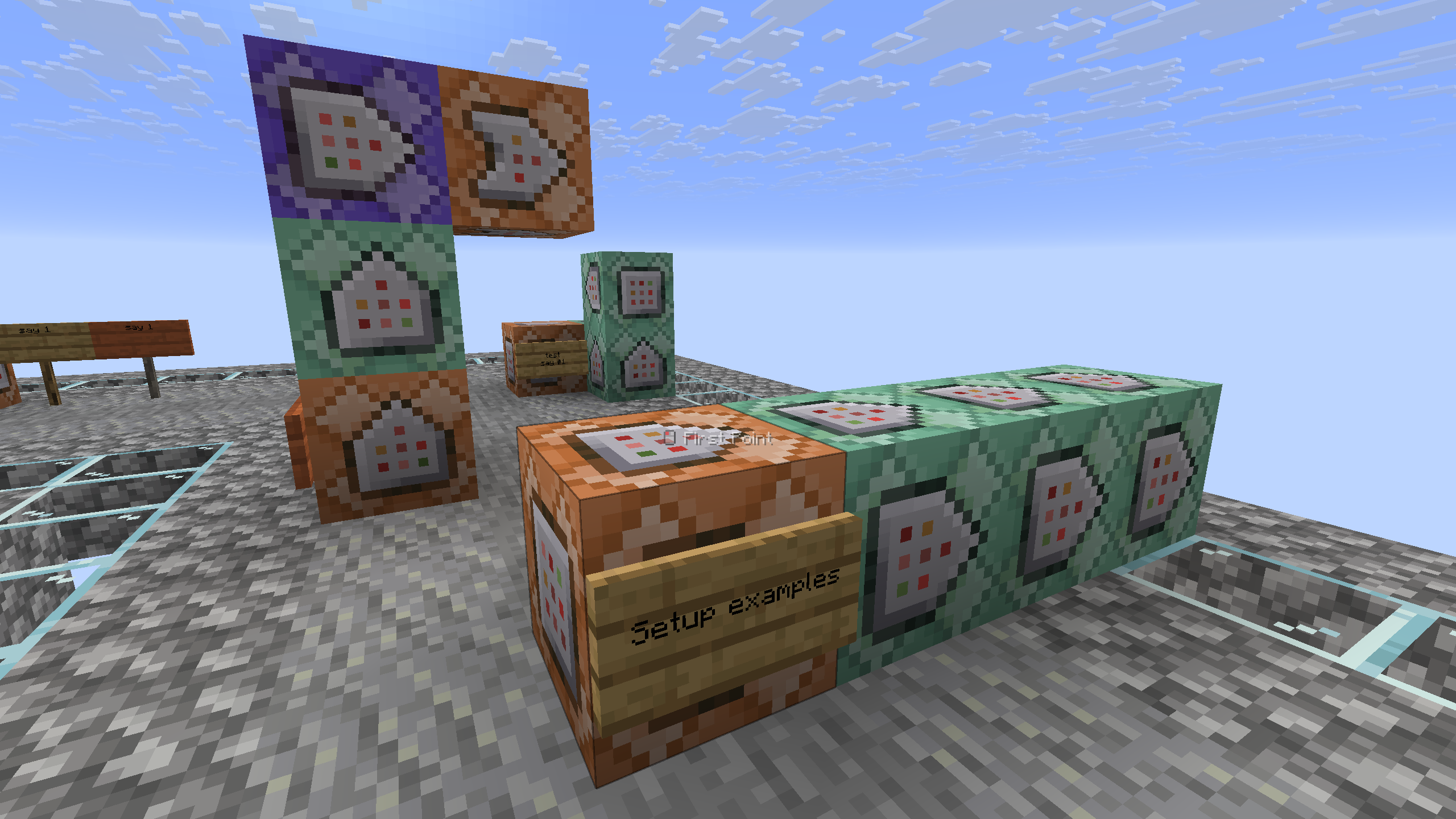
- Place a sign on the side of the command block that you want to convert, with a maximum of 4 command blocks. (They must be facing one to another).
- Take a honeycomb and right click the sign to wax it. (The wax will be removed)
- That's it! Your sign is ready.
The system only reacts if the sign is on a command block, otherwise it will do nothing and the waxing of the sign will act as usual.
## ⤵️ Installation:
### Datapack:
Download the latest release and put the datapack `.zip` file into the datapacks folder of your Minecraft world.
### Mod:
Download the latest release and put the mod `.jar` file into the mods folder of your Minecraft game.
## ✍️ Feedback, Questions & Suggestions
I'm always listening! If you happen to have questions, suggestions or just encountered a bug, then feel free to join my discord server to ask for help in the "mods and datapacks" section. [Click to join the server](https://discord.gg/kwzQWS4)