
Описание
# Colored Lights
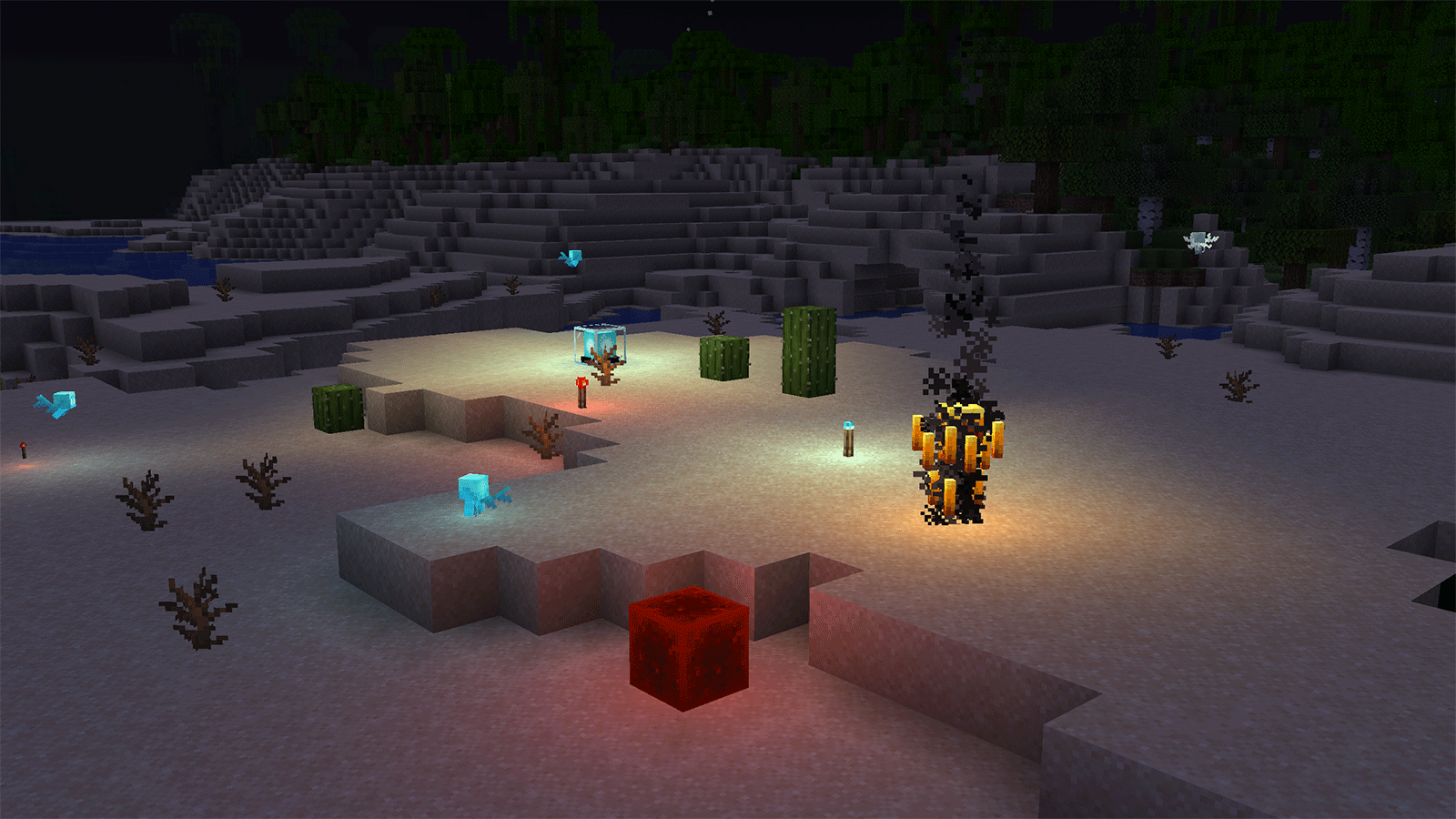
**Colored Lights** is a client-side resource pack for **Minecraft Java Edition 1.21.1** that makes selected blocks, entities, held items, and dropped items cast real colored point lights into the world.
## Features
* Real colored lighting via using Veil and Polytone
* Individual brightness settings for every supported light source
* Dynamic states for furnaces, campfires, candles, redstone lamps, copper bulbs, glow berries, sea pickles, and respawn anchors
* Colored lighting for Allays, Blazes, Breezes, Glow Squids, Magma Cubes, and Vexes
* Matching lighting for supported held and dropped items
* English and Russian configuration labels
* No gameplay changes
## Requirements
Colored Lights currently works only on **Minecraft 1.21.1** and requires:
* [Polytone](https://modrinth.com/mod/polytone)
* [Veil](https://modrinth.com/mod/veil)
It is designed to accompany [Visual Effects+](https://modrinth.com/resourcepack/visual-effects-plus), but the main pack is not required for the colored-light definitions to load.
## Installation
1. Install Polytone and Veil for Minecraft 1.21.1.
2. Place the resource pack ZIP in your `resourcepacks` folder.
3. Enable Colored Lights from the Resource Packs menu.
## Configuration
Open the Resource Packs menu and click the **Polytone paintbrush button** in the bottom-right corner.
Every supported light source has separate controls for:
* Brightness multiplier
Setting brightness to `0` completely disables the selected light. Default values preserve the intended colors and intensity.
Colored lights may affect performance when many supported sources are visible simultaneously.