Описание
# CC: HUD Glasses
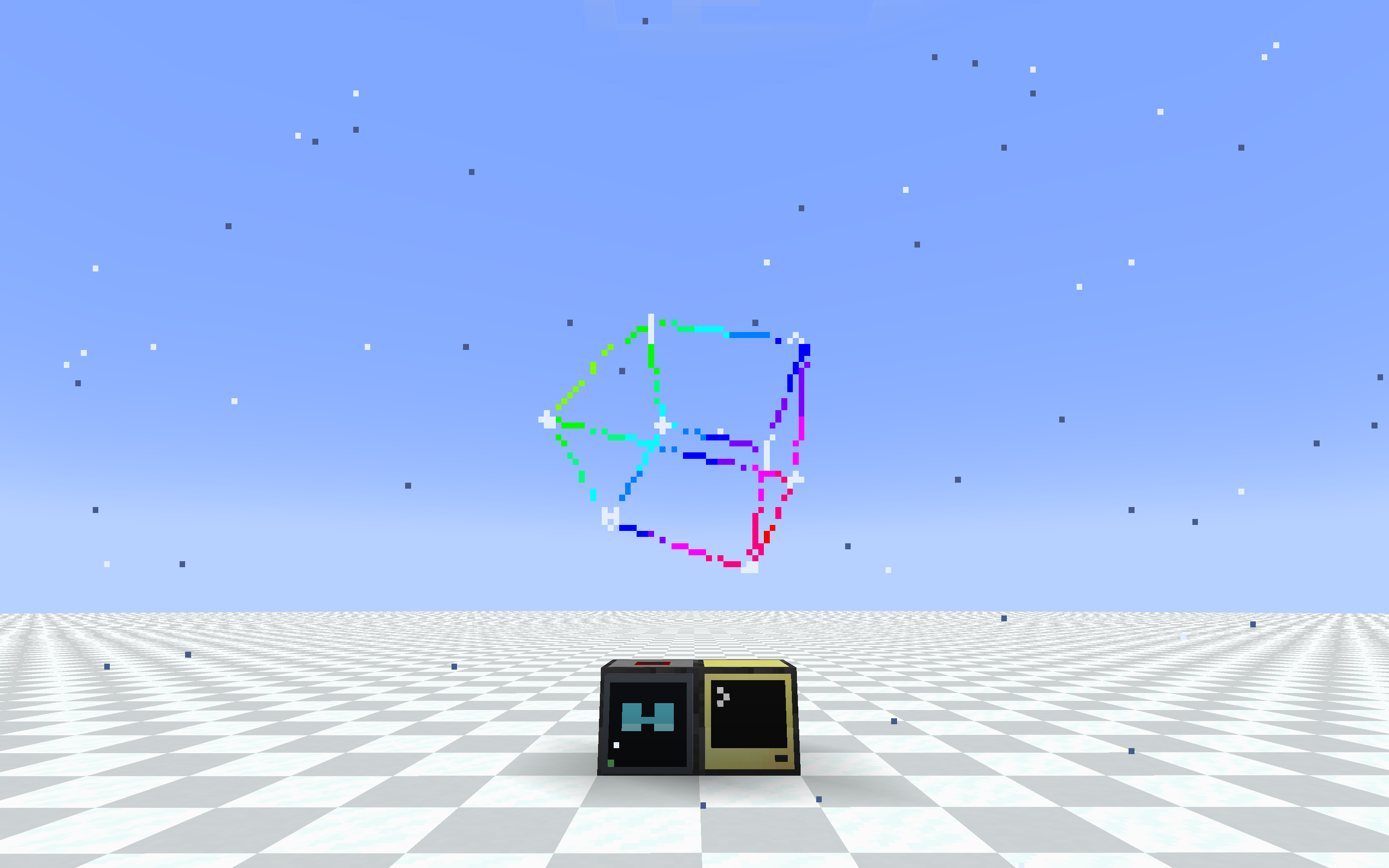
_3d cube_
Wear a ComputerCraft monitor on your face. A pair of glasses and a special modem
let any computer draw a heads-up display straight onto a player's screen, using
the same `monitor`/`term` API you already know.
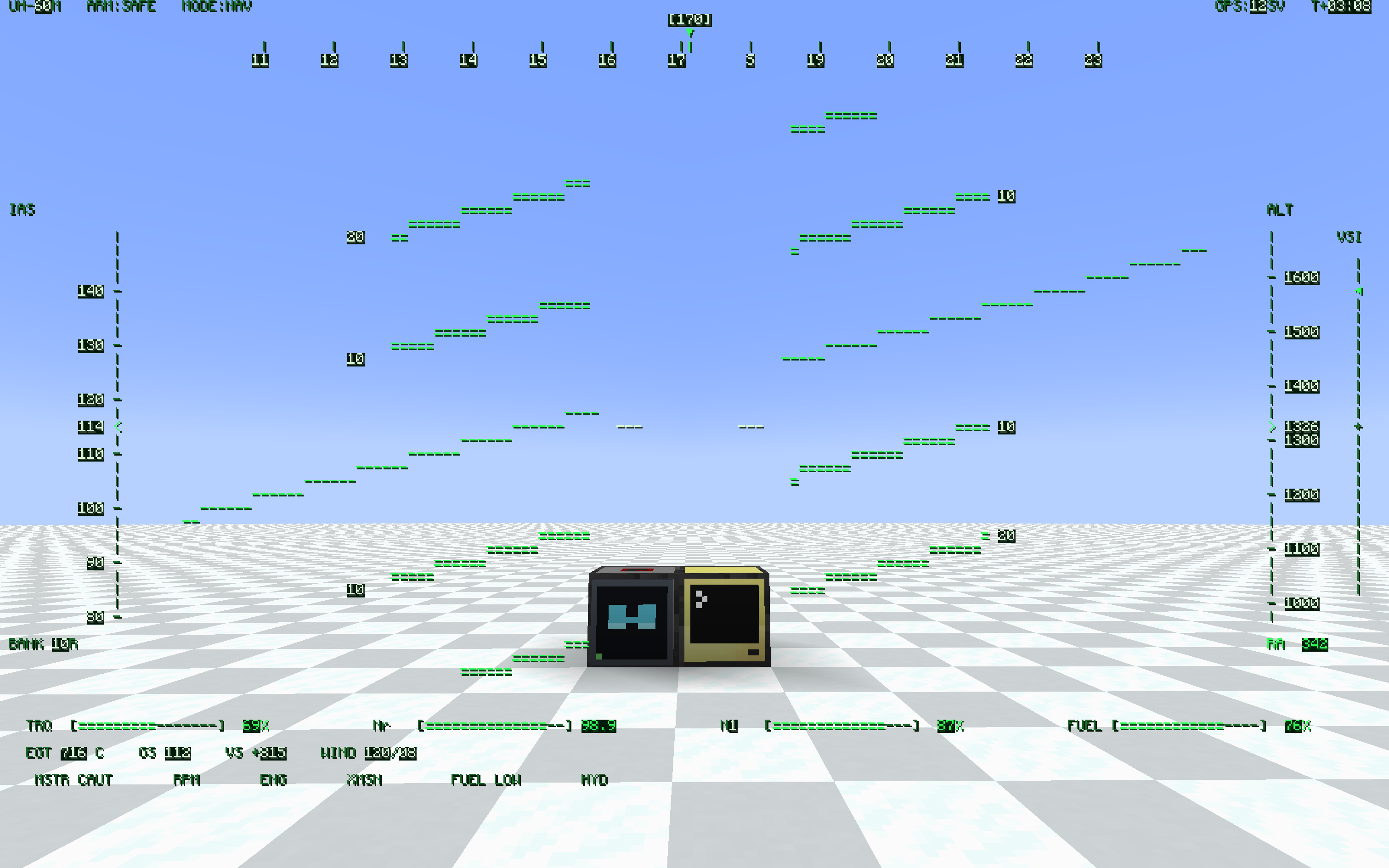
_helicopter hud with shadow_
## What it does
- HUD Glasses — worn in the helmet slot (or a Curios slot). Whatever the bound
modem outputs is drawn as a full-screen overlay.
- HUD Modem — a ComputerCraft peripheral (`type = "hud_glasses"`). Wire it to a
computer like any other peripheral and write to it like a monitor.
- Binding lives on the glasses. Right-click a modem with the glasses in hand and
they're bound to it. Hand the glasses to a friend and the HUD goes with them.
Any number of players can watch the same modem.
```lua
local hud = peripheral.find("hud_glasses")
hud.setBackgroundColour(0) -- transparent background
hud.setTextColour(colors.lime)
hud.setCursorPos(1, 1)
hud.write("Hello, HUD!")
```
If you've ever written a monitor program, you already know this peripheral.
## Features
- Monitor-compatible API: write, blit, clear, scroll, setCursorPos,
setTextColour, setBackgroundColour, setPaletteColour, getSize, and more. Most
monitor scripts run unchanged.
- Transparent background — setBackgroundColour(0) (or `-` in blit) lets the world
show through, so the HUD overlays the game instead of covering it.
- Pixel-perfect CC font — reuses CC: Tweaked's own glyph sheet, so all 256
characters (box-drawing, sub-pixel blocks, arrows) look exactly like a real
terminal.
- Runtime resolution — setSize(w, h) from Lua, or set defaults in the config.
Fewer cells means bigger text. Choose how the grid maps to the screen: FIT
(keep aspect, letterbox), STRETCH (fill the screen), or COVER (fill + crop).
- Shared screens — bind several glasses to one modem and everyone sees the same
display. Good for team status boards, base alarms, and shared coordinates.
- Place anywhere — the modem mounts on any block face (floor, wall, ceiling),
screen facing out.
- Portable HUD — craft a pocket computer together with a HUD Modem to give it the HUD
upgrade, and carry the display with you. Same hud_glasses peripheral; bind your worn
glasses to it with sneak + right-click (a plain right-click still opens the terminal).
- HUD + ender modem in one slot — a pocket computer only has one upgrade slot, so craft
a HUD Ender Modem (HUD Modem + Ender Modem) and fit it to the pocket: one peripheral
that is both screen and radio. rednet works on it, peripheral.find("hud_glasses") finds
it, and the modem half is interdimensional. Servers can turn the recipe off in config.
- In-game config — edit settings from the Mods list "Config" button, or bind a
key to jump straight to the client settings.
- Toggle key — press H to hide or show the HUD; the setting persists.
- Optimized rendering — batched draws and a server-side payload cache keep the
overhead low even for large, frequently-updated displays.
## Requirements
- NeoForge 1.21.1
- CC: Tweaked 1.119.0 or newer (required)
## Optional integrations
- Curios — adds a dedicated Glasses accessory slot so the glasses don't occupy
your helmet. Works with the vanilla helmet slot too; the glasses render on the
head either way.
- Create: Aeronautics / Sable — the binding uses a stable modem ID and a
Sable-aware distance check, so the HUD keeps working when the modem rides inside
a flying sub-level. Sable Companion is bundled, so there's nothing extra to
install.
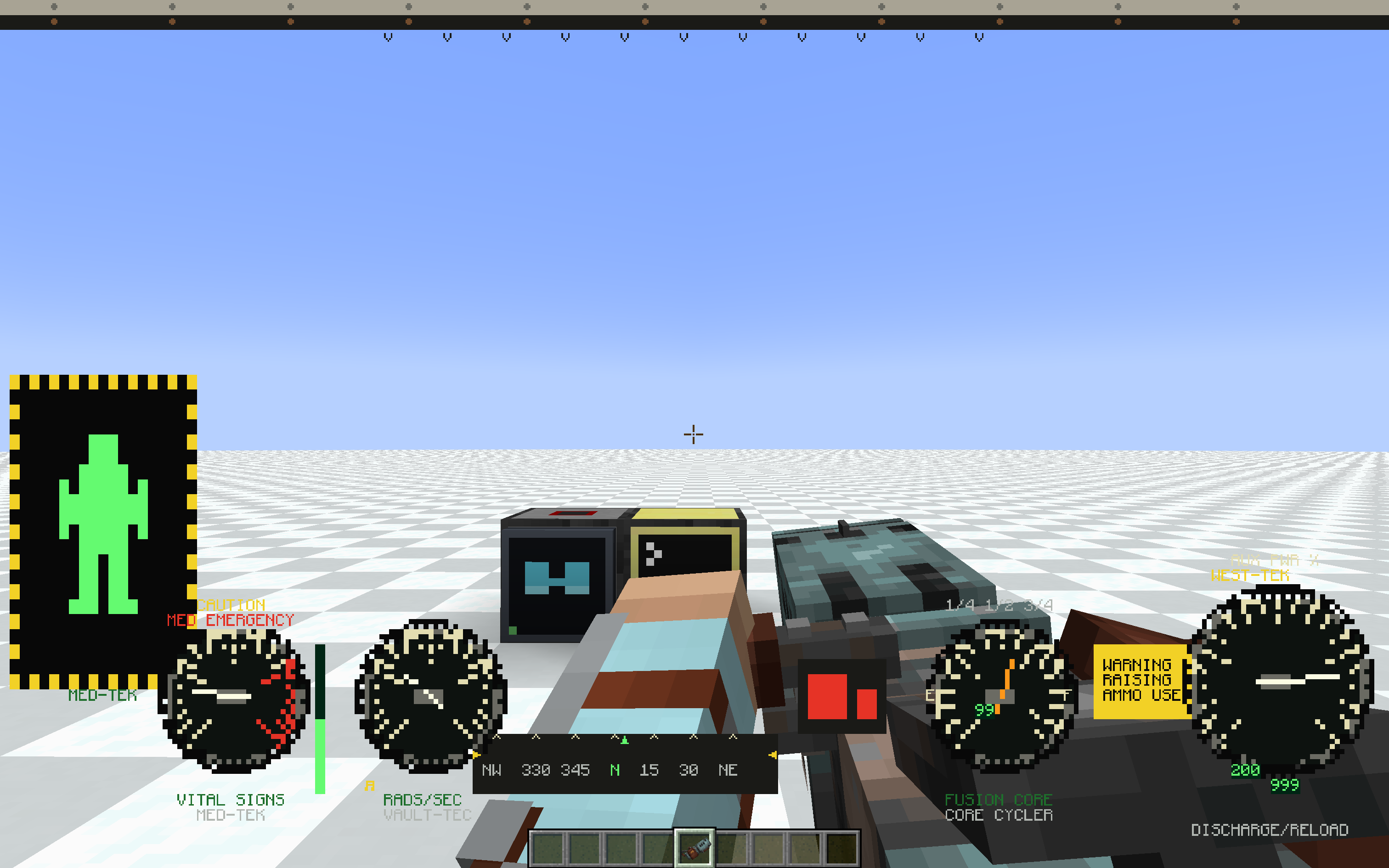
_power armor hud with weapon_
## Configuration
Server (hudglassescc-common.toml, applied live):
- hudWidth (default 80) — default grid width in characters
- hudHeight (default 28) — default grid height in characters
- maxRangeBlocks (default -1) — max modem-to-player distance in blocks, -1 means
unlimited
- allowPocketHudEnderCraft (default true) — whether the HUD Ender Modem can be crafted.
false removes the recipe entirely; pockets that already have the upgrade keep working
Client (hudglassescc-client.toml, per-player):
- hudEnabled (default true) — render the HUD, toggle with the H key
- hudFit (default FIT) — how the HUD scales to the screen: FIT (keep aspect,
letterbox), STRETCH (fill, may distort), COVER (fill, crops overflow)
- textShadow (default NONE) — text shadow style: NONE / SHADOW / OUTLINE
(experimental)
- textShadowLayer (default OVER_BACKGROUND) — whether the shadow/outline is drawn over or
under the cell backgrounds (experimental)
- fastGlyphRendering (default true) — draw HUD text from cached glyphs, much faster at
large HUD sizes. Turn off only if another mod's text rendering conflicts with it
## Status
Beta. Core features are in and stable, but expect rough edges and breaking
changes while the mod settles. Bug reports and feedback are welcome.