
Описание
⚠️ ❗**READ WHOLE DESCRIPTION** ❗ ⚠️
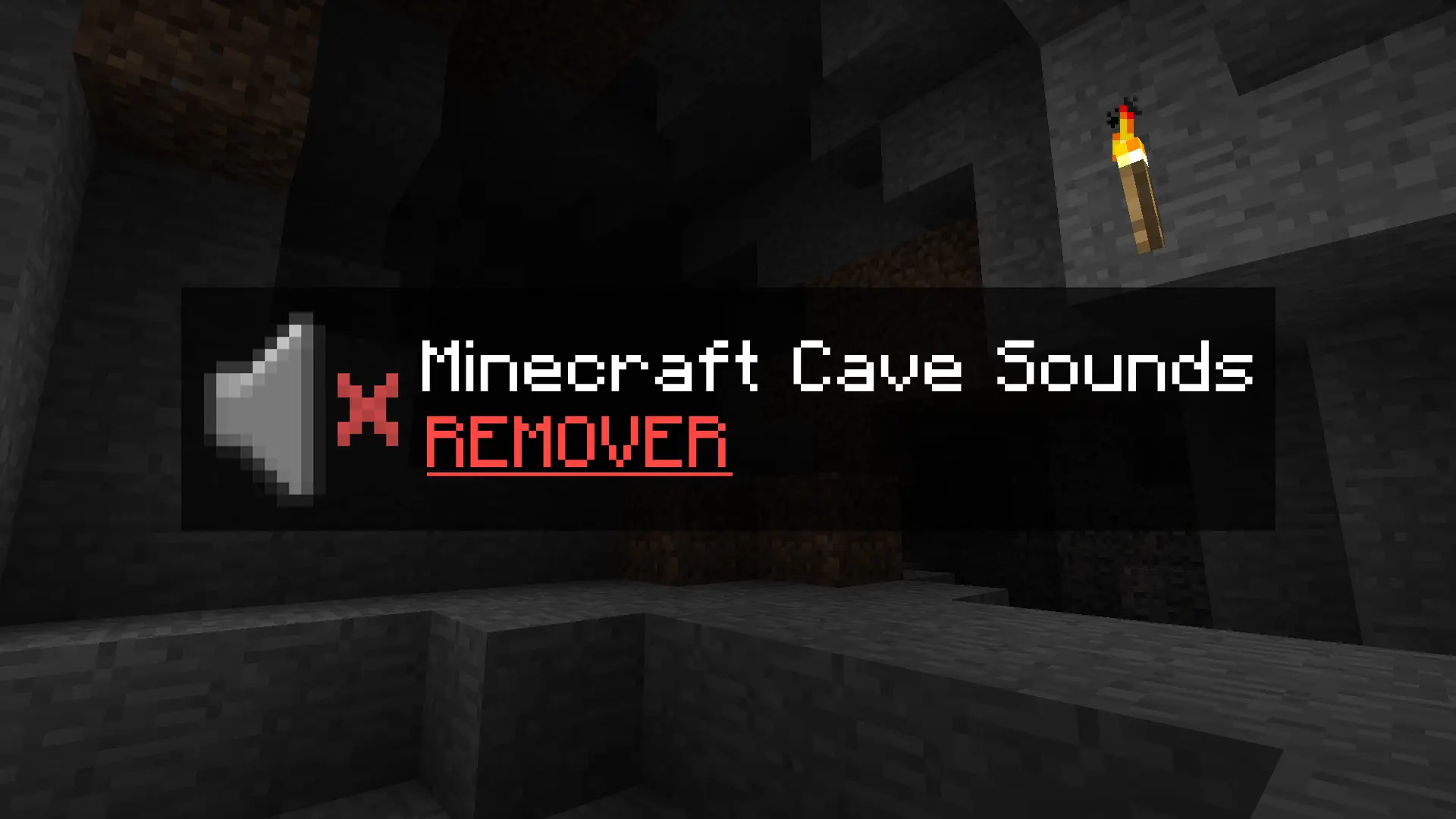
**This small resource pack removes the creepy cave sounds when playing Minecraft Beta 1.7.3 (and other older versions).**
## What does it actually do?
It doesn’t delete any files – I simply modified the original
```
cave#.ogg
```
sound files so that they have 0% volume.
That means the sounds still technically play in the background, but you won’t hear anything. The game functions completely normally, and nothing will break.
## Who is this pack for?
- Players who are afraid to play older versions because of the eerie cave sounds.
- Those who are tired of constantly hearing the ambient noises underground.
- Anyone who just wants a peaceful, classic experience without the creepy atmosphere.
## How to install:
Scroll down below to find simple installation instructions.
## INSTRUCTIONS:
Open your game’s version folder:
```
%appdata% > .minecraft > resources > sounds3 > ambient > cave
```
```
%appdata% > .minecraft > resources > newsound > ambient > cave
```
Once you’re inside the cave folder, the next step is simple —
download the new file and replace your current ambient cave
```
.ogg
```
files with the ones you just downloaded.
## Using PrismLauncher or MultiMC?
If you’re using Prism Launcher or MultiMC, the process is also simple and almost identical:
**Right-click** on your selected version and choose **“Open Folder.”**
You should see a few items, including:
1. Minecraft (Folder)
2. Instance
3. mmc-pack
What you need is to visit **Minecraft (Folder)**.
Then it's the same like previous Instruction.
```
Resources > Sounds3 > Ambient > Cave
```
```
Resources > newsound > Ambient > Cave
```
If you are in Cave Folder again do the same, just simply replaced your current sounds to new that you just downloaded.
**That’s everything!**