
Описание
# Camera Anim
In game camera anim maker and loader.
This mod only modifies the player's camera and does not modify the entity pos.
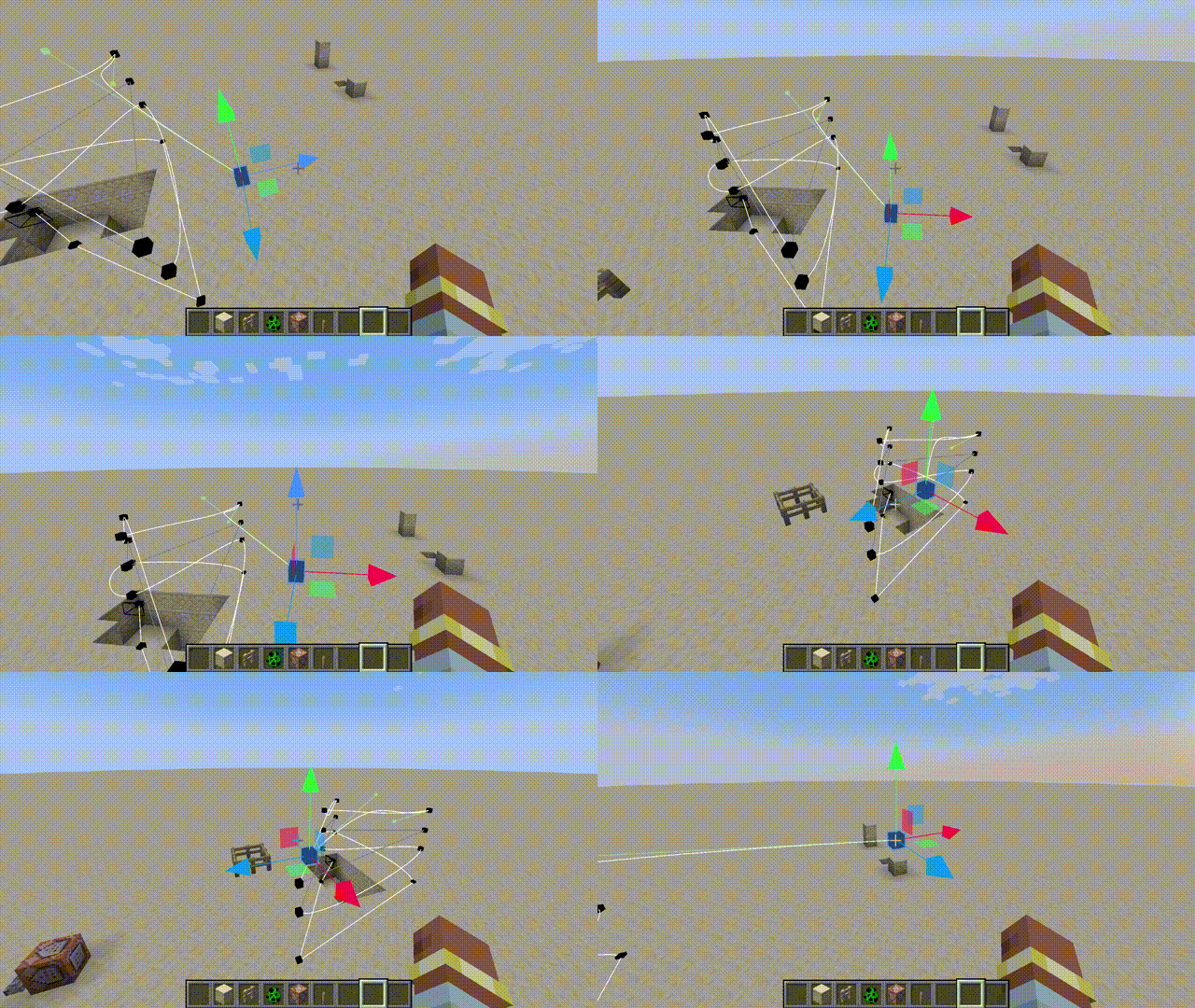
# How To Use
1. Switch to _**Edit Mode**_ .
2. Create you path.
3. Save to server.
4. Use following command to make the specified player play the animation.
```
/cameraanim play
```
# Operation Guide
- All Key Binds are, by default, _**Unbound**_.
- When you enter the edit mode, you can see the keyframes and paths.
- In edit mode, press the _**Preview Key**_ to enter the current animation, and then press the _**Play Key**_ to start the animation.
- Select a keyframe and press the _**Set Camera Time Key**_ to adjust the playback time to that keyframe.
- The _**Left Mouse Button**_ is used to select keyframes and move components, and the _**Right Mouse Button**_ can grab and move the selected keyframes.
- You can read and load server and local animations in the _**Manager**_. Local animations are saved in the **camera-anim** folder in the root directory of the game.