
Описание
# ⚫ Blackened Netherite
**Blackened Netherite** or **Black Netherite** gives Minecraft’s toughest material an even darker identity.
Every netherite tool, block, and piece of armor now carries a bold black finish for a more menacing look 😨
---
## 🔍 What’s Inside
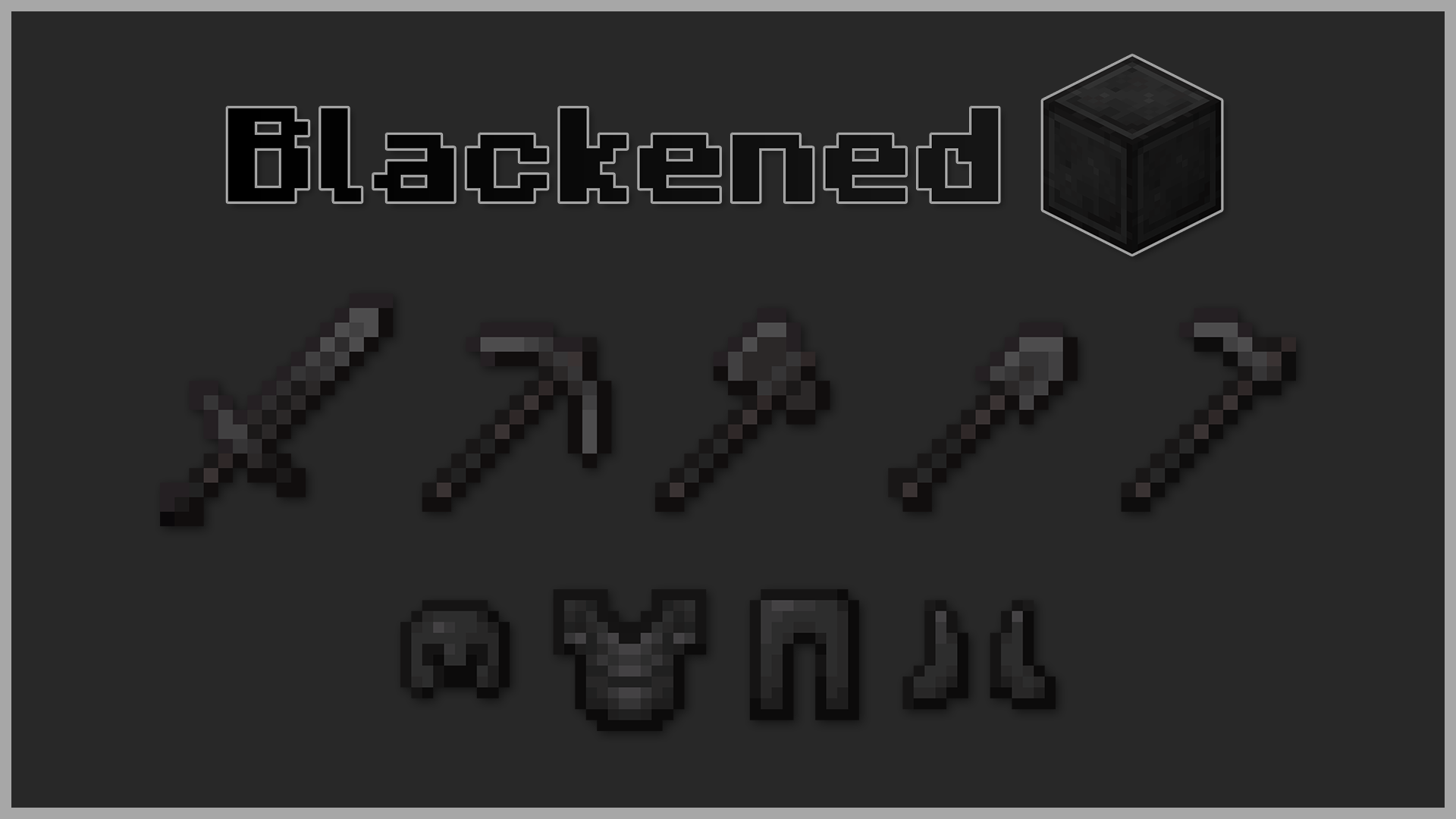
* ⚔️ Armor and weapons retextured with a pitch-black style
* 🪓 Tools and blocks refined into a deeper, shadowy tone
* 🎨 Subtle yet powerful visual tweak
---
---
## 🛠️ Installation
1. Download the `.zip` file.
2. Open Minecraft → **Options → Resource Packs** → **Open Pack Folder**.
3. Move the `.zip` into the `resourcepacks` folder.
4. Select *Blackened Netherite* in-game and click **Done**.
---
Step into battle with the darkest version of Netherite. 🖤