
Описание
# Better MC Screenshots


Make your screenshot experience actually **better**.
This mod upgrades the default Minecraft screenshot system into something modern, fast, and genuinely enjoyable to use — no more tabbing out, digging through folders, or guessing if the shot even saved correctly.
Everything you need is right there, in-game.
## 🚀 Why use this mod?
> Taking screenshots in vanilla Minecraft is... fine.
But checking them? Managing them? Sharing them quickly?
>
> That’s where things get annoying.
>
> This mod fixes all of that by bringing a smooth, integrated screenshot workflow directly into the game — so you can focus on playing, not file hunting.
## ✨ What you get
### Instant Preview
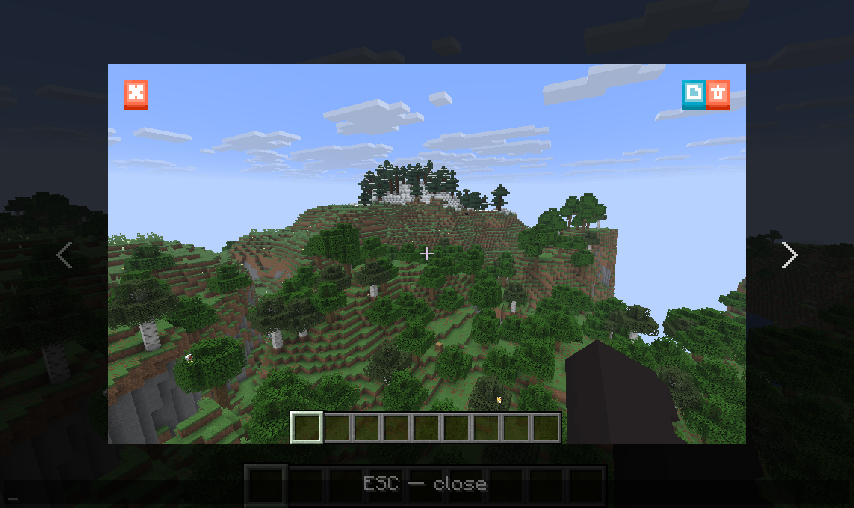
> No more guessing. The moment you take a screenshot, you’ll see it instantly in-game.
### Smarter Chat Notifications
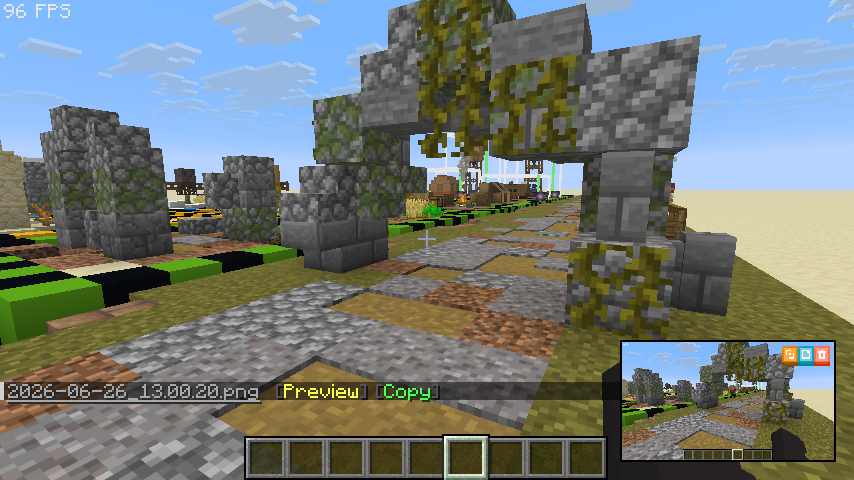
> Screenshot messages are no longer just text — they’re interactive.
Open previews, jump to the folder, and more with a single click.
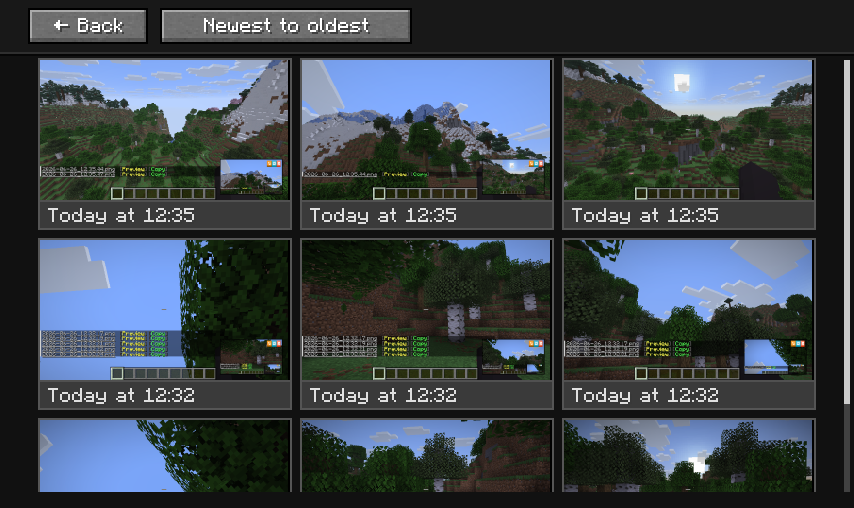
### Built-in Gallery
> Browse all your screenshots without leaving Minecraft.
Fast, simple, and always accessible.
### Copy & Share Instantly
> Copy screenshots straight from the game and paste them anywhere — no need to open folders.
### Optional Uploader Integration
> Want to share screenshots even faster?
You can optionally upload directly from the game using providers like Imgur, S3, Custom HTTP/HTTPS endpoints, or Catbox.
### Custom Screenshot Sound
> Don’t like the default sound? Change it to whatever* fits your vibe.
## 👀 What does it look like in reality
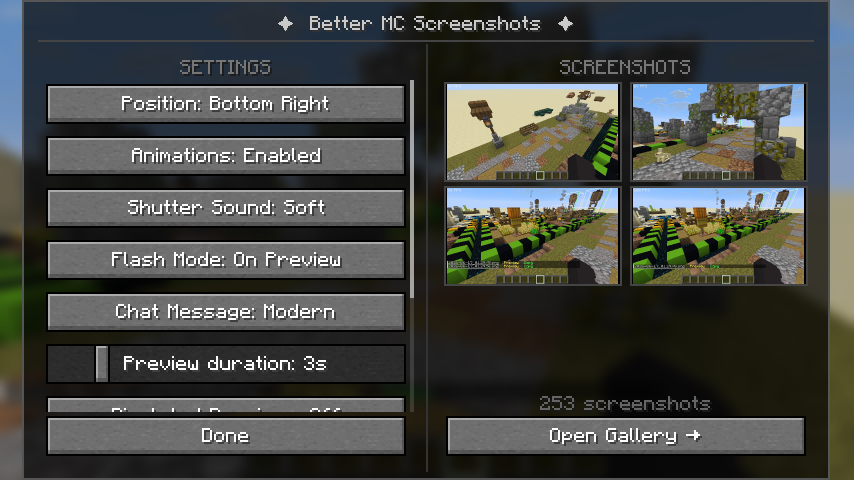
⚙️ Configuration Menu
👁️ In-Game Screenshot Viewer
💬 Mini Preview & Updated Chat Messages
🖼️ Screenshot Gallery
🎮 New Buttons in the Game Menu

## 🎯 In short
> This mod turns screenshots from a basic feature into a smooth, fully integrated experience.
>
> Take it. Preview it. Manage it. Share it.All without ever leaving the game.
## 🔧 Installation
> 1. Install fabric mod loader (and fabric api mod) or neoforge
> 2. Drop the mod into your `mods` folder
> 3. Launch the game and you're ready to go
## 📚 Docs
> For players [here](https://github.com/GDLev/BetterMCScreenshots/blob/main/docs/HELP.md)
>
> For pack makers [here](https://github.com/GDLev/BetterMCScreenshots/blob/main/docs/CONFIGURATION.md)
>
> Custom uploader profiles [here](https://github.com/GDLev/BetterMCScreenshots/blob/main/docs/CUSTOM_UPLOADERS.md)
## ❤️ Feedback & Support
> Found a bug? Got an idea?
Feel free to open an issue or share your suggestions — every bit of feedback helps improve the mod!
> If you enjoy the mod, consider leaving a ⭐ on GitHub, following the project on Modrinth, or supporting me on Ko-fi.
It’s a great motivation to keep improving the mod and adding new features!
[](https://ko-fi.com/gdlev)
Enjoy your new screenshot experience 📸