Описание
I decided to port /camera command from Minecraft Bedrock
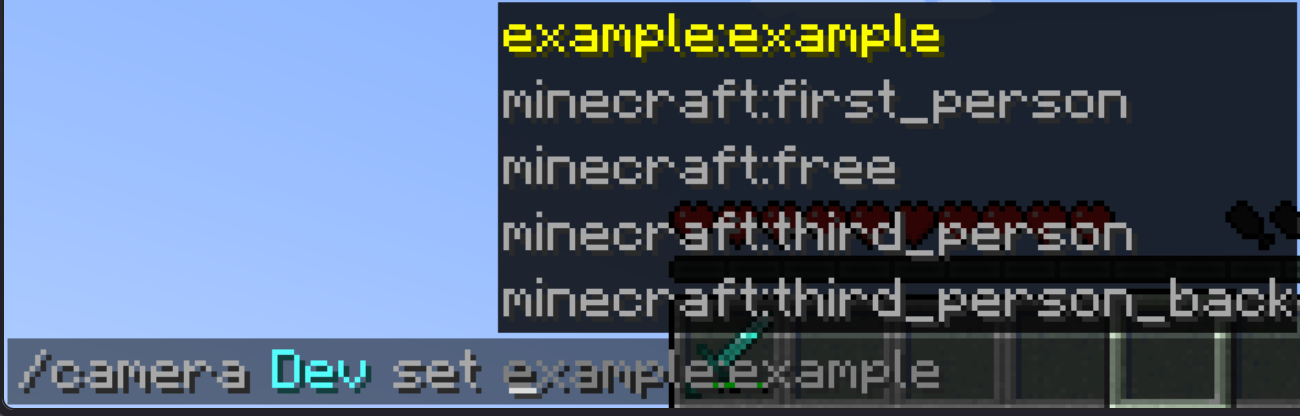
Syntax:
/camera clear - Clears your camera settings
/camera fade time color - Color fade effect
/camera set - Set your camera mode
/camera set pos - Set your camera position
/camera set rot - Set your camera rotation
/camera set facing - Set your camera look at entity
/camera set facing - Set your camera look at pos
/camera set ease - Set your camera look at pos
List of all easings
linear, spring, in_quad, out_quad, in_out_quad, in_cubic, out_cubic, in_out_cubic, in_quart, out_quart, in_out_quart, in_quint, out_quint,
in_out_quint, in_sine, out_sine, in_out_sine, in_expo, out_expo, in_out_expo, in_circ, out_circ, in_out_circ, in_bounce, out_bounce, in_out_bounce,
in_back, out_back, in_out_back, in_elastic, out_elastic, in_out_elastic
You can add your own camera presets with datapacks and change them.
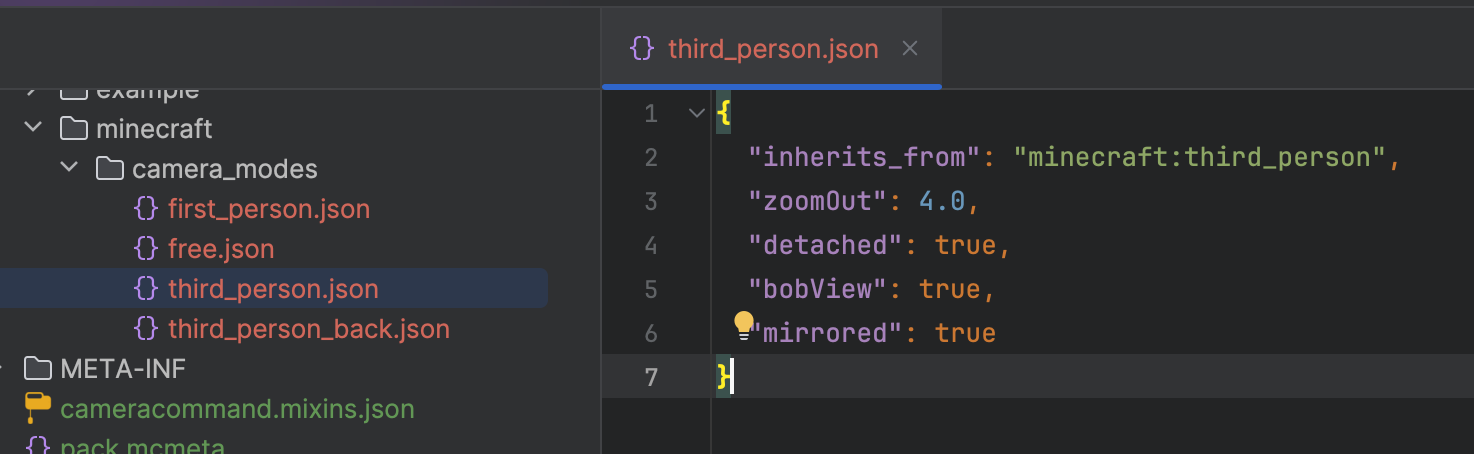
You can change this properties inside of presets json files:
"inherits_from" - Default camera preset as parent, can be set to ("minecraft:first_person","minecraft:third_person","minecraft:third_person_back","minecraft:free"),
"detached" - Property to make your camera preset detached, like in third person (true, false)
"mirrored" - Property to make your camera preset mirrored, like third person front (true, false)
"bobView" - Property to make your camera bob while moving (true, false)
"free" - Makes your camera unattached to player entity (true, false)
"zoomOut" - Zoom value is used in detached camera modes (Default is 4.0)
"rotation" - Camera mode default rotation (Default is [0, 0])
"position" - Camera mode default position (Default is [0, 0, 0])
"offset" - Camera mode default offset, can't be used in free camera modes (Default is [0, 0, 0])
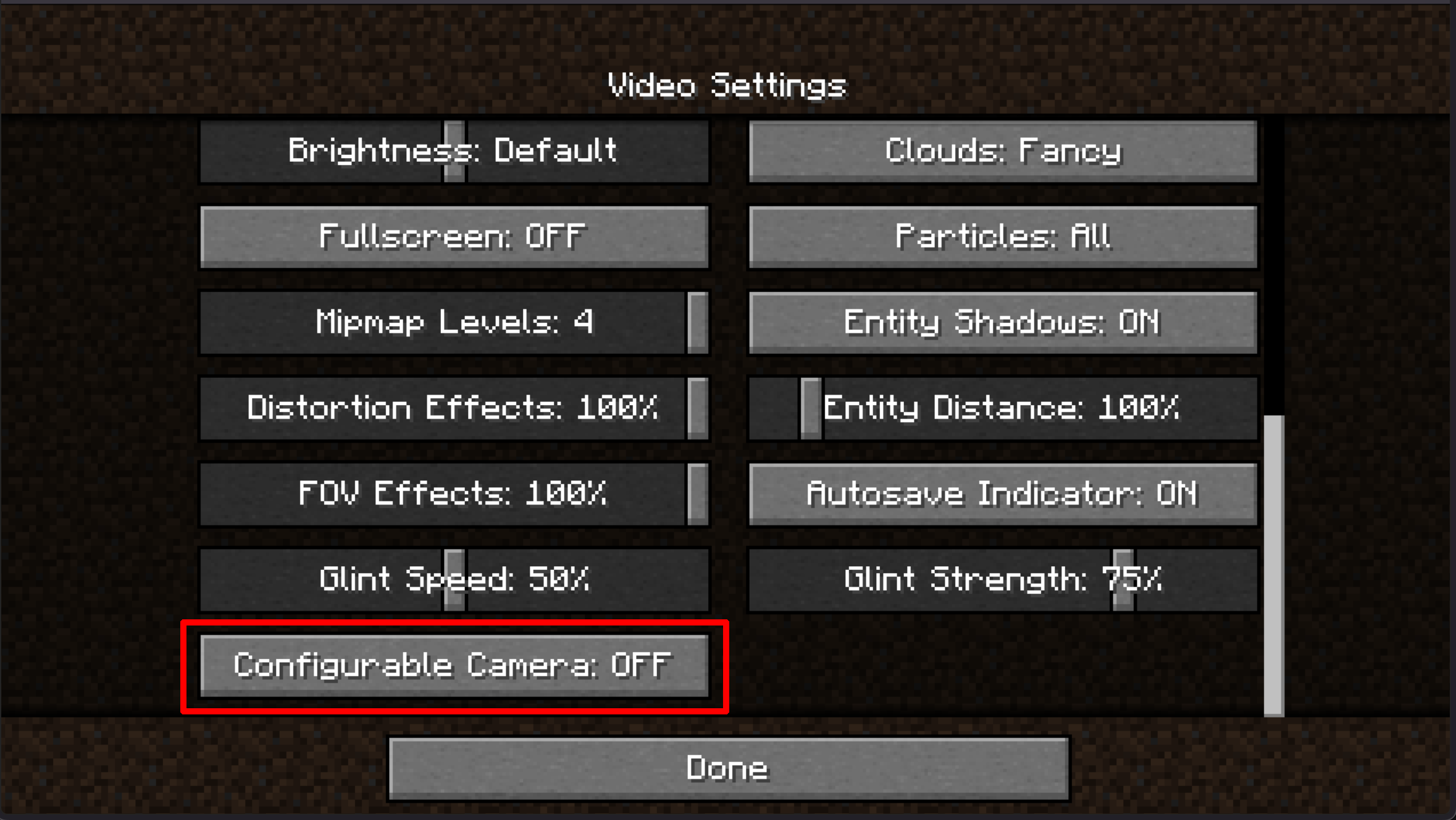
Also you can disable this feature inside of options menu and use Free Cam keybinding (Default is B key)