Описание
# Auto Attack by John Adept
Need to keep your mob grinder going while you grab a snack? **Auto Attack** automates your attacks.
* **Client-side** — works in Multiplayer/LAN
* Runs even when Minecraft is minimized
* Attacks are timed to maximize damage
* **Rotation Mode** to hit across a wider area
* Weapon durability protection with thresholds
* Customizable via in-game config *(requires [Cloth Config API](https://modrinth.com/mod/cloth-config); Fabric also needs [Mod Menu](https://modrinth.com/mod/modmenu))* or by editing the config JSON
## Auto Attack
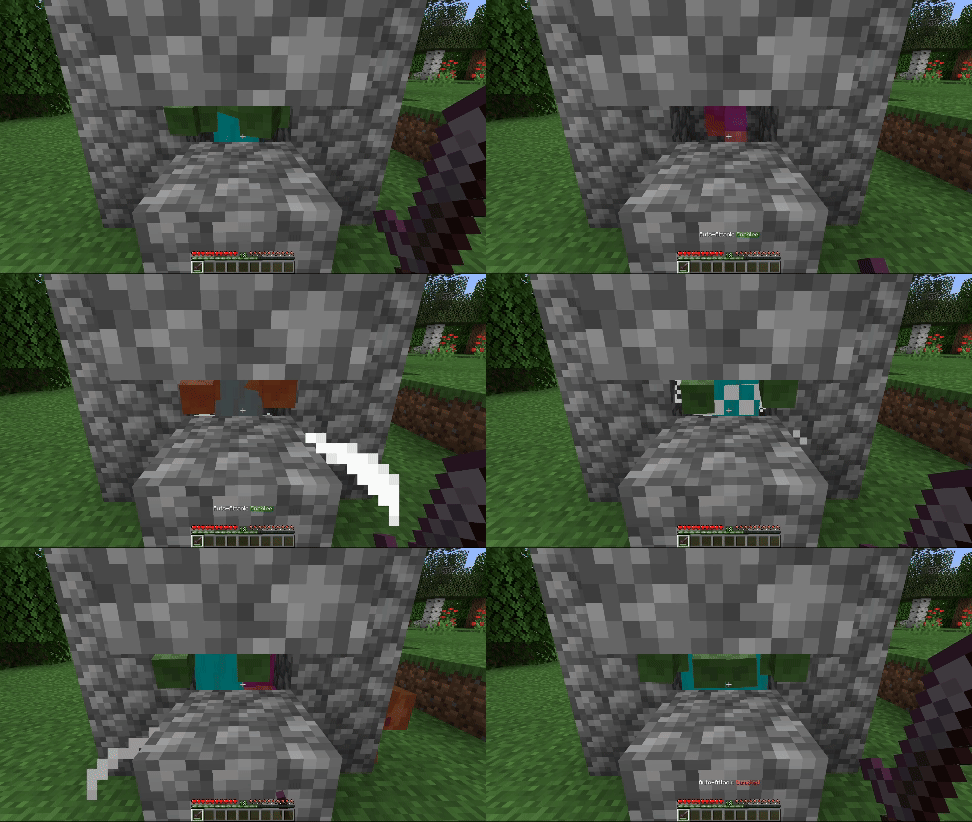
Automatically hits mobs in reach and in your crosshair.
## Rotation Mode
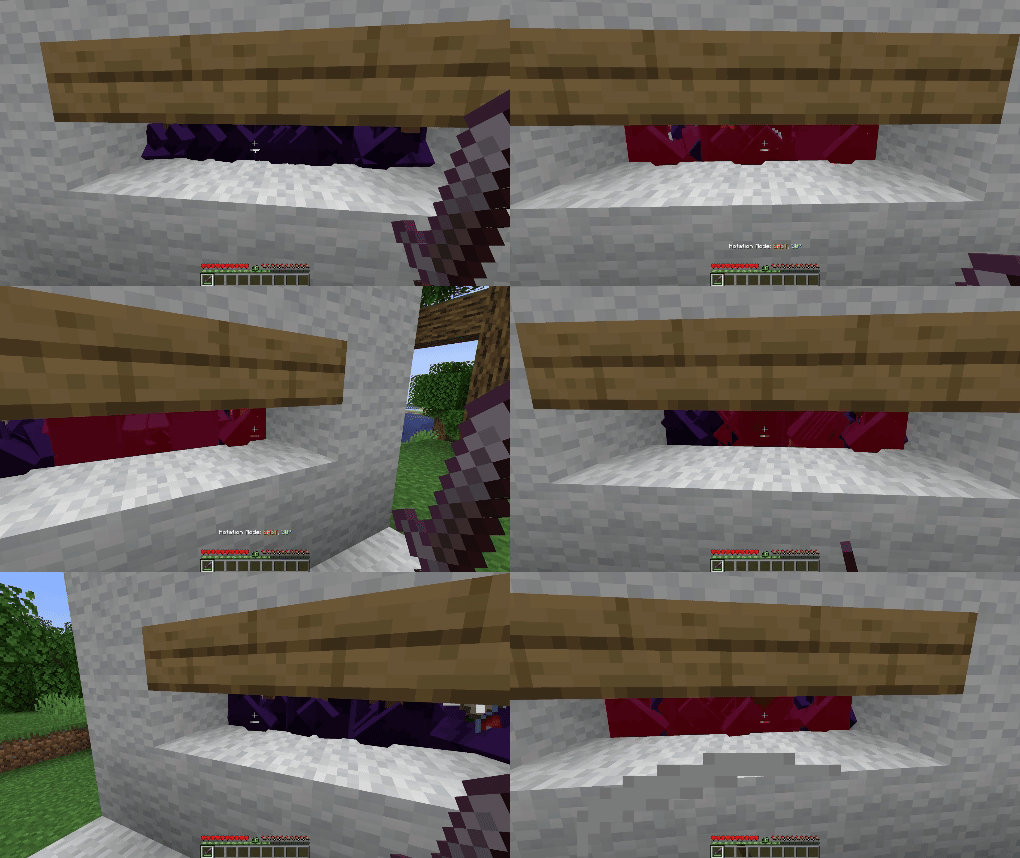
Sweeps your aim left and right by a set angle (default: 30°) before returning to center. Adjustable speed, angle, and auto-align make it ideal for hitting mobs in a wider arc.
---
## Configuration Options (since v3.0.0)
Click to expand
- **Enable Mod** — Master on/off switch for Auto Attack.
- **Attack Non-Hostile Mobs** — Attack passive mobs (e.g. villagers, sheep).
- **Protect Tamed Mobs** — Prevents attacking pets you own.
- **Attack Non-Living Entities** — Attacks armor stands, minecarts, etc.
- **Disable on Low Durability** — Stops attacks if your weapon’s durability is low.
- **Durability Threshold** — The durability value at which Auto Attack stops (only works if above option is enabled).
- **Random Attack Delay** v3.1.0+ — Adds a random delay between the attack cooldown becoming full and the actual attack.
- **Minimum Attack Delay** v3.1.0+ — The minimum random delay in ticks before an attack is performed.
- **Maximum Attack Delay** v3.1.0+ — The maximum random delay in ticks before an attack is performed.
- **Rotation Angle** — The left/right rotation in degrees for Rotation Mode (0°–180°).
- **Rotation Speed** — How fast the camera rotates in Rotation Mode (0–20).
- **Auto Align Yaw** — Auto-faces the nearest cardinal direction (N/S/E/W) before Rotation Mode starts.
- **Auto Align Yaw Offset** — Adds a custom offset in degrees to the aligned yaw direction.
- **Message Display Mode** — How status updates are shown: chat or action bar.
- **Attack Whitelist** — Entity IDs that will *always* be attacked, overriding most restrictions.
- **Attack Blacklist** — Entity IDs that will *never* be attacked (highest priority).
**Keybindings**: The Attacker can be toggled using its keybinding, which can be configured directly in Minecraft's Key Binds menu.
---
⚠ **Important:**
To comply with [Modrinth's rules](https://modrinth.com/legal/rules) regarding cheats and hacks, this mod isn't able to automatically attack players.
**Be careful** with using it **on multiplayer** as it might be considered as **cheating**!
---