
Описание
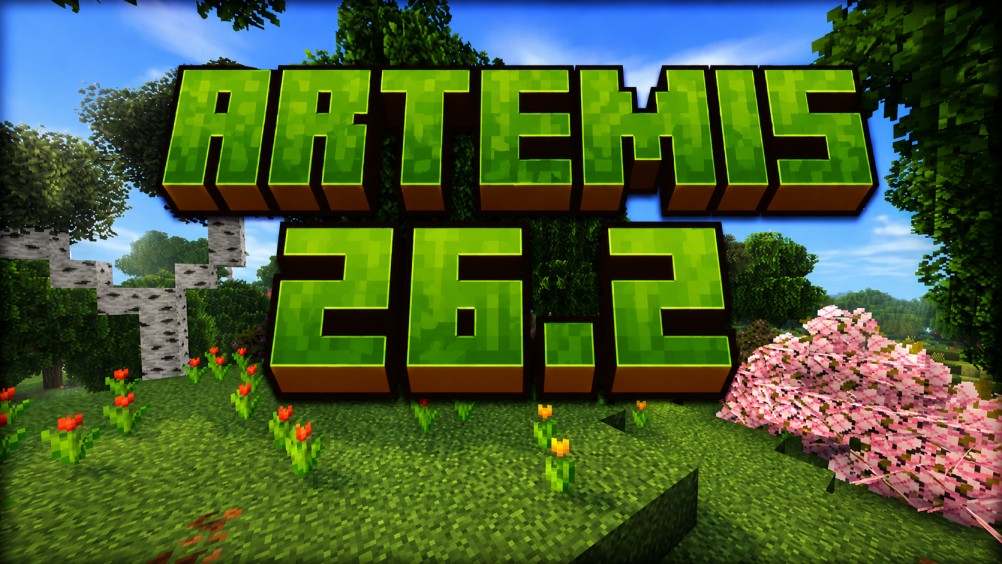
# Artemis 26.2 – Better Biomes
_Created by Zackattack4100 (MC name) / MoisturePack (PMC / Modrinth name)_
Artemis 26.2 Planet Minecraft link: [Artemis 26.2 on Planet Minecraft](https://www.planetminecraft.com/data-pack/artemis-26-2-better-biomes/)
Artemis 26.1.2 Planet Minecraft link: [Artemis Legacy (26.1.2) on Planet Minecraft](https://www.planetminecraft.com/data-pack/artemis-better-biomes/)
**Artemis** is a lightweight worldgen datapack designed to enhance the natural beauty of Minecraft without changing its core gameplay. Every change is crafted to stay true to vanilla, while being more vibrant, immersive and fresh. Additionally, **Artemis** is compatible with **nearly all terrain generation mods/datapacks such as Lithosphere, and Tectonic**
## Artemis highlights
### **Enhanced Biome Colors**
- Every biome has been reworked with subtle but richer sky, fog, and lighting colors to create a more atmospheric and immersive world.
### **Major tree upgrade**
- Nearly every naturally generating tree has been redesigned to be taller, fuller, and more realistic, while still fitting perfectly into Minecraft’s style, no more blocky and annoyingly short trees!
### **Cleaner Terrain Generation**
- Rivers and mountain biomes generate more cleanly for a smoother, more natural look.
### **Immersive Audio**
- Mountain and windswept biomes now feature ambient windy sounds, bringing highlands to life.
## Vanilla-Friendly
- No major terrain overhauls.
- No new blocks or items.
- No changes to core gameplay.
## Compatibility
**Artemis** was designed to be compatible with **Hellscape**, **Endeavor** and **Limbo**!
## How to update Artemis after its been installed in your world
To update **Artemis** in the future, all you have to do is open your world's datapacks folder, then delete the folder called **Artemis** and then drag the new **Artemis** folder into the datapack folder, then your done!
## Feedback
I am just 1 person working on this project, so if you want to leave feed back I'm more than happy to hear it!
If you encounter any bugs or other glitches you believe are not intentional, please message me on Discord/Planet Minecraft.
## A Supported Project
This project is planned to be supported into future versions of Minecraft, making it reliable if you plan on using it on a server.