Описание
# Applied Web Terminal
Move your AE terminal to the web!
## Dependencies
- [AE2](https://modrinth.com/mod/ae2)
- [Kotlin For Forge](https://modrinth.com/mod/kotlin-for-forge)
- [Configuration](https://modrinth.com/mod/configuration)
## Usage
- Download the latest version of this mod from [Releases](https://github.com/ZhuRuoLing/AppliedWebTerminal/releases) and install the dependencies
- If you are playing in single-player mode:
- Enter your single-player world
- Run the command `/appwebterminal resources render` to generate frontend resources (only needs to be run once)
- If you are playing on a server:
- Create a new single-player world
- Run the command `/appwebterminal resources render` to generate frontend resources (only needs to be run once)
- Upload the `aeKeyResources` folder from your game root directory to your server
- Connect the `ME Web Terminal` to the AE network
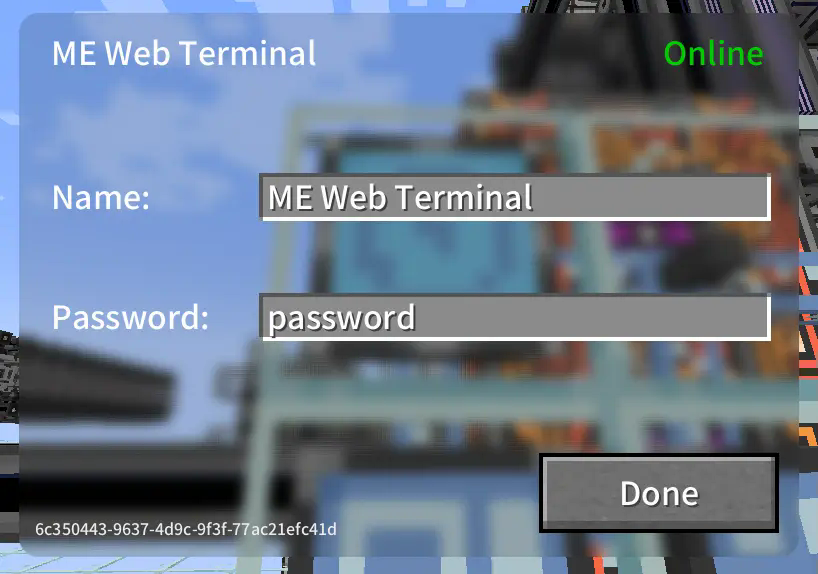
- Right-click to open the GUI and configure the name and password
- Open your web browser, access the network terminal address, and log in with the password
- All done!
## Images
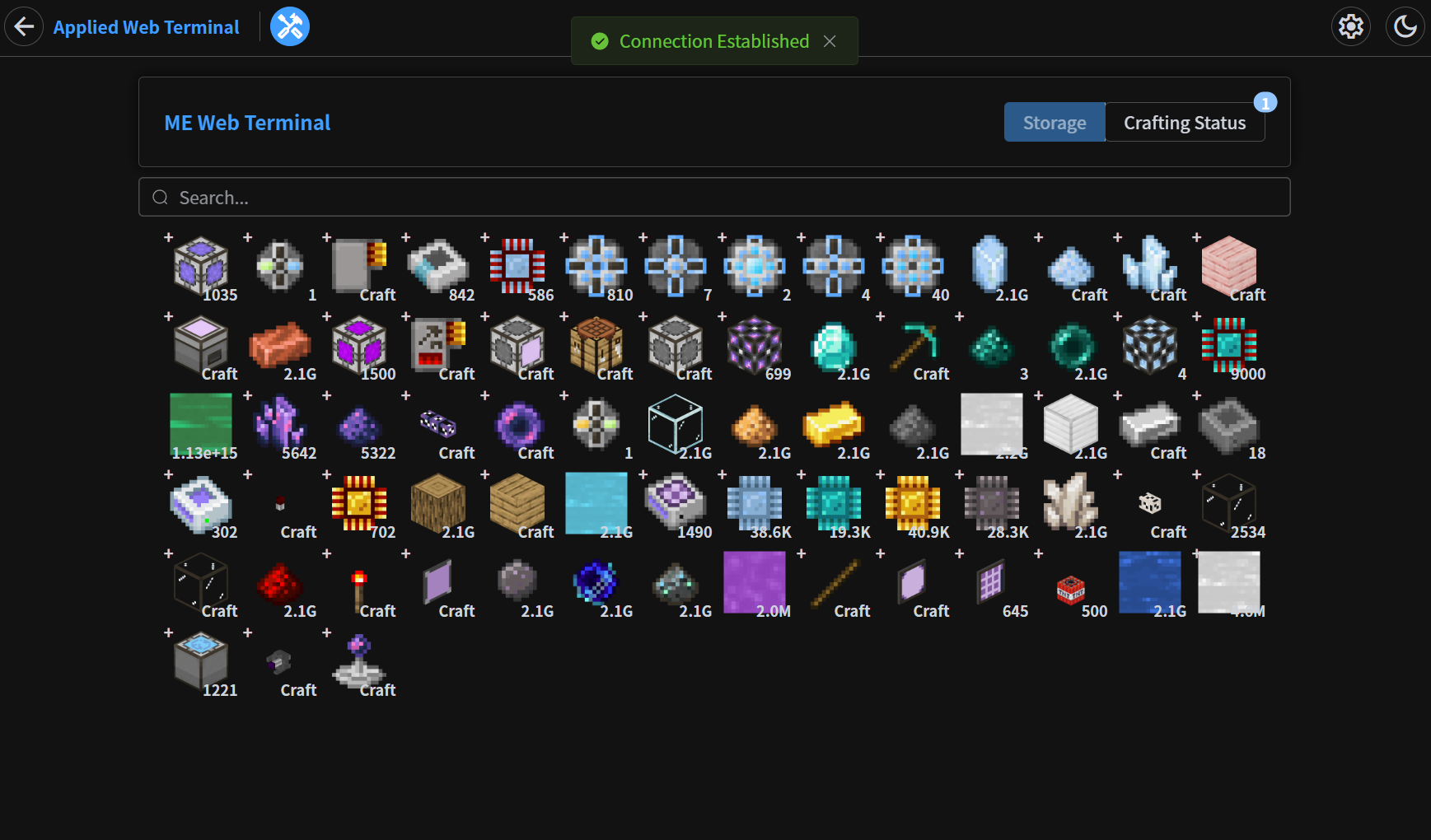
### Storage Page
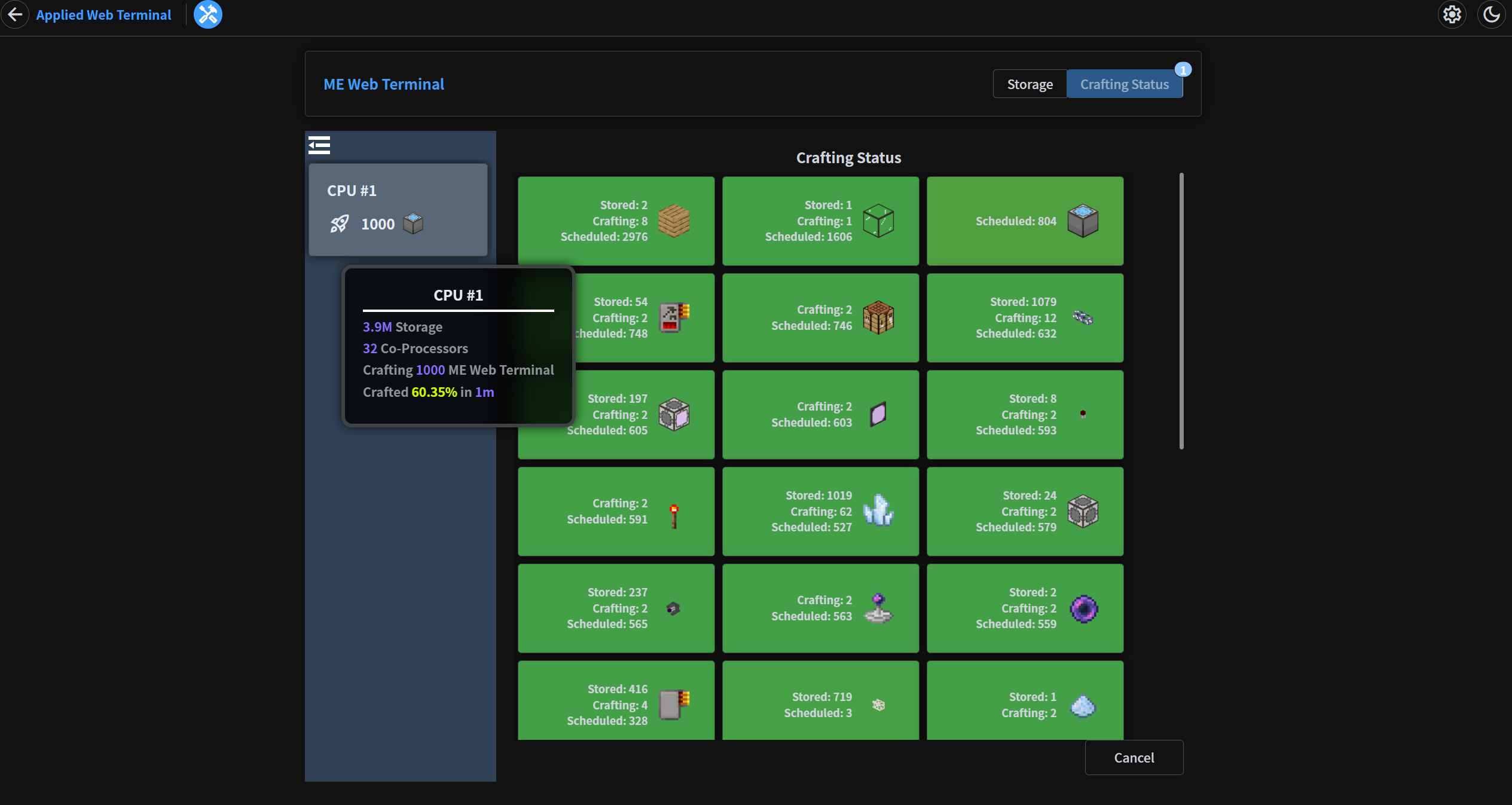
### Crafting Status Page
### In-Game GUI