
Описание
## Introduction
Animated Timer (AT) data pack adds an in-game timer via the actionbar field of Minecraft’s HUD. A wide range of functions ensures a simple yet versatile configuration, allowing you to customize your timer according to your likings and needs.
## Features
In its original and unmodified state, features include:
- Count-up & count-down
- Multiple render (display) types
- Both static (never changing) and animated (always changing) color configuration
- General style configuration (bold & italic text)
- Pre-built animations
- Profiles (ability to save current configuration & load at a later time)
- Trigger scoreboards for complete configuration & interaction even if cheats are disabled
- Advanced features for map makers (facilitated embedding into external projects)
## Controlling the timer
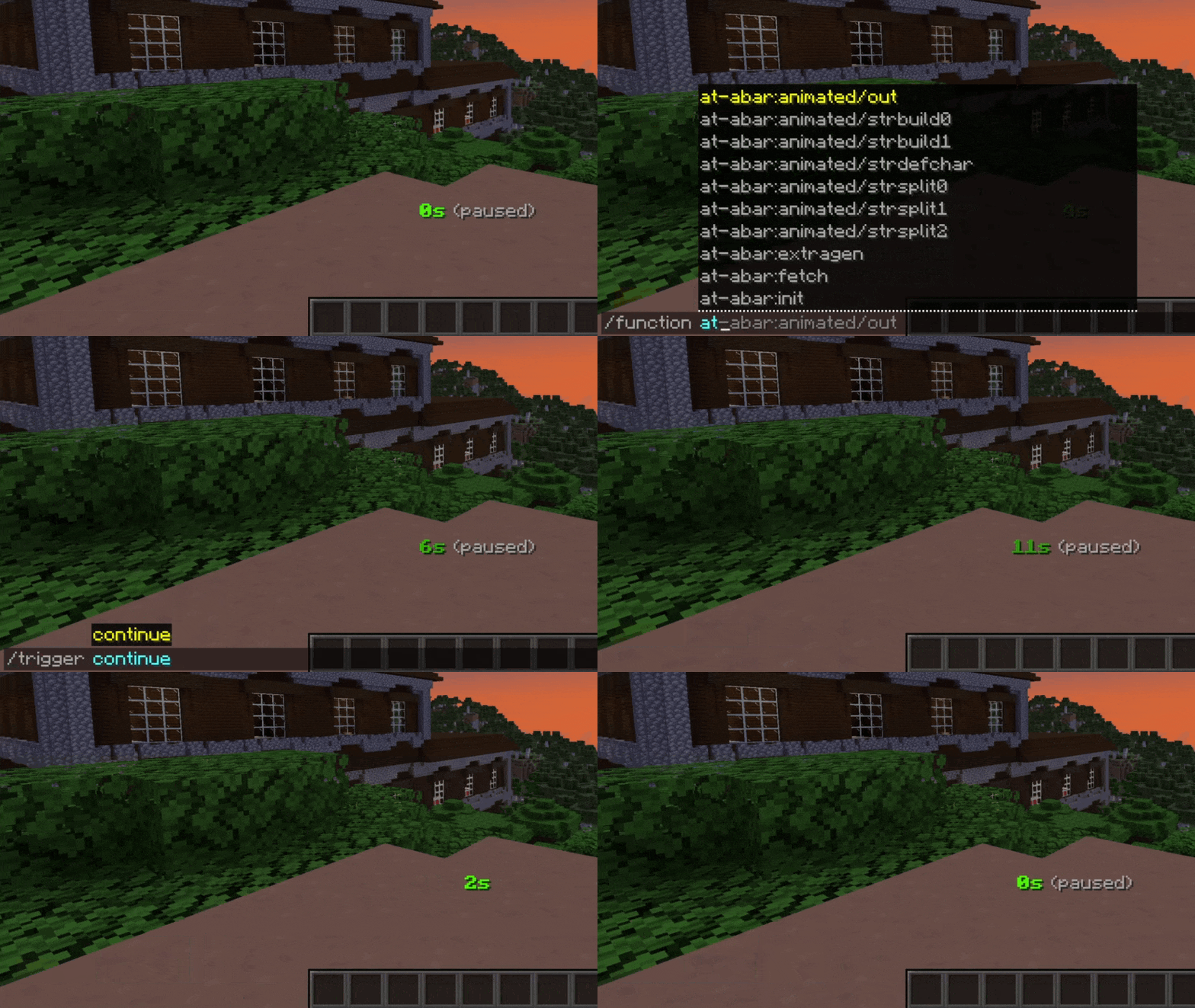
AT can be controlled the following way:
| Description | Cheats enabled | Without cheats |
|---|---|---|
| Start / resume the timer | ```/function at:continue``` | ```/trigger continue``` |
| Pause the timer | ```/function at:pause``` | ```/trigger pause``` |
| Set timer to its initial value and start it | ```/function at:reset``` | ```/trigger reset``` |
| Set timer to zero and stay paused | ```/function at:reboot``` | ```/trigger reboot``` |
## Manually setting time
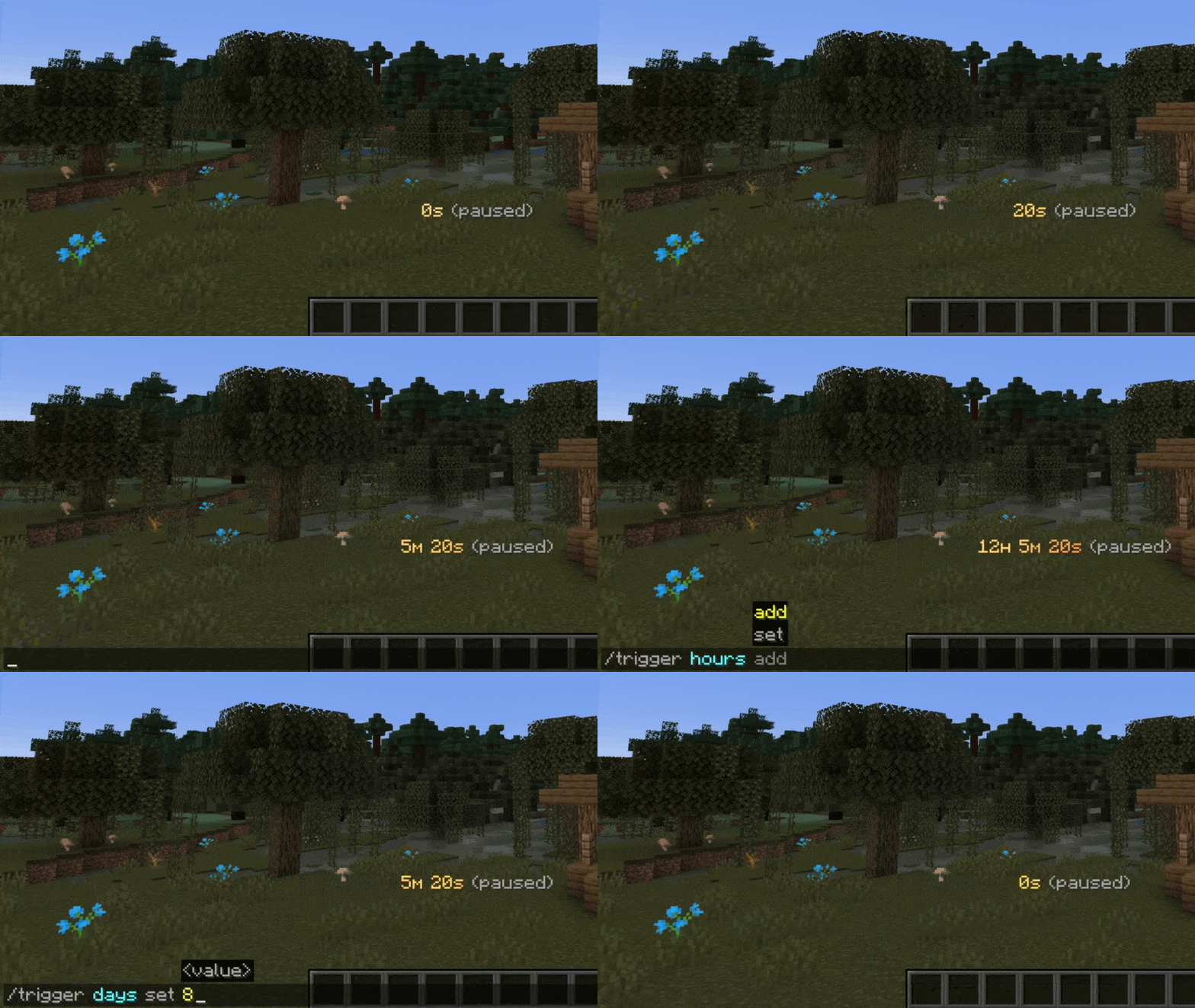
In some situations, you may want to alter the current time manually. This can be done either with a function in the _at-time_ namespace or with _/trigger_:
| Description | Cheats enabled | Without cheats |
|---|---|---|
| Add one second | ```/function at-time:add/second``` | |
| Remove one second | ```/function at-time:remove/second``` | |
| Set seconds | ```/function at-time:set/seconds/10``` | ```/trigger seconds set 10``` |
| Add one minute | ```/function at-time:add/minute``` | |
| Remove one minute | ```/function at-time:remove/minute``` | |
| Set minutes | ```/function at-time:set/minutes/15``` | ```/trigger minutes set 15``` |
| Add one hour | ```/function at-time:add/hour``` | |
| Remove one hour | ```/function at-time:remove/hour``` | |
| Set hours | ```/function at-time:set/hours/3``` | ```/trigger hours set 3``` |
| Add one day | ```/function at-time:add/day``` | |
| Remove one day | ```/function at-time:remove/day``` | |
| Set days | ```/function at-time:set/days/7``` | ```/trigger days set 7``` |
Note: The above functions that include _at-time:set_ are just examples. In fact, a multitude of _set_ functions are available for use.
## Timer modes
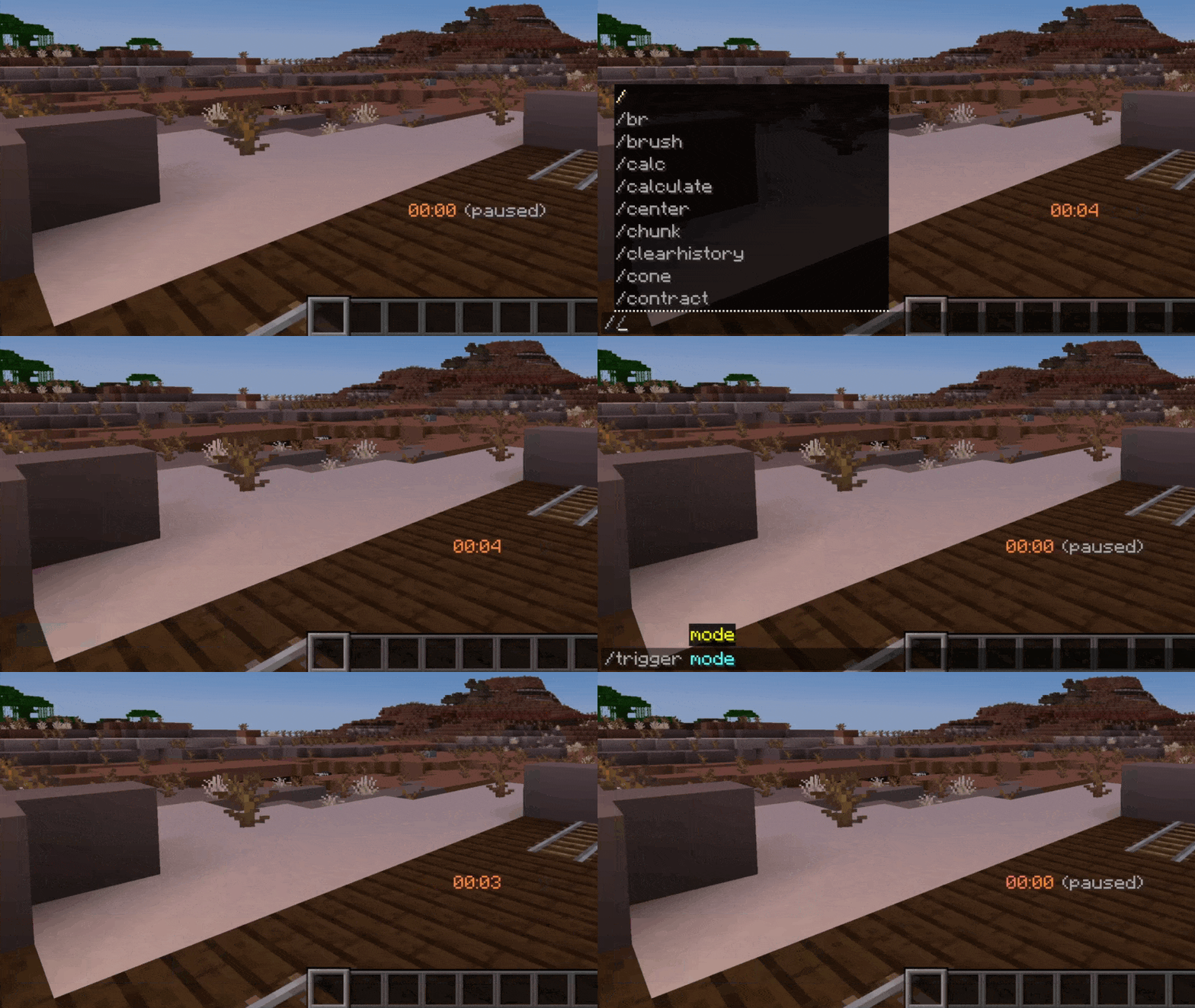
AT is counting up by default but count-down is also available. You can toggle between both count modes with a single command:
| Description | Cheats enabled | Without cheats |
|---|---|---|
| Switch between timer modes | ```/function at-conf:mode``` | ```/trigger mode``` |
## How to upgrade
1. Download latest data pack version
2. In your datapacks directory, replace old version with new one
3. Reload your game, either with ```/reload``` or through re-joining your world
## Are you interested?
If you would like to find out more about configuration or how to integrate this timer into your projects, please check out the [AT Docs](https://animated-timer.gitbook.io/docs) site.
## Roadmap
- Add gradient generator for custom animations
- Implement timer modes / render patterns "realtime" & "in-game time"
- Add display option (show timer in bossbar or scoreboard title)
- Implement timer configuration UI using new dialog feature
## Inspiration
This project was inspired by German content creator [BastiGHG](https://www.youtube.com/@BastiGHG) who often uses a similar version of this timer in his videos and streams.