
Описание
  
⚙️ Installation guide
- Go into the **Versions** tab of this page and download the resource pack for the version that you need.
- Now put the file you just downloaded into the Minecraft's **resourcepacks** folder, which is situated in this directory.
```
C:\Users\YOU\AppData\Roaming\.minecraft\resourcepacks
```
- No need to unzip or changing file structure.
- Go into Minecraft --> Options --> Go into Resource packs and apply the resource pack you've just put in.
## 🎁 Overview
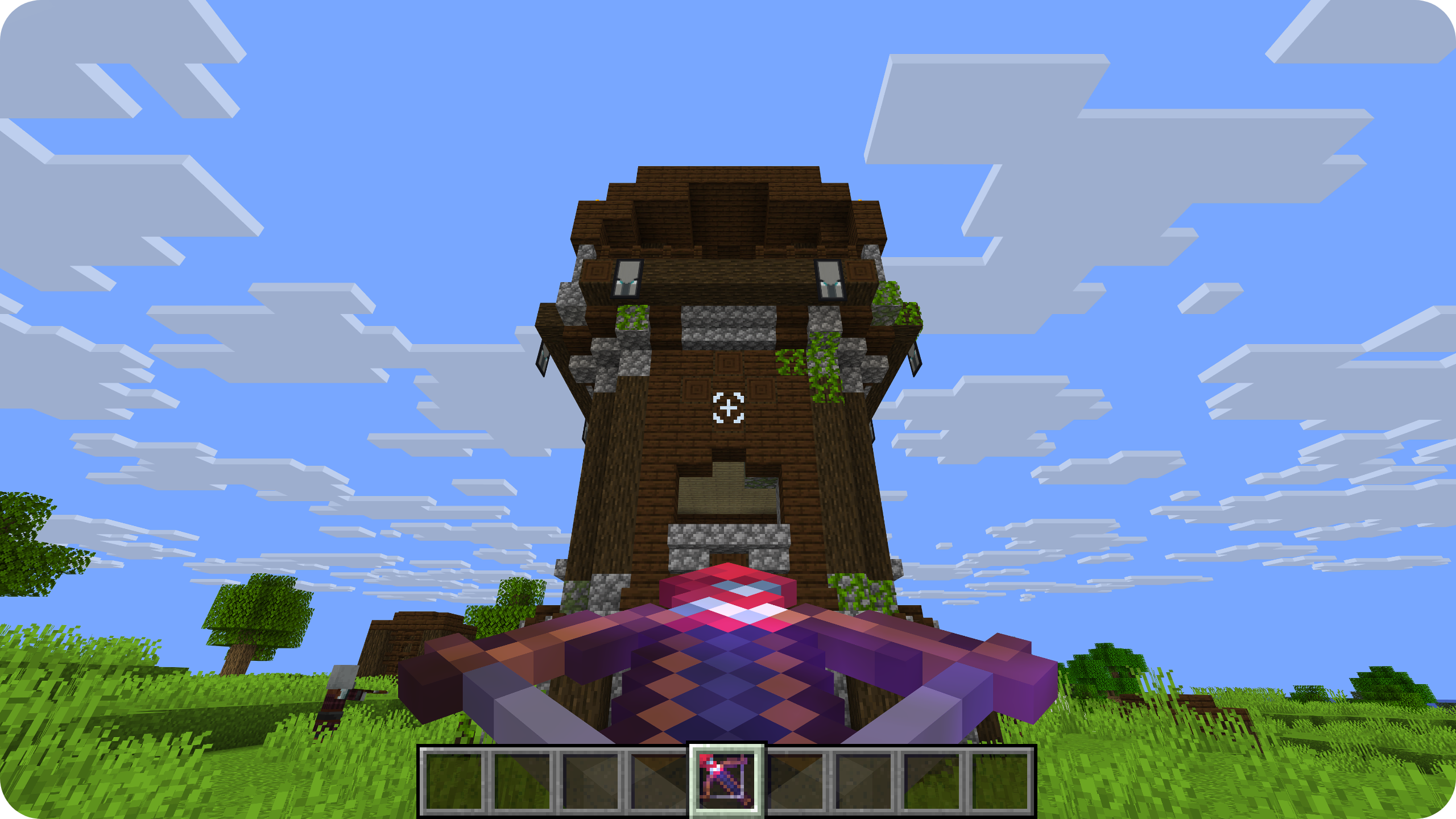
This sleek resource pack provides a cleaner Minecraft experience with a **smaller, perfectly centered custom crosshair**.
**NO MODS or OPTIFINE NEEDED.**
## ⭐ Features
- Smaller, Centered and Perfectly aligned.
- Vanilla Friendly.
- Enhanced Precision.
- Clean and Modern Look.
- Always Updated.
## 📖 License and more
This pack is licensed under **ARR**, which stands for "All Rights Reserved".
[Read the full LICENSE TEXT.](https://github.com/ilb0tta/AimyCrosshair/wiki/LICENSE)
Credits
- **Resource Pack & Assets © ilb0tta**. All Rights Reserved.
- **"pack.png" Artwork © ilb0tta**. All Rights Reserved.
- **"Aimy" name and branding © ilb0tta**. All Rights Reserved.
My Goal
My goal is to provide the community with **high-quality content** that **improves players' gameplay**. So please, don't steal, copy or redistribute someone else's work. Making something with your own hands makes you feel more confident and grateful towards yourself. ❤️
Thank you for supporting my projects,\
I truly appreciate it!\
ilb0tta.
*Not an Official Minecraft Product. Not approved by or associated with Mojang A.B. or Microsoft.
All original logos and trademarks belong to their respective owners.*