Описание
#  About
This resourcepack retextures most texture assets of the [Advanced Golems](https://modrinth.com/mod/advanced-golems) mod to be vanilla-like while staying true to the mod author's original textures.
#  Preview
⛏️ Items
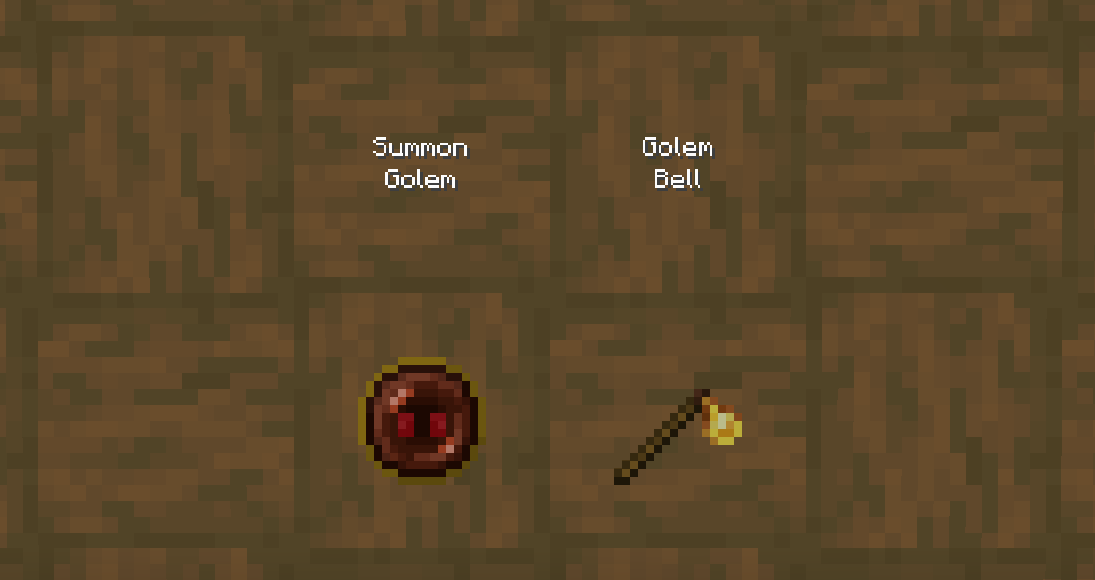
🧟 Entities
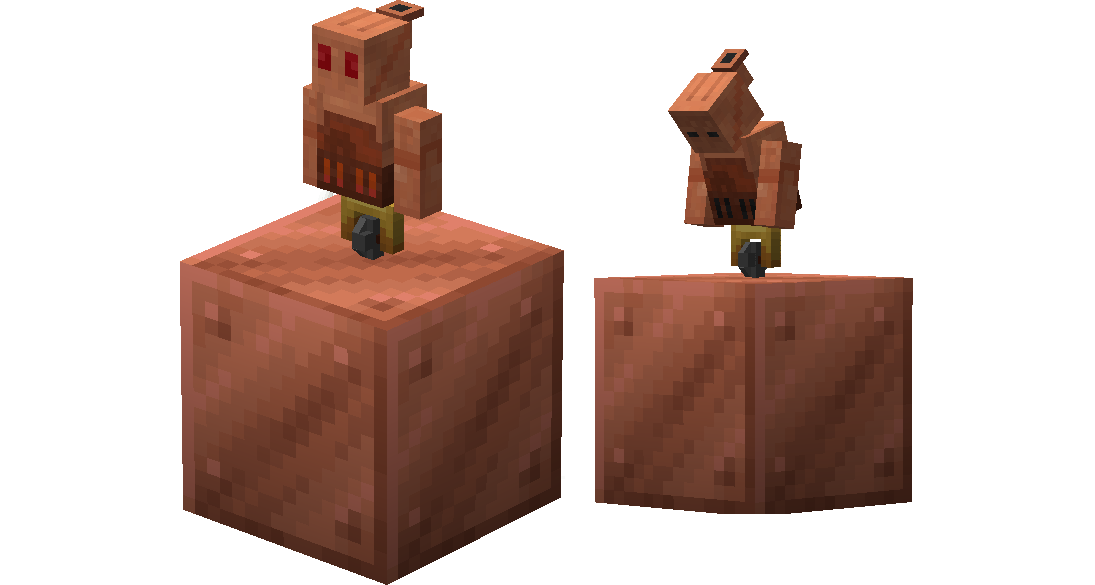
#  Misc.
⚙️ Installation
1. Download and install the [Advanced Golems](https://modrinth.com/mod/advanced-golems) mod.
1. Download the [resourcepack](https://modrinth.com/resourcepack/advanced-golems-retextured/versions).
1. Copy the downloaded respourcepack's .zip file.
1. In your `.minecraft` directory go to the `resourcepacks` folder.
1. Paste the resourcepack's .zip into the `resourcepacks` folder.
1. Open Minecraft and activate the resourcepack.
📜 Terms of Use
- [KingKuys2123](https://modrinth.com/user/kingkuys2123) is the creator of this resourcepack.
- These terms may change at anytime..
- You are not permitted to redistribute this resourcepack.
- You are permitted to use it in any forms of content creation.
- You are permitted to alter/modify this resourcepack as long as it's for personal use.
- You are permitted to include it in modpacks or servers, as long as you provide credit.
📝 Credits
- To [flemmli97](https://modrinth.com/user/flemmli97) for the original Advanced Golems textures.